
10 Best Low-Cost Web Hosting Services
Finding reliable low-cost web hosting services can make launching a website easier without stretching your budget. Whether you’re starting a personal blog, building a business website, or opening an online store, affordable hosting provides an essential foundation.
The best hosting services balance affordability, reliable performance, and useful features. Choosing the right provider involves more than finding the lowest advertised price.
Website speed, security, customer support, and renewal costs all deserve careful consideration. Understanding these factors helps you avoid unexpected expenses and choose hosting that supports your website’s growth.
This guide explores 10 of the best low-cost web hosting services, highlighting their features, advantages, and potential limitations to help you decide.
What Are Low-Cost Web Hosting Services?
Low-cost web hosting services provide the server space, technology, and resources needed to make websites accessible online. Instead of purchasing and maintaining your own server, you rent hosting resources from a provider at an affordable cost.
These services appeal to bloggers, freelancers, startups, and small businesses looking to establish an online presence. They offer a practical starting point without requiring a substantial investment in website infrastructure.
Most affordable providers offer shared hosting, where multiple websites use resources from the same physical server. Sharing server resources reduces operating costs and makes hosting more accessible to beginners.
Depending on the provider and hosting plan, common features include:
- Website storage and bandwidth.
- Free SSL certificates.
- Single or multiple website installations.
- WordPress installation tools.
- Email hosting.
- Website migration assistance.
- Basic security features.
- Customer support.
Some hosting packages also include a free domain for the first year, automatic backups, and website-building tools. However, these extras vary between providers and may come with additional conditions.
The goal is to choose a hosting package that balances affordability, dependable performance, and the resources your website needs to grow.
Discover The 10 Best Low-Cost Web Hosting Services
Choosing the right web hosting provider involves more than comparing introductory offers. Reliable performance, security, customer support, and renewal terms all influence the long-term value of a hosting plan.
The following 10 low-cost web hosting services offer different features for bloggers, freelancers, small businesses, and online entrepreneurs. Each provider has its own strengths, so match the hosting package to your website’s needs.
Explore their key features, pricing structures, and ideal users to find an affordable hosting solution that supports your website’s goals.
1. Hostinger
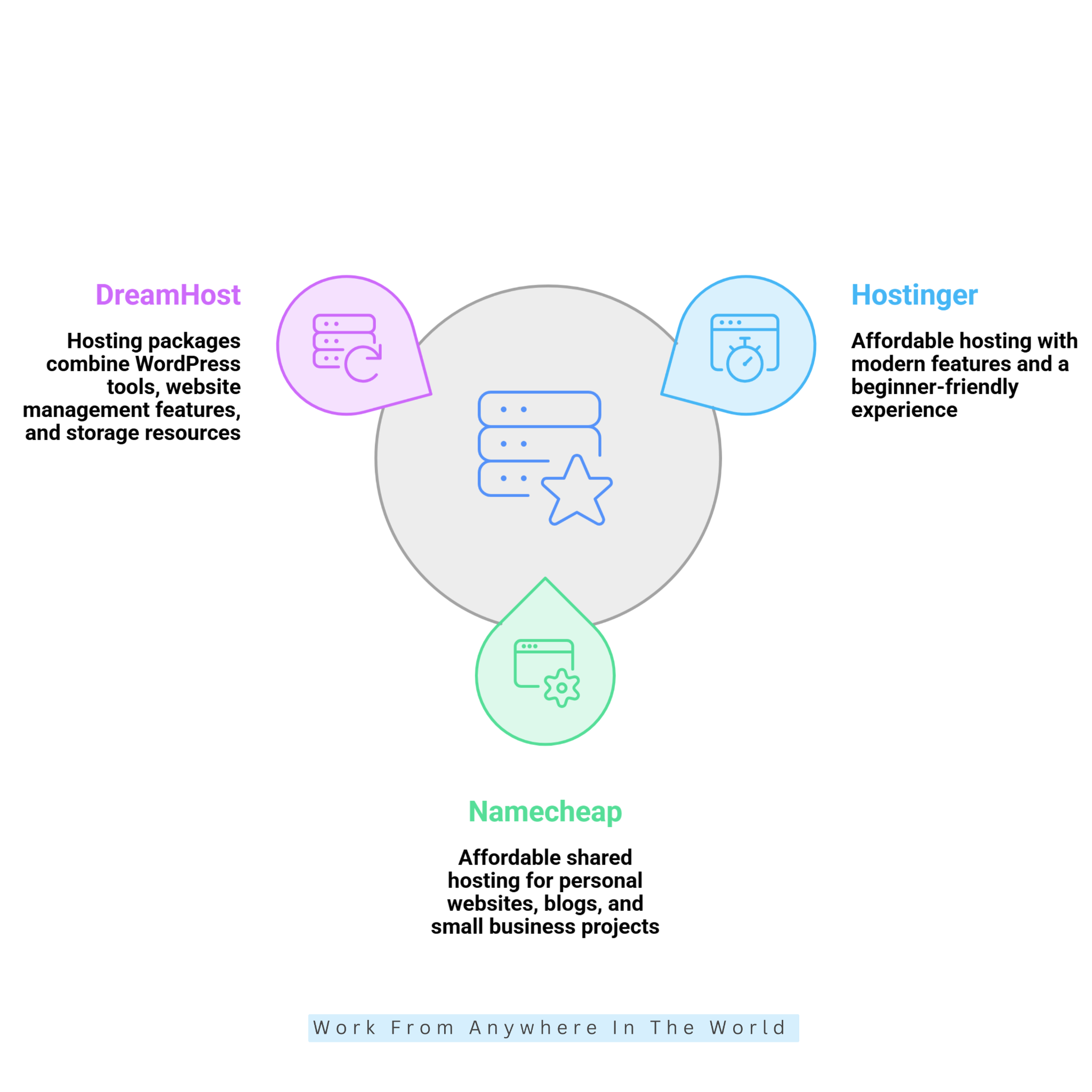
Hostinger offers affordable web hosting with modern features and a beginner-friendly experience. Its hosting packages combine WordPress support, website management tools, security features, and resources that help websites run smoothly.
The Premium plan is a practical starting point for bloggers, freelancers, and small businesses. It includes website storage, SSL certificates, backup options, and additional features that help beginners establish an online presence.
Hostinger also provides its own control panel, called hPanel, which makes website management more accessible. Users can manage domains, install WordPress, configure email accounts, and monitor hosting resources from one dashboard. For more details about its features and performance, explore my Hostinger Review.
Key Features
- Hosting plans that support multiple websites.
- SSD or NVMe storage, depending on the plan.
- Free domain registration for the first year on eligible plans.
- Free SSL certificates.
- Automatic website backups, with frequency varying by plan.
- WordPress installation and management tools.
- 24/7 customer support.
- 30-day money-back guarantee, subject to applicable terms.
Pricing
Hostinger offers several hosting options, including Premium and higher-tier web hosting packages, as well as cloud hosting. Entry-level plans suit personal websites and blogs, while more advanced packages provide additional storage, website capacity, and performance resources.
Hosting costs depend on the package you choose, subscription length, and renewal terms. Compare introductory offers with regular renewal rates and check which features remain included after promotional periods. Visit Hostinger’s official pricing page for current plans and features.
Who Should Choose Hostinger?
Hostinger is a good choice for beginners, bloggers, portfolio owners, and small businesses seeking affordable hosting with straightforward management tools. Its user-friendly dashboard makes it particularly appealing to website owners who prefer an alternative to traditional cPanel hosting.
It is also worth considering when you plan to manage several websites under one account. However, the right plan depends on your storage needs, expected traffic, and long-term hosting budget. Website owners who need greater server control can explore my Hostinger VPS setup guide.
2. Namecheap
Namecheap is well known for domain registration, but it also offers affordable shared hosting for personal websites, blogs, and small businesses. Its hosting packages provide practical tools to build and manage websites without requiring advanced technical knowledge.
The Stellar plan offers a budget-friendly starting point for website owners who need basic hosting resources. It includes SSD storage, email hosting, and support for multiple websites, with additional resources available through higher-tier packages.
One advantage is cPanel, a familiar dashboard for managing website files, databases, email accounts, and domain settings. Beginners can also install WordPress through Softaculous, making website setup easier.
Namecheap offers several shared hosting packages, so website owners can upgrade as their storage, traffic, and performance needs grow.
Key Features
- Shared hosting plans supporting multiple websites.
- SSD storage, with capacity varying by plan.
- Domain-based email hosting.
- Free SSL certificates.
- cPanel website management.
- WordPress installation through Softaculous.
- Free website migration assistance.
- 24/7 customer support through live chat.
Pricing
Namecheap offers three shared hosting packages: Stellar, Stellar Plus, and Stellar Business. Each offers different storage, website allowances, and additional features to meet different hosting needs.
Costs vary by subscription period and renewal terms. Learning how to save money on web hosting helps you compare introductory offers, renewal rates, and additional expenses. Visit Namecheap’s official shared hosting pricing page for current plans and features.
Who Should Choose Namecheap?
Namecheap suits personal bloggers, freelancers, and small business owners who want affordable hosting with familiar management tools. Its cPanel interface is particularly useful for people who prefer direct control over website files, email accounts, and databases.
It is also worth considering for website owners who prioritize manageable long-term costs over premium managed hosting features. Understanding how to choose a good web hosting provider helps you evaluate available resources, customer support, and future website requirements.
3. DreamHost
DreamHost is an established hosting provider serving bloggers, developers, entrepreneurs, and small businesses. Its hosting packages combine WordPress support, website management tools, and storage resources for different types of websites.
Its entry-level shared hosting options provide a practical starting point for personal blogs and smaller projects. Available resources vary by package, while higher-tier plans offer additional website capacity and performance features.
DreamHost also provides a custom dashboard for managing domains, databases, email services, and WordPress installations. This approach makes routine website management more accessible without requiring extensive technical knowledge.
Automatic backups are particularly valuable for content-driven websites. They help protect website data when plugin updates, theme changes, or file modifications cause unexpected problems.
Key Features
- Shared hosting options for personal and business websites.
- SSD or NVMe storage, depending on the package.
- Automatic website backups.
- Free SSL certificates.
- WordPress installation and management tools.
- Free domain registration with eligible plans.
- Bandwidth allowances subject to hosting policies.
- Money-back guarantees subject to plan-specific terms.
Pricing
DreamHost offers hosting packages for personal websites, WordPress projects, and growing businesses. Shared hosting provides an affordable starting point, while more advanced solutions include additional resources and management features.
The total cost depends on the selected package, billing period, and renewal rate. Visit DreamHost’s official hosting page to compare available packages and current pricing.
Who Should Choose DreamHost?
DreamHost suits bloggers, WordPress users, content publishers, and small website owners who value automatic backups and straightforward website management. Its hosting options accommodate different technical requirements and website sizes.
For additional guidance, explore my Best WordPress Hosting Services and How To Choose A Good Web Hosting Provider. These articles explain important hosting considerations and help you compare available options.
4. Bluehost
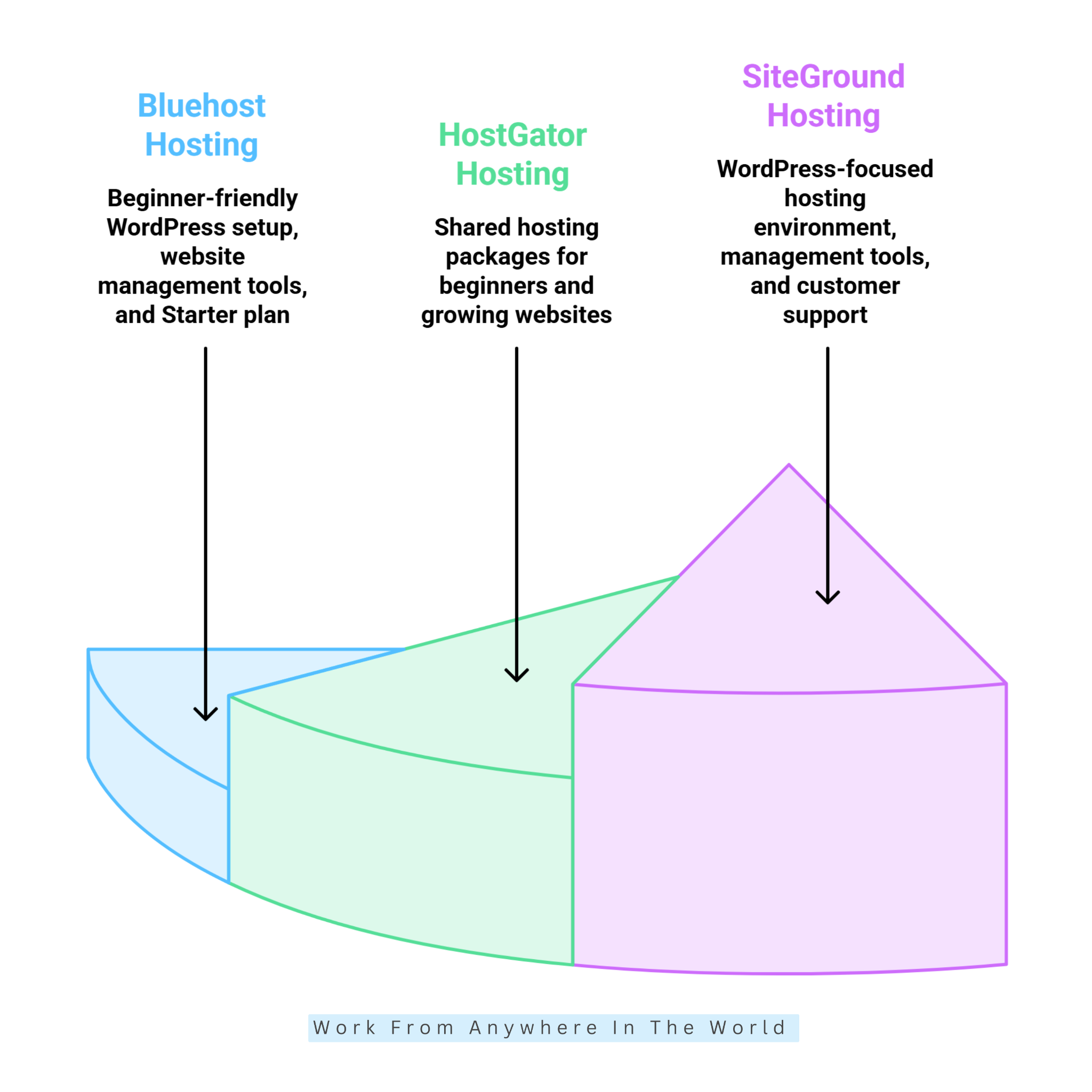
Bluehost is a well-known web hosting provider offering shared hosting, WordPress hosting, WooCommerce solutions, and other website services. Its beginner-friendly tools appeal to bloggers, entrepreneurs, and small business owners.
The guided setup process helps new website owners install WordPress, configure domains, and manage hosting resources. Bluehost also provides a dashboard that brings essential website management tools together in one place.
Its entry-level hosting packages suit personal blogs, smaller websites, and online projects. Available resources vary by plan, while advanced options provide more storage and better performance.
Understanding the differences between WordPress and Managed WordPress can help website owners choose suitable hosting. Both options offer advantages depending on your technical skills and website requirements.
Bluehost also offers staging functionality with eligible hosting packages. This allows website owners to test plugin updates, design changes, and other modifications before applying them to their live websites.
Key Features
- Hosting options for personal and business websites.
- SSD or NVMe storage, depending on the plan.
- Free domain registration for the first year on eligible packages.
- Free SSL certificates.
- WordPress installation and management tools.
- Website staging on eligible plans.
- Customer support through chat and other available channels.
- WooCommerce hosting and eCommerce tools.
Bluehost also offers WooCommerce hosting for online retailers. Website owners planning to launch an online shop can explore my Best Tips To Create A WooCommerce Store for practical guidance on setting up and managing their store.
Pricing
Bluehost offers several hosting packages for beginners, growing websites, and online stores. Entry-level plans provide essential hosting resources, while higher-tier packages include additional storage, website capacity, and business-focused features.
Subscription duration, introductory promotions, and renewal rates influence the overall cost. Visit Bluehost’s official hosting pricing page to compare current packages and features.
Who Should Choose Bluehost?
Bluehost is worth considering for beginners who want guided WordPress setup, easy website management, and tools to build a blog or small business website. For a closer look at its advantages and limitations, read my Bluehost Review.
Website owners comparing hosting platforms with broader online business opportunities may also find my Wealthy Affiliate vs Bluehost Review helpful. It explores two different approaches to establishing and managing an online presence.
5. HostGator
HostGator offers shared hosting and other website hosting solutions for individuals and businesses. Its services accommodate everything from personal blogs to growing business websites.
One advantage is its traditional hosting environment, which appeals to users familiar with conventional website management tools. HostGator also supports WordPress and other content management systems.
Its entry-level hosting packages provide an affordable starting point for beginners. More advanced options offer additional resources for websites with increasing traffic and storage requirements.
Before choosing a package, review the included backup, security, and email features. Some services vary by plan or require additional purchases.
Key Features
- Shared hosting packages for beginners.
- WordPress compatibility and installation tools.
- SSL certificates on eligible plans.
- Website management tools.
- Multiple hosting options.
- Customer support.
- Upgrade options for growing websites.
Pricing
HostGator offers shared hosting packages with different website allowances and hosting resources. Entry-level plans suit smaller websites, while advanced packages provide additional flexibility for growing businesses.
Hosting costs depend on the selected package, subscription length, and optional services. Visit HostGator’s official shared hosting pricing page to compare current plans and renewal terms.
Who Should Choose HostGator?
HostGator suits personal bloggers, small business owners, and beginners who prefer conventional shared hosting. Its familiar management tools appeal to website owners who want direct control over their hosting environment.
For practical setup guidance, explore my Install WordPress On HostGator tutorial. You can also compare hosting features in my Best Web Hosting Providers For WordPress guide.
6. SiteGround
SiteGround offers WordPress-focused hosting, convenient website management tools, and customer support. Although its renewal costs may exceed those of some budget providers, its features appeal to website owners who value convenience and reliability.
The StartUp plan provides a practical starting point for smaller websites. It includes essential hosting resources, SSL certificates, automatic backups, and access to SiteGround’s Site Tools dashboard.
This custom dashboard brings common website management tasks together in one place. Users can manage databases, backups, caching, security settings, and other hosting features without navigating multiple interfaces.
SiteGround also offers WordPress performance tools that help optimize website speed and content delivery. Proper caching and regular maintenance can improve the browsing experience for visitors.
Key Features
- Shared hosting packages for different website sizes.
- Automatic daily backups.
- Free SSL certificates.
- WordPress installation and management tools.
- Built-in caching and performance features.
- Website migration tools and assistance.
- Site Tools management dashboard.
- Managed WordPress hosting features.
Pricing
SiteGround offers StartUp, GrowBig, and GoGeek hosting packages for different website requirements. Entry-level hosting suits smaller projects, while higher-tier plans provide additional resources and advanced management features.
Costs depend on the selected package, introductory promotions, and renewal terms. Visit SiteGround’s official web hosting pricing page to compare current plans and features.
Who Should Choose SiteGround?
SiteGround suits WordPress bloggers, small businesses, and website owners who appreciate managed features and convenient support. Its hosting environment is particularly appealing to people who prefer integrated website management tools.
It is worth considering when your budget allows for potentially higher renewal costs. For additional guidance, explore my WordPress vs Managed WordPress comparison to understand which hosting approach best suits your website.
7. GreenGeeks
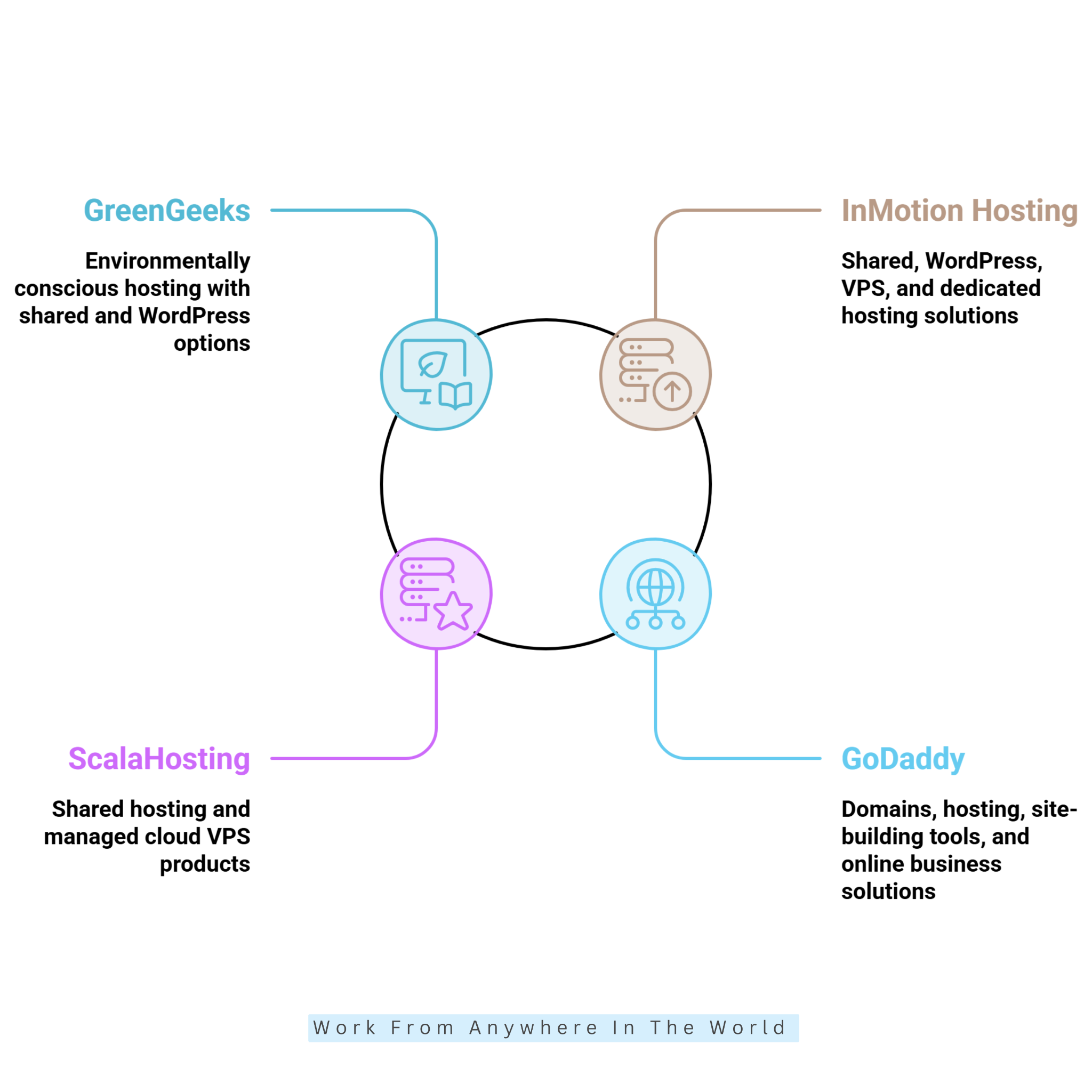
GreenGeeks offers web hosting with a focus on environmentally conscious operations. Its services combine website management tools, performance features, and initiatives intended to address the environmental impact of hosting infrastructure.
Its shared hosting packages appeal to bloggers, freelancers, and small businesses seeking affordable website solutions. Depending on the plan, customers receive WordPress tools, SSL certificates, security features, and website management resources.
GreenGeeks promotes renewable energy initiatives and environmental partnerships as part of its sustainability approach. These efforts make it an interesting option for environmentally conscious website owners. Learn more about its approach in my GreenGeeks Review: The Eco-Friendly Hosting Solution.
The provider offers several hosting packages to accommodate changing website requirements. Customers can explore higher-tier plans as their storage, traffic, and performance needs increase.
Key Features
- Shared and WordPress hosting options.
- Free SSL certificates.
- Website migration assistance.
- Automatic backups, depending on the plan.
- Security and performance tools.
- WordPress installation and management features.
- Upgrade options for growing websites.
- Renewable energy and environmental initiatives.
Pricing
GreenGeeks offers Lite, Pro, and Premium shared hosting packages with different website allowances and performance resources. Entry-level hosting suits smaller websites, while higher-tier plans accommodate additional projects and growing requirements.
Subscription length, promotional offers, and renewal rates influence the total hosting cost. Visit GreenGeeks’ official web hosting pricing page to compare current plans and features.
Who Should Choose GreenGeeks?
GreenGeeks suits bloggers, freelancers, and small businesses seeking affordable hosting with an environmental focus. Its WordPress tools and sustainability initiatives appeal to website owners who value convenience and responsible business practices.
However, consider environmental initiatives alongside performance, security, customer support, and renewal costs. My Ultimate Guide To GreenGeeks Web Hosting explores the provider in greater detail.
8. InMotion Hosting
InMotion Hosting offers shared hosting, WordPress hosting, VPS hosting, and dedicated server solutions. Its range of services appeals to website owners whose hosting requirements may change as their businesses grow.
Entry-level shared hosting packages provide a practical starting point for smaller websites and business projects. More advanced plans offer additional server resources, performance features, and greater flexibility.
One advantage is the ability to upgrade from shared hosting to VPS or dedicated hosting. This flexibility can benefit freelancers and entrepreneurs who expect their websites to expand over time.
For anyone building an independent online business, my guide on How To Start Your Own Freelance Business offers practical advice on establishing and growing a freelance operation.
Key Features
- Shared and WordPress hosting options.
- NVMe storage on selected packages.
- Free SSL certificates on eligible plans.
- Website migration assistance.
- Customer support.
- VPS and dedicated hosting upgrades.
- Business-oriented hosting solutions.
Pricing
InMotion Hosting offers several shared hosting packages with different storage allowances, website capacities, and performance features. Entry-level plans suit smaller projects, while advanced options provide additional resources for growing websites.
Subscription length, promotional offers, and renewal rates affect the overall cost. Visit InMotion Hosting’s official shared hosting pricing page to compare current plans and features.
Who Should Choose InMotion Hosting?
InMotion Hosting suits freelancers, entrepreneurs, developers, and small business owners seeking flexible hosting options. Its upgrade paths make it appealing to businesses planning for future website growth.
If you’re preparing to establish a business website, my guide on How To Create A Business Website provides additional guidance on planning and building your online presence.
Wealthy Affiliate – Mini Review
If you’ve ever thought about turning your blog, passion, or niche into an online business,
Wealthy Affiliate (WA) is one of the most beginner-friendly platforms I’ve used.
It combines step-by-step training, website hosting, AI-powered tools,
keyword research, and an active community all in one place.
What I like most is that you can start for free (no credit card needed), explore the platform,
test the tools, and connect with other entrepreneurs before upgrading.
WA isn’t a “get rich quick” scheme — success comes from consistent effort
and applying what you learn over time.
9. ScalaHosting
ScalaHosting offers shared hosting and managed cloud VPS solutions for individuals, developers, and growing businesses. Its hosting options give website owners flexibility as their projects grow.
One distinguishing feature is SPanel, ScalaHosting’s proprietary hosting control panel. It provides tools for managing websites, domains, email accounts, databases, and server resources without relying on traditional cPanel hosting.
Managed VPS hosting offers greater resource isolation and flexibility than conventional shared hosting. It can benefit websites with increased traffic or that need more control over their hosting environment.
For entrepreneurs planning to expand their online presence, developing the right skills matters just as much. My guide to Top Entrepreneur Skills: 15 Essential Areas To Master explores valuable skills for building and managing a business.
Beginners can start with shared hosting and explore VPS solutions as their websites grow. Shared hosting generally requires less technical management and provides a more economical starting point.
Key Features
- Shared hosting packages.
- Managed cloud VPS solutions.
- Proprietary SPanel control panel.
- Website migration assistance.
- Security and server management features.
- Scalable hosting resources.
- Hosting options for growing businesses.
Pricing
ScalaHosting offers shared hosting and managed cloud VPS packages for different website requirements. Shared hosting provides an accessible starting point, while managed VPS plans offer additional resources and server flexibility.
Costs depend on the hosting environment, server configuration, and subscription period. Visit ScalaHosting’s official hosting website to explore available packages and current pricing.
Who Should Choose ScalaHosting?
ScalaHosting suits developers, entrepreneurs, and growing businesses that expect to need more hosting resources. Its managed VPS solutions appeal to website owners who want more flexibility without handling every technical aspect of a server.
Entrepreneurs exploring online retail can also discover 15 Best E-Commerce Business Ideas For Aspiring Entrepreneurs. These ideas can help identify opportunities before investing in a larger website or hosting package.
10. GoDaddy
GoDaddy is a well-known domain registrar that also offers web hosting, website-building tools, WordPress hosting, and online business services. Its integrated platform appeals to website owners who prefer managing several services through one provider.
Its hosting dashboard allows users to manage domains, websites, and related services from one account. This convenience can benefit beginners and small business owners who want to simplify everyday website administration.
GoDaddy offers hosting options for personal blogs, business websites, and more specialized projects. Customers can choose shared hosting or explore WordPress hosting and other solutions as their requirements change.
One important consideration is the total cost of ownership. Domain renewals, hosting renewals, email subscriptions, and optional security services can increase ongoing expenses.
Key Features
- Shared web hosting packages.
- WordPress hosting options.
- Domain registration and management.
- Website-building tools.
- SSL certificates on eligible plans.
- Email and business services.
- Upgrade options for growing websites.
Pricing
GoDaddy provides hosting packages for personal websites, small businesses, and growing online projects. Available plans offer different storage resources, website allowances, and management features.
Costs depend on the selected package, subscription length, and renewal terms. Visit GoDaddy’s official web hosting pricing page to compare current plans and features.
Who Should Choose GoDaddy?
GoDaddy suits beginners, freelancers, and small business owners who prefer managing domains, hosting, and related services through one account. Its integrated tools can make website administration more convenient.
However, comparing ongoing costs and included features remains important. My LiquidWeb vs GoDaddy Review explores differences between two hosting providers to help website owners evaluate their options.
Frequently Asked Questions
Q1: Can I Run A WordPress Website On An Inexpensive Hosting Plan?
Yes. Many low-cost web hosting services support WordPress installation and management. Shared hosting is often sufficient for smaller websites and personal blogs.
Providers such as Hostinger, Namecheap, DreamHost, and Bluehost offer WordPress-compatible hosting packages. Compare their storage, performance, and backup features before choosing.
Q2: Is Shared Hosting Suitable For A Business Website?
Yes. Shared hosting can work well for small business websites with moderate traffic and standard features. It provides an affordable starting point without requiring extensive technical knowledge.
However, websites with heavy traffic, complex applications, or demanding online transactions may need additional resources. VPS or managed hosting can offer more flexibility as your needs grow.
Q3: Should I Choose Monthly Or Yearly Web Hosting?
Monthly hosting provides flexibility and requires a smaller upfront payment. Annual or longer subscriptions often offer lower advertised monthly rates.
Compare the total cost, renewal rates, and refund policies before committing. A longer subscription is not always the best choice if your website requirements may change.
Q4: Can I Change My Hosting Provider Later?
Yes. You can move your website to another hosting provider when your requirements change. Many hosting companies offer migration tools or assistance.
The process may involve transferring website files, databases, email accounts, and domain settings. Creating a complete backup before migrating helps protect your website content.
Q5: Are Low-Cost Web Hosting Services Reliable?
Yes. Many low-cost web hosting services provide reliable performance, security features, and customer support. However, service quality varies by provider and hosting package.
Look for consistent uptime, adequate server resources, automatic backups, and responsive support. Reading independent reviews can also help you evaluate a provider’s reliability.
Q6: What Should I Look For In A Low-Cost Web Hosting Plan?
Look for reliable performance, sufficient storage, SSL certificates, automatic backups, and helpful customer support. These features can make managing your website easier and more secure.
Compare introductory prices, renewal rates, and additional service fees before choosing. The best low-cost web hosting plan balances affordability with your website’s current and future needs.
Conclusion
Choosing the right low-cost web hosting services can help you establish a professional online presence without exceeding your budget. Affordable hosting provides a practical foundation for personal blogs, business websites, and online stores.
Hostinger, Namecheap, and DreamHost offer beginner-friendly options, while SiteGround and ScalaHosting provide alternatives for more specialized hosting requirements. Each provider offers different advantages depending on your website’s needs.
Before deciding, compare performance, security, customer support, and renewal costs. Pay attention to the features included in each package and any additional expenses that may arise.
The best hosting solution balances affordability with dependable performance and room for future growth. Choosing carefully today can help your website remain reliable as your online presence expands.
I trust you enjoyed this 10 Best Low-Cost Web Hosting Services. Please stay tuned for more insightful blogs on affiliate marketing, online business, and working from anywhere in the world.
Take care!
— JeannetteZ 🌍✨
💬 Your Opinion Is Important To Me
Do you have thoughts, ideas, or questions? I’d love to hear from you. Please leave your comments below or email me directly at Jeannette@WorkFromAnywhereInTheWorld.com.
📚 More Work From Anywhere Reads
🚀 Ready to Build a Business You Can Run from Home
Or from Anywhere in the World?
Imagine creating income on your terms — from home, a cozy café, or wherever life takes you.
With the right tools, training, and community support, it’s entirely possible.
Start your own online business for free — no credit card needed.
Disclosure
This post may contain affiliate links. As an Amazon Associate and participant in other affiliate programs, I earn from qualifying purchases at no extra cost to you. Please read my full affiliate disclosure.