How To Design A Home Office In 10 Practical Steps
Learning how to design a home office became very real for me when we moved our business from a commercial office into our home. After more than 47 years in the office workforce, working from home had been a dream of mine for quite some time.
When we closed our city office and workshop, I had several months to prepare. I needed to find room for our desks, computers, filing system, office supplies, books, and everything else we had accumulated while running a business.
Designing a home office involves much more than finding a place for a desk. The location, layout, seating, lighting, storage, electronics, and even the view from your workspace can affect how comfortable and practical the office feels.
Your home office doesn’t need to look like mine or even occupy an entire room. In this guide, I’ll share practical home office design ideas that can help you create a workspace that suits your available space, working style, and everyday needs.
How To Design A Home Office That Works For You
Designing a home office starts with understanding how you plan to use the space. Your daily tasks, available room, equipment, and storage needs will all influence the choices you make.
Comfort matters as much as functionality. A well-planned workspace should make it easy to sit, move, organize your materials, and access the tools you use throughout the day.
Lighting, furniture, storage, and technology also need to work together. Planning these elements before buying or rearranging anything can help you use the space you already have better.
The following 10 practical steps will take you through the process, from choosing the right location and furniture to organizing your office and adding the personal touches that make it enjoyable to use.
1. Choose The Right Location To Set Yourself Up For Success
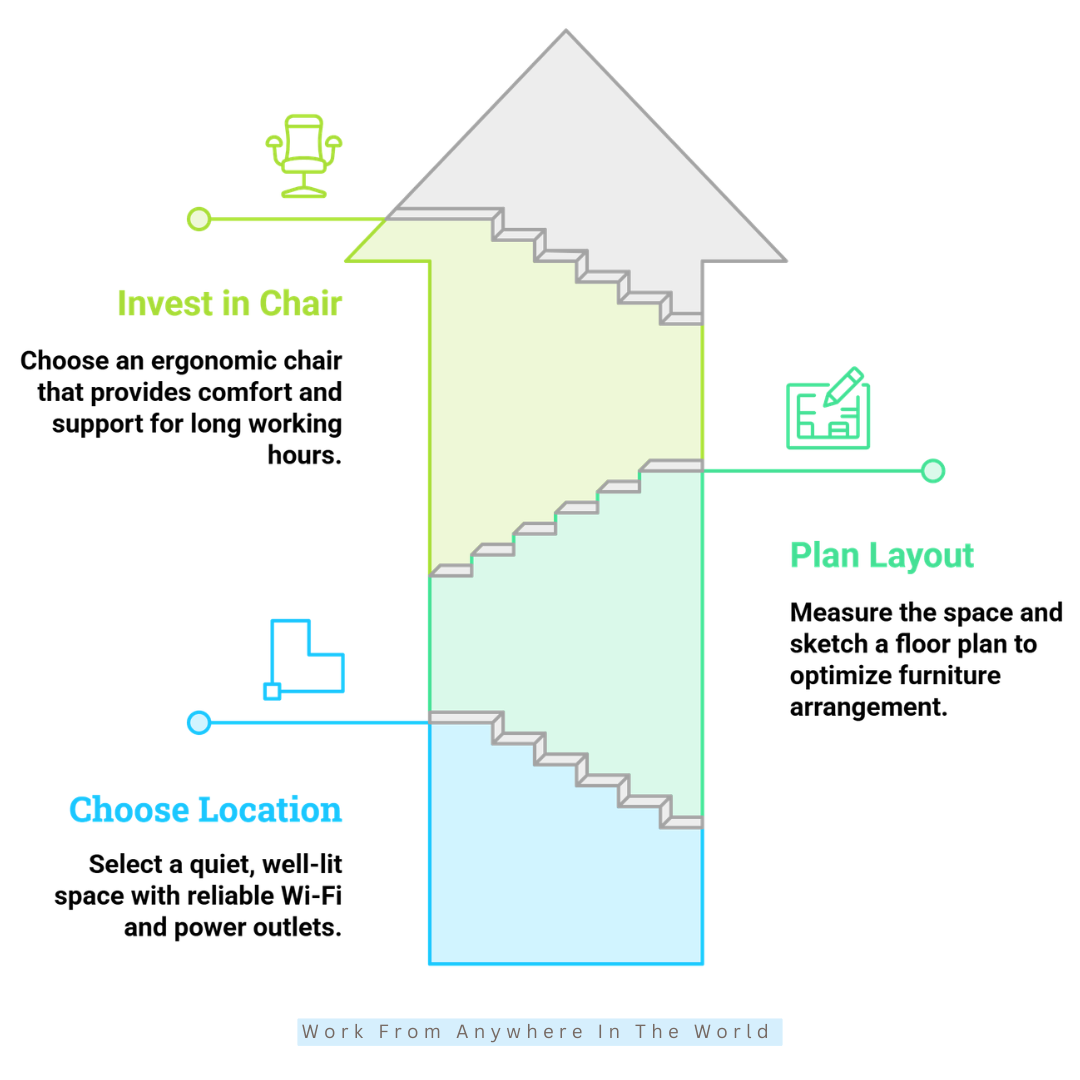
Choosing the right location is one of the most important decisions when designing a home office. Your workspace should support concentration, comfort, and the type of work you do throughout the day.
A dedicated room is ideal when you have one available, but it isn’t essential. A quiet corner, unused dining area, alcove, or other suitable space can become an effective home office with thoughtful planning.
When we moved our business office into our home, we converted a spare upstairs bedroom into the office. It is away from the busiest areas of the house and has a large south-facing window that provides plenty of natural light.
The view is one of my favourite features. From my desk, I can see trees, flowers, birds, and occasionally deer outside. Creating an office in a location I genuinely enjoy spending time in has made working from home even more rewarding.
What To Consider When Choosing Your Location
Consider how the area changes throughout the day before deciding. Noise levels, household traffic, natural light, temperature, and potential distractions can be very different in the morning than later in the day.
Reliable Wi-Fi and convenient electrical outlets are also important. Choosing a location close to the connections you need can reduce cable clutter and make it easier to arrange your equipment safely.
Privacy may also matter, especially if your work involves phone calls or virtual meetings. In a shared space, a bookshelf, room divider, curtain, or strategically positioned plants can help create separation.
Key Points
- Consider noise, household traffic, privacy, and distractions.
- Observe the space at different times of the day.
- Look for plenty of natural light where possible.
- Check Wi-Fi reliability and electrical access.
- Consider your background during virtual meetings.
- Choose a spot where you’ll enjoy working for several hours.
2. Plan A Functional Layout Before Buying Furniture
A beautiful home office isn’t necessarily a practical one. The most effective layouts are designed around how you actually work, not furniture trends or appearance alone.
Think about your typical workday before deciding where everything will go. You may move between your computer, paperwork, filing, printing, phone calls, and virtual meetings throughout the day.
Planning these activities first can help you determine what needs to be close at hand and what can be stored farther away. It can also prevent you from buying furniture that overwhelms the available space.
Measure And Plan Your Home Office Space
Measure the room carefully, including wall lengths, windows, doors, door swings, closets, and built-in features. Record measurements before you start arranging or buying anything.
A simple floor plan can help you experiment with different layouts. You can draw one on paper or use an online room-planning tool to see how different arrangements might work before moving heavy furniture.
Allow enough room to move comfortably around your workspace, particularly behind your chair and near doors and storage areas. Keep frequently used equipment and supplies within reach without making the room feel crowded.
Don’t feel that every available corner needs to be filled. Leaving some open space can make a home office feel calmer, more comfortable, and easier to move around in.
Key Points
- Measure the entire space before buying furniture.
- Include windows, doors, closets, and built-in features in your measurements.
- Plan the layout around your normal working routine.
- Keep frequently used equipment and supplies within easy reach.
- Leave sufficient room for your chair and comfortable movement.
- Avoid filling every available area simply because space is available.
3. Purchase An Ergonomic Chair To Support Extended Workdays
Your office chair is one of the few items you’ll use throughout most of the workday. Choosing one that provides proper support can significantly improve your comfort during long work sessions.
Instead of choosing a chair mainly for its appearance, consider how well it fits your body and work habits. Adjustability matters because the right settings vary from person to person.
I spend close to eight hours a day in my home office, so a comfortable chair is essential for me. We chose adjustable office chairs that let us change the height, tilt, seat, and back position to suit our needs.
What To Look For In An Ergonomic Office Chair
Look for adjustable seat height, lumbar support, comfortable armrests, and a backrest that supports different sitting positions. Your feet should rest comfortably on the floor, with your knees at approximately a right angle.
Your chair should also work well with your desk height. Ideally, your elbows should rest naturally while typing without requiring you to raise your shoulders or reach downward.
Whenever possible, try several chairs before choosing one. Sitting in a chair for more than a few minutes can tell you much more about its comfort and support than appearance or specifications alone.
Changing your sitting position periodically and taking short movement breaks can also help you stay comfortable during extended work sessions.
Choosing the right chair involves several factors, from adjustability and lumbar support to seat dimensions and materials. My guide to choosing an office chair takes a closer look at what to consider before you decide.
Key Points
- Prioritize adjustability and support over appearance alone.
- Look for adjustable height, lumbar support, armrests, and backrest positioning.
- Make sure the chair works comfortably with your desk height.
- Keep your feet supported and your knees in a comfortable position.
- Test different chairs whenever possible.
- Change positions and move periodically during long work sessions.
4. Choose A Desk That Matches Your Workflow Instead Of Following Trends
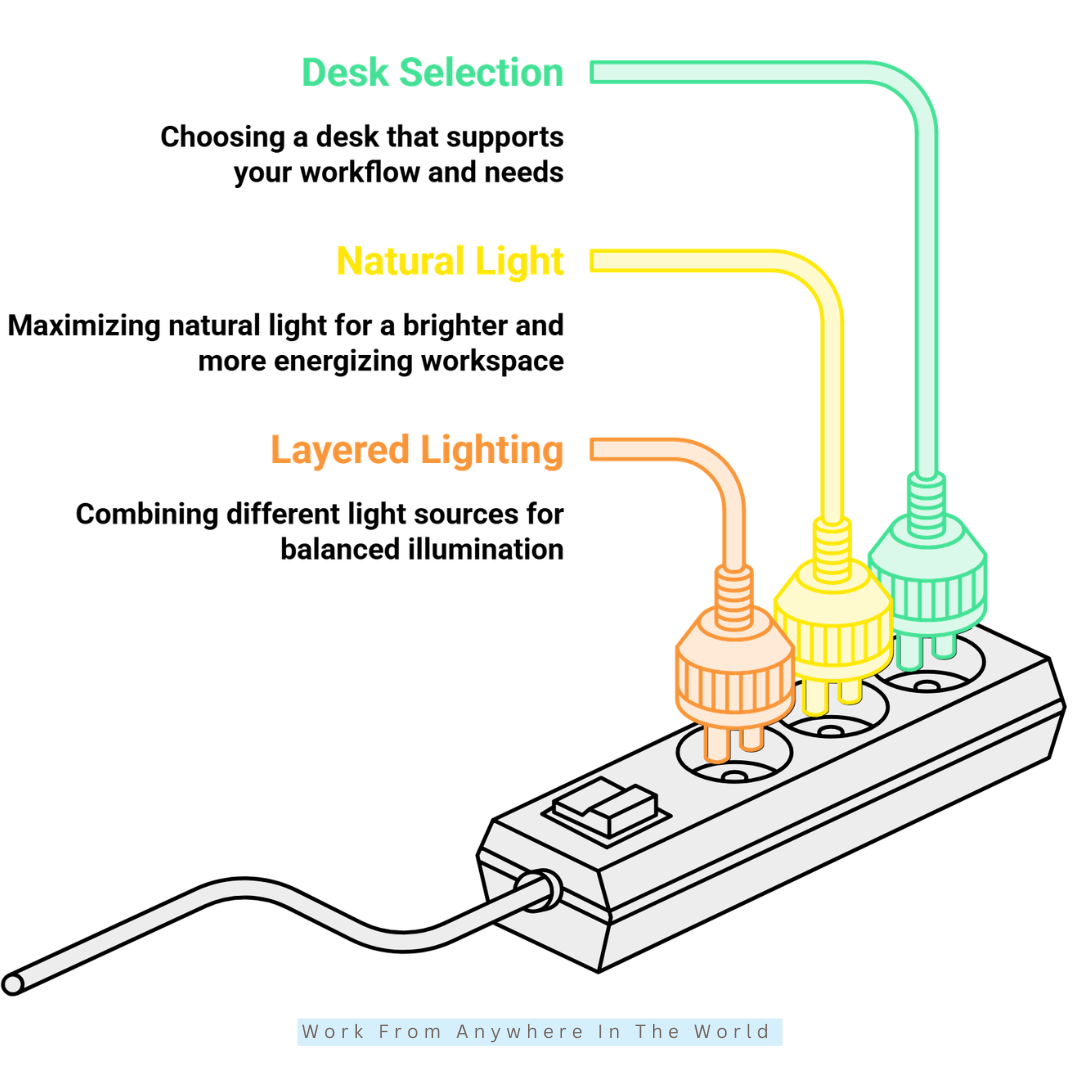
Your desk should support the way you work rather than simply complement the room’s décor. Consider what you use throughout a typical workday and how much surface space those items require.
A laptop and notebook may need relatively little room, while multiple monitors, paperwork, reference materials, or other equipment require a larger work surface. Allow enough space for your essentials without choosing a desk that overwhelms the room.
Consider whether you prefer working seated or want the flexibility to alternate between sitting and standing. Your preferred working position can help you decide which desk type works best for your home office.
For a traditional workstation, my guide to choosing the best sit-desk explains the important features to consider. Readers interested in an adjustable option can also explore how to find the best standing desk for their workspace.
What To Look For In A Home Office Desk
Measure the available area before choosing a desk, including the space you need for your chair and comfortable movement around it. Compare those measurements with the desk dimensions rather than relying on photographs alone.
Consider your computer, monitors, keyboard, notebooks, paperwork, and other items you regularly keep within reach. Built-in drawers, shelves, or cable-management features may also be useful when storage space is limited.
Desk height is equally important. Your chair and desk should work together so you can type and use your computer comfortably without continually reaching, leaning, or raising your shoulders.
Choose enough workspace for your current needs, with some flexibility for future changes. You don’t necessarily need the largest desk that will fit; you need one that provides enough usable space without making the office feel crowded.
Key Points
- Measure your available space before choosing a desk.
- Consider everything you regularly use during the workday.
- Choose a desk size that suits both your workload and your room.
- Decide whether a sitting or standing desk better suits your working style.
- Consider storage and cable-management needs.
- Make sure your desk and chair work comfortably together.
- Allow some flexibility for future equipment or changing needs.
5. Make The Most Of Natural Light In Your Home Office
Natural light can make a home office feel brighter, more open, and more pleasant to work in throughout the day. When choosing your workspace, consider not only how much daylight enters the room but also where it comes from.
My own desk faces a large south-facing window, which gives me plenty of daylight and a view of the outdoors. I enjoy the natural light, but desk placement also needs to account for glare, changing sunlight, and what appears on your computer screen.
Positioning your desk beside or at an angle to a window often lets you benefit from daylight without strong sunlight directly in front of or behind your screen. Blinds, shades, or curtains can help control particularly bright light when necessary.
Balance Natural Light With Screen Comfort
Observe your workspace at different times of the day. A desk position that works well in the morning may cause glare or strong reflections later as the sun moves.
Adjust your monitor position when necessary and avoid working for long periods with a very bright window directly behind your screen. My tips for reducing eye stress offer additional ideas for creating a more comfortable environment when you spend many hours working at a computer.
Natural daylight may also need support on cloudy days, during darker seasons, or when you work early in the morning or late in the evening. These tips for better home office lighting provide additional ideas for making the most of the light available in your workspace.
Key Points
- Use available daylight without creating screen glare.
- Observe how sunlight changes throughout the day.
- Position your desk with both daylight and screen visibility in mind.
- Use blinds, shades, or curtains when direct sunlight becomes too strong.
- Adjust your monitor position to reduce reflections.
- Supplement natural daylight when necessary.
6. Create Layered Lighting For Better Comfort Throughout The Day
Natural daylight alone isn’t enough to keep a home office comfortably illuminated throughout the day. Cloudy weather, changing seasons, early mornings, and evening work can all make artificial lighting necessary.
Rather than relying on a single ceiling fixture, combine several types of lighting. Ambient, task, and accent lighting serve different purposes and let you adjust your workspace to what you’re doing.
Layered lighting can also help reduce harsh contrasts between a bright computer screen and a darker surrounding room. The goal isn’t simply to make the office brighter, but to distribute light comfortably throughout the space.
Combine Different Types Of Home Office Lighting
Start with ambient lighting that provides general illumination throughout the room. Ceiling fixtures are common, but floor lamps and other indirect light sources can also boost the overall light level.
Add task lighting where you need greater visibility for reading, writing, paperwork, or other detailed activities. An adjustable desk lamp lets you direct light where you need it without unnecessarily brightening the entire room.
Accent lighting can add softer illumination to shelves, cabinets, or darker areas of the office. Dimmable lights are particularly useful because you can adjust the brightness as natural daylight changes.
Colour temperature also deserves consideration. Warmer light can create a softer atmosphere, while cooler light may help with tasks that require greater visibility. Adjustable lighting gives you more flexibility throughout the working day.
For a more comprehensive look at combining natural, ambient, task, and accent lighting, see my Home Office Lighting Guide.
Key Points
- Combine ambient, task, and accent lighting rather than relying on one fixture.
- Use task lighting for reading, writing, and detailed work.
- Add softer lighting where the room has dark areas or harsh contrasts.
- Consider dimmable or adjustable lighting for greater flexibility.
- Choose colour temperatures according to the task and time of day.
- Adjust your lighting as natural daylight changes.
7. Add Smart Storage That Keeps Everything Organized
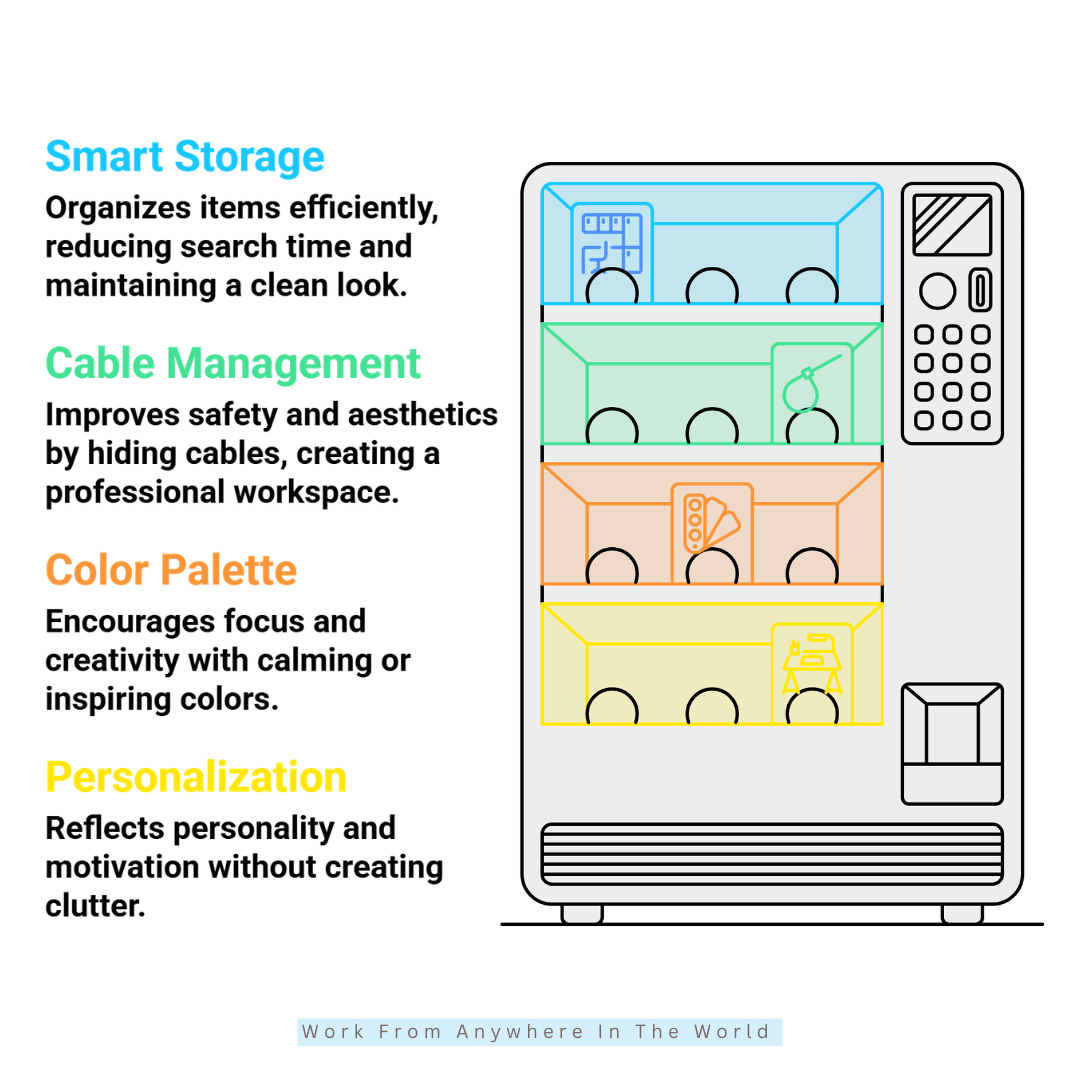
Good home office storage makes it easier to find what you need without allowing paperwork, supplies, and equipment to take over your workspace. The goal is to give frequently used items convenient homes while keeping less-used materials neatly stored away.
Start by considering what you actually need to keep in your office. Paperwork, reference books, binders, office supplies, technology accessories, and business records may all require different types of storage.
When we converted our spare bedroom into a home office, we replaced the original sliding-door closet with built-in cabinets. The unit provides drawers for both letter- and legal-size hanging files, along with plenty of enclosed storage for books, binders, and office supplies.
That storage has been particularly useful because everything has a designated place without needing additional cabinets throughout the room.
Choose Storage Based On What You Use
Keep everyday items close to your main workspace. Drawer organizers can hold pens, pencils, clips, and other small supplies, while shelves or cabinets can accommodate books, binders, printer supplies, and equipment you use less frequently.
Use vertical space when floor space is limited. Floating shelves, wall-mounted storage, and taller cabinets can add useful capacity without taking up much floor space.
Keep paper records that need to be retained in an organized filing system rather than letting them pile up on the desk or in miscellaneous drawers. Clearly labelled folders and categories also make documents much easier to retrieve later.
My guide to creating a home office filing system can help you organize important documents into practical categories and keep them easier to retrieve.
Leave some unused room in drawers, cabinets, and shelves whenever possible. Storage that isn’t packed to capacity is generally easier to organize and leaves room for future needs.
Key Points
- Give frequently used items a convenient, designated place.
- Choose storage according to what you actually need to keep.
- Combine drawers, cabinets, shelves, and filing space as appropriate.
- Use vertical wall space when floor space is limited.
- Keep paperwork organized with a consistent filing system.
- Label files and storage containers clearly.
- Leave some room for future storage needs.
8. Organize Technology And Cables For A Cleaner Workspace
Computers, monitors, printers, chargers, phones, and other devices can quickly introduce clutter into a home office. Planning where your technology goes helps keep your workspace organized and makes equipment easier to access and maintain.
Think about which devices you use every day and position them where they are convenient without taking over your work surface. Equipment you use less frequently, such as a printer or scanner, may be better placed on a nearby cabinet, shelf, or dedicated stand.
Also consider power access when arranging your equipment. Keeping devices reasonably close to electrical outlets can reduce the need for long cords running across the room and make cable management much easier.
Manage Home Office Cables
Bundle related cables with reusable cable ties or sleeves instead of letting them hang loosely behind or under the desk. An under-desk cable tray can hold power bars, adapters, and excess cable lengths away from the floor.
Cable clips can guide individual cords along the back or underside of the desk, while labels make similar-looking chargers and connections easier to identify when you need to unplug or replace something.
Wireless keyboards, mice, and other accessories can reduce the number of cables on your desk when they suit your equipment and working preferences. I actually prefer a cordless keyboard and mouse, which helps keep my own desktop less cluttered.
Review your cables occasionally as equipment changes. Removing chargers, adapters, and cords you no longer use prevents unnecessary clutter from gradually building up again.
Key Points
- Plan where computers and other technology will be positioned.
- Keep frequently used devices conveniently accessible.
- Consider electrical outlets when arranging your equipment.
- Use cable trays, clips, ties, or sleeves to organize cords.
- Label similar cables when identification may be difficult.
- Consider wireless accessories where they make sense.
- Remove cables and accessories you no longer need.
9. Choose Colours That Support Your Working Style
Colour strongly influences the overall look and atmosphere of a home office. It can make a small room feel brighter, complement the furniture and lighting, and help create a workspace you enjoy spending time in.
Rather than choosing colours simply because they are fashionable, think about the atmosphere you want to create. Some people prefer a calm, understated workspace, while others enjoy richer colours that add warmth and personality.
Neutral shades such as white, cream, beige, and soft grey can provide a versatile background for furniture and décor. You can then introduce blues, greens, earth tones, or other favourite colours based on your preferences.
Create A Balanced Home Office Colour Scheme
Consider the room size, available natural light, artificial lighting, furniture, flooring, and existing finishes before settling on your colour palette. These elements can all affect how a paint colour looks once it is on the wall.
Test paint samples in the actual office before making your final choice. Look at them in morning and afternoon daylight as well as under your artificial lighting in the evening, because the same colour can appear quite different as the light changes.
You don’t have to rely on wall paint alone to introduce colour. Artwork, plants, cushions, curtains, rugs, storage containers, and desk accessories can add personality and are much easier to change later.
For more ideas on choosing a palette for your workspace, explore my guide to office paint colours and how different shades can be used throughout a home office.
Key Points
- Choose colours you will enjoy seeing throughout the working day.
- Consider the room’s size and available natural light.
- Coordinate wall colours with furniture, flooring, and existing finishes.
- Test paint samples under both natural and artificial lighting.
- Use accessories and décor to introduce accent colours.
- Avoid choosing a colour simply because it is currently fashionable.
10. Personalize Your Workspace Without Creating Visual Clutter
Your home office should be practical, but it should also feel like a space you enjoy spending time in. Personal touches can make the room feel warmer and more inviting without interfering with its function as a workspace.
Choose items that genuinely mean something to you rather than decorating simply to fill empty shelves. Photographs, artwork, favourite books, travel mementos, plants, or a few treasured objects can add personality while still keeping it organized.
I enjoy having plants and personal items around my own office, and I often listen to instrumental music while I work. Small details like these help make the room feel less like a conventional office and more like a workspace that truly belongs to me.
Add Personal Touches With Purpose
Plants are one of the easiest ways to introduce a natural element into a home office. They can add colour, texture, and visual interest without requiring major changes to the room.
Choose plants that suit the light and conditions in your particular workspace. For more ideas, my guide to the best stress-relieving plants for offices explores several options that work well in office environments.
Artwork, photographs, books, and meaningful objects can also add character. Display a few favourites rather than filling every available surface, particularly when you need shelves and desktop space for everyday work.
Keeping decorative items intentional can also make the office feel calmer and more organized. For additional ideas on arranging your workspace while reducing unnecessary clutter, explore these Feng Shui tips for a home office.
Also consider what appears behind you during video meetings. A tidy bookshelf, plant, artwork, or simple arrangement of personal items can create an attractive background without becoming distracting.
Ultimately, your home office doesn’t need to follow a particular decorating trend. It should be comfortable, functional, and designed around the person who uses it every day.
Key Points
- Choose personal items that genuinely mean something to you.
- Add plants that suit your office’s light and conditions.
- Use photographs, artwork, books, or meaningful objects selectively.
- Keep enough clear space for everyday work.
- Avoid allowing decorative items to create unnecessary clutter.
- Consider your background when attending virtual meetings.
- Create a workspace that reflects your personality and working style.
Frequently Asked Questions
Q1: Should My Desk Face The Window?
Your desk doesn’t necessarily need to face the window. Positioning it beside or perpendicular to a window can provide plenty of natural light while helping to reduce glare and reflections on your computer screen.
The best position will depend on the direction of the sunlight, your room layout, and how the light changes throughout the day.
Q2: How Can I Organize A Small Home Office?
Vertical shelves, drawer organizers, rolling storage carts, and multifunctional furniture can help maximize limited space while keeping everyday supplies organized.
Using walls, corners, and overlooked areas can also create valuable work and storage space. Explore these small home office design ideas for more ways to create a functional workspace when room is limited.
For additional inspiration, these creative small home office ideas show how features such as floating desks, corner workstations, and other space-saving solutions can make better use of a compact area.
Q3: Which Direction Should My Desk Face?
No single direction works for every home office. When deciding where to position your desk, prioritize comfortable working conditions, available light, your room layout, and minimizing distractions.
Many people prefer facing into the room or positioning the desk perpendicular to a window. This arrangement can provide natural light without placing a bright window directly in front of or behind the computer screen.
Q4: How Can I Reduce Clutter In My Home Office?
Give frequently used items a designated storage location so you can return them to the same place after use. Drawer organizers, floating shelves, filing cabinets, and labelled storage containers can all help keep the workspace organized.
Reviewing paperwork, supplies, cables, and equipment periodically can also prevent unnecessary items from gradually accumulating in your office.
Q5: What Is The Most Important Thing To Consider When Designing A Home Office?
The most important consideration is how you will actually use the space. Your daily tasks should guide decisions about the location, layout, desk, chair, storage, lighting, and technology.
A home office that suits your working habits is generally more practical than one designed mainly around appearance or current trends.
Q6: How Can I Make My Home Office More Comfortable?
Start with a supportive chair and a desk that work well together, then consider lighting, temperature, screen position, and how much space you have to move comfortably.
Small personal touches can also make a difference. Plants, artwork, favourite books, photographs, and other meaningful items can help create a workspace you enjoy spending time in.
Conclusion
A well-designed home office should support the way you work every day rather than follow a strict set of design rules. It should reflect your available space, daily routine, and personal working style.
The right location, comfortable furniture, practical lighting, organized storage, well-planned technology, and personal touches can all contribute to a home office that is functional and enjoyable to use.
You don’t have to create the perfect office all at once. Start with the essentials, see how the space works for you, and make adjustments as your needs and working habits change.
When we moved our business into our home, I had several months to plan my office. Over time, it has become much more than a room containing a desk and computer. It is a comfortable workspace surrounded by natural light, plants, personal touches, and a view I genuinely enjoy.
Ultimately, the best home office is one designed around you — your work, your space, and the things that make you feel comfortable spending time there.
I trust you enjoyed this article on How To Design A Home Office In 10 Practical Steps. Please stay tuned for more insightful blogs on affiliate marketing, online business, and working from anywhere in the world.
Take care!
— JeannetteZ 🌍✨
💬 Your Opinion Is Important To Me
Do you have thoughts, ideas, or questions? I’d love to hear from you. Please leave your comments below or email me directly at Jeannette@WorkFromAnywhereInTheWorld.com.
📚 More Work From Anywhere Reads
🚀 Ready to Build a Business You Can Run from Home
Or from Anywhere in the World?
Imagine creating income on your terms — from home, a cozy café, or wherever life takes you.
With the right tools, training, and community support, it’s entirely possible.
Start your own online business for free — no credit card needed.
Disclosure
This post may contain affiliate links. As an Amazon Associate and participant in other affiliate programs, I earn from qualifying purchases at no extra cost to you. Please read my full affiliate disclosure.