
Essential Home Office Supplies List: 11 Must-Haves
This home office supplies list is an essential starting point for creating a comfortable, organized, and productive workspace. The right equipment, furniture, and everyday supplies can make working from home easier and more enjoyable.
Whether you’re building an online business, working remotely, or managing freelance projects, a well-equipped home office helps you stay focused. Thoughtful choices can also improve comfort and reduce unnecessary distractions.
From ergonomic chairs and adjustable desks to reliable computers, office accessories, and practical storage solutions, every item serves a purpose. Creating an efficient workspace doesn’t mean buying everything at once.
This comprehensive guide explores the essentials for setting up or upgrading your home office. You’ll learn how to choose the right equipment, organize your workspace, and create a comfortable environment. Adding greenery can also make your office more inviting, as our guide to stress-relieving office plants shows.
Essential Home Office Supplies List: 11 Must-Have Items
Creating a productive workspace starts with choosing equipment, furniture, and supplies that suit your daily responsibilities. Each item on this home office supplies list supports comfort, organization, or efficiency.
The following 11 essentials will help you build a practical home office, whether you’re working remotely, freelancing, or running your own business.
1. Laptop Or Desktop Computer
A laptop or desktop computer is the foundation of a productive home office. It supports everyday tasks such as emails, virtual meetings, content creation, bookkeeping, research, and project management.
Whether you work remotely, manage an online business, or freelance, a dependable computer helps you complete tasks efficiently. Explore our guides to the best laptops for working from home and computers for working from home to compare suitable options.
Why It Matters
Every practical home office supplies list begins with a reliable computer because most professional tasks depend on it. A responsive system reduces loading times and makes switching between applications easier.
Good performance also supports video conferencing, document editing, creative projects, and data management. When your computer handles your workload smoothly, you can concentrate on your work instead of dealing with frustrating delays.
Buying Tips
Start by considering your daily tasks and the software you use. Basic office work generally requires a capable processor, sufficient memory, and fast SSD storage for smooth performance.
Creative professionals may need dedicated graphics capabilities and a high-resolution display. Laptop users should consider portability and battery life, while desktop users may benefit from easier upgrades and improved cooling.
Choose a computer that accommodates your current workload while allowing room for future needs. This can help you avoid replacing equipment prematurely as your responsibilities grow.
Pro Tip
Prioritize reliable performance over unnecessary design features. A computer suited to your workload can remain useful for years, helping you work efficiently as software requirements and projects evolve.
2. Ergonomic Office Chair
An ergonomic office chair supports your body during long working hours while encouraging a comfortable sitting posture. Unlike ordinary household chairs, it offers adjustable features to accommodate different body shapes and seating preferences.
Proper adjustments can help support your back, shoulders, neck, and arms throughout the workday. Our guide to choosing an office chair offers additional tips for selecting suitable seating.
Why It Matters
A comfortable chair can make a noticeable difference in productivity and well-being. Proper support helps reduce discomfort during extended meetings, writing sessions, and other desk-based activities.
Even a well-equipped home office feels incomplete without comfortable seating. An adjustable chair also makes it easier to change positions throughout the day instead of staying in one posture.
Buying Tips
Look for adjustable lumbar support, seat height, armrests, and reclining options that suit your body. Breathable mesh materials can improve comfort in warmer environments, while quality cushioning provides additional support.
Check the chair’s stability, construction, and ease of movement. Rather than choosing based on appearance alone, prioritize comfort, adjustability, and durability.
You can also explore our guide to the best home office furniture brands when comparing workspace options. For additional inspiration on furniture placement and office design, discover Feng Shui for an office.
Pro Tip
Spend a few minutes adjusting every feature after assembling your chair. Small changes to seat height, lumbar support, and armrest position can noticeably improve everyday comfort.
Remember to stand, stretch, and change positions regularly. Even a well-designed ergonomic chair cannot replace movement throughout the workday.
3. Adjustable Desk
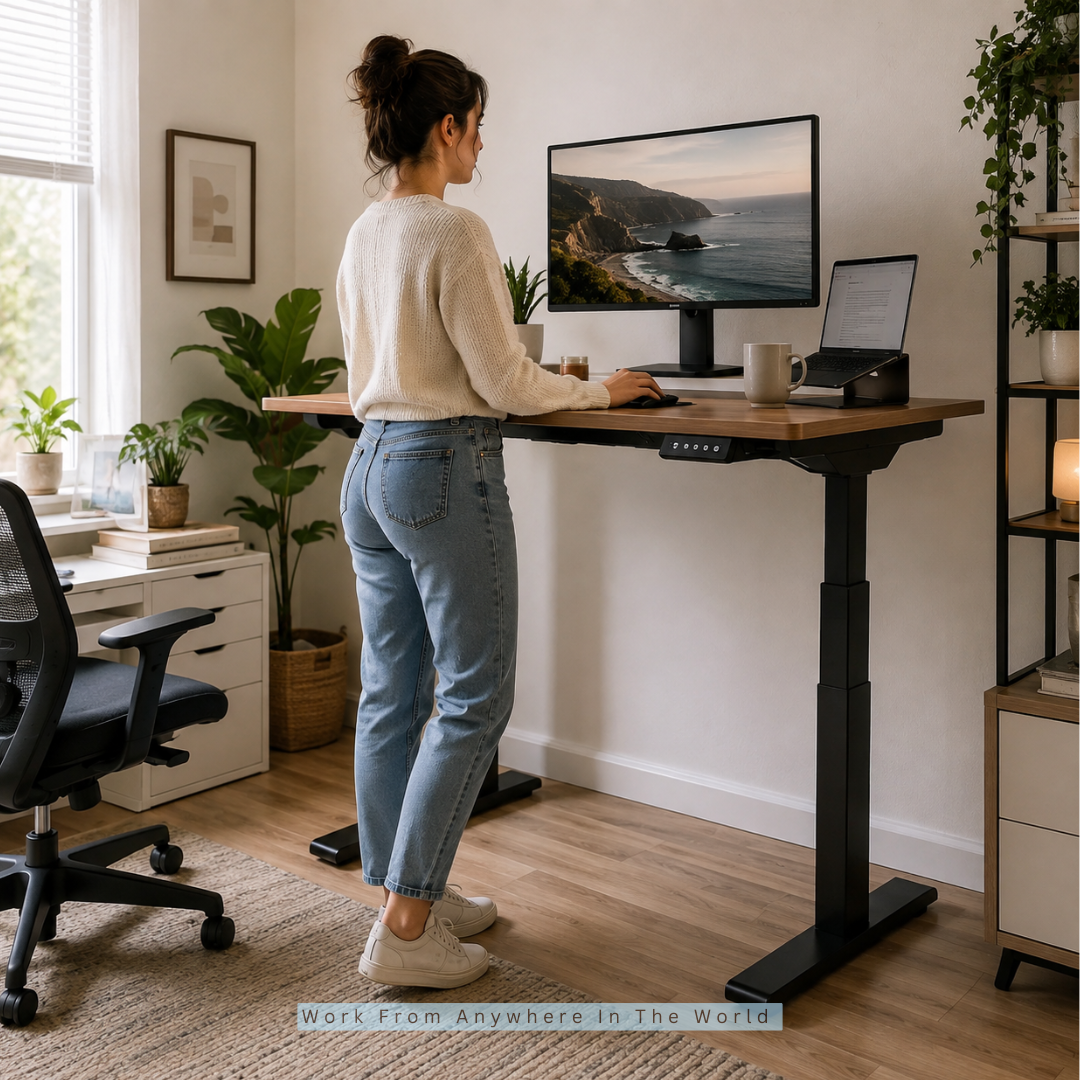
An adjustable desk allows you to alternate between sitting and standing while working. It creates a flexible workspace that accommodates different comfort preferences and working styles.
Whether you have a small home office or a dedicated workspace, an adjustable desk can make everyday tasks more comfortable. Our guide to standing desks vs. sitting desks explores the differences between these options.
Why It Matters
Flexibility helps you stay comfortable throughout a busy workday. An adjustable desk makes it easier to change positions without interrupting your workflow.
During lengthy projects, alternating between sitting and standing may help reduce discomfort and encourage movement. It also creates a more adaptable working environment.
Buying Tips
Look for a sturdy frame, smooth height adjustments, and enough surface space for your equipment. Electric models offer convenient controls, while manual options can be a practical alternative.
Consider cable management, durable materials, and stability at different heights. Our guide on choosing a home office desk offers practical advice, while Feng Shui for a work desk provides additional inspiration for desk placement and arrangement.
Pro Tip
Alternate between sitting and standing rather than remaining in either position continuously. Adjust your monitor and keyboard height to maintain a comfortable working posture throughout the day.
4. Wireless Keyboard And Mouse
A wireless keyboard and mouse help keep your home office organized and free from unnecessary cables. These essential accessories provide comfortable, efficient control over everyday computer tasks.
Together, they support typing, navigation, editing, research, and other activities. Choosing responsive, comfortable devices can make a noticeable difference throughout your workday.
Why It Matters
Your keyboard and mouse are among the most-used home office accessories. A comfortable keyboard supports efficient typing, while a responsive mouse makes navigation and precise movements easier.
Well-designed accessories can also reduce unnecessary strain during lengthy writing, designing, or administrative sessions. Their reliability helps you maintain a smooth workflow with fewer interruptions.
Buying Tips
Choose a keyboard with comfortable key travel, responsive feedback, and a layout that suits your work. Consider quiet keys if you frequently participate in meetings or share your workspace.
For the mouse, prioritize comfortable shaping, adjustable sensitivity, and dependable wireless connectivity. Rechargeable batteries, programmable buttons, and reliable performance can provide additional convenience.
Pro Tip
Choose accessories that feel comfortable during extended use rather than focusing on appearance alone. Small improvements in keyboard and mouse design can make everyday tasks easier and more enjoyable.
5. High-Speed Internet Connection And Wi-Fi Router
A high-speed internet connection and reliable Wi-Fi router keep your home office connected. Together, they support video conferencing, cloud storage, file sharing, online collaboration, and web-based applications.
Whether you work independently or collaborate with a remote team, dependable connectivity helps you complete everyday tasks without unnecessary interruptions.
Why It Matters
Even the best home office equipment depends on a stable internet connection. Slow speeds and weak signals can interrupt virtual meetings, delay file uploads, and disrupt important projects.
Reliable connectivity supports smoother communication, faster access to online resources, and efficient collaboration. It also helps create a more professional working environment.
Buying Tips
Choose an internet plan that accommodates your workload and the number of connected devices in your home. Consider both download and upload speeds, particularly if you regularly attend video meetings or transfer large files.
Look for a dual-band or tri-band router with reliable coverage throughout your workspace. Features such as Wi-Fi 6, regular security updates, guest networks, and parental controls can provide additional convenience.
Pro Tip
Place your router in an open, central location rather than inside a cabinet or behind furniture. Proper positioning can improve signal coverage and reduce connection problems.
For important video meetings, consider using a wired Ethernet connection when possible. It can provide more consistent performance than Wi-Fi, especially in busy households.
6. Noise-Cancelling Headphones
Noise-cancelling headphones reduce distracting background sounds, making it easier to concentrate on work and participate in online meetings. They also provide clearer audio for calls, presentations, and everyday listening.
If you’re comparing options, our guide to the best headsets for working from home explores additional choices for remote professionals.
Why It Matters
Working from home often involves household noise, nearby conversations, and neighbourhood activity. Quality noise-cancelling headphones help minimize these distractions so you can concentrate more comfortably.
Clear audio also makes virtual meetings easier to follow. Models with effective microphones can improve how clearly colleagues and clients hear your voice during conversations.
Buying Tips
Look for comfortable ear cushions, adjustable headbands, reliable battery life, and effective active noise cancellation. Consider microphone quality if you regularly attend online meetings.
Wireless models provide greater freedom of movement, while multipoint Bluetooth connectivity makes switching between devices more convenient. Check compatibility with your computer and other equipment before choosing.
Pro Tip
Prioritize comfort alongside sound quality, especially if you wear headphones for extended periods. A lightweight design with well-cushioned ear cups can make daily use considerably more pleasant.
7. Webcam
A webcam captures clear video for virtual meetings, webinars, online teaching, interviews, and client presentations. It also supports content creation and helps you present yourself professionally during online interactions.
Whether you’re working remotely or running an online business, reliable video quality can make communication more engaging and effective.
A thoughtfully arranged workspace also creates a welcoming background for virtual meetings. Explore Feng Shui for a home office for additional design inspiration.
Why It Matters
Clear video helps create a professional first impression during virtual conversations. Although many laptops include built-in cameras, a dedicated webcam may provide sharper images, better low-light performance, and smoother video.
A dependable webcam also makes online presentations and collaborative meetings more comfortable. Better picture quality allows participants to see facial expressions and other visual details more clearly.
Buying Tips
Look for Full HD or 4K resolution, reliable autofocus, and automatic light correction. A built-in microphone can be useful, although a separate headset may provide better audio quality.
Consider privacy shutters, adjustable mounting options, and compatibility with your preferred meeting platforms. Choose features that match your actual needs rather than paying for unnecessary extras.
Pro Tip
Good lighting often improves webcam quality more than purchasing an expensive camera. Position a soft light source in front of you to create a brighter, more balanced appearance.
Our guide to lighting techniques offers additional ideas for improving your lighting setup, particularly when creating videos or other visual content.

8. Printer And Scanner
A printer and scanner help you manage contracts, invoices, reports, shipping labels, and other important documents. They also make it easy to create digital copies for storage, sharing, and recordkeeping.
An all-in-one device can save valuable desk space while providing several useful functions. Our guide to the best printers for working from home explores suitable options.
Why It Matters
Although many businesses are becoming increasingly paperless, printed documents remain necessary for certain tasks. Having a printer nearby saves time whenever physical copies are required.
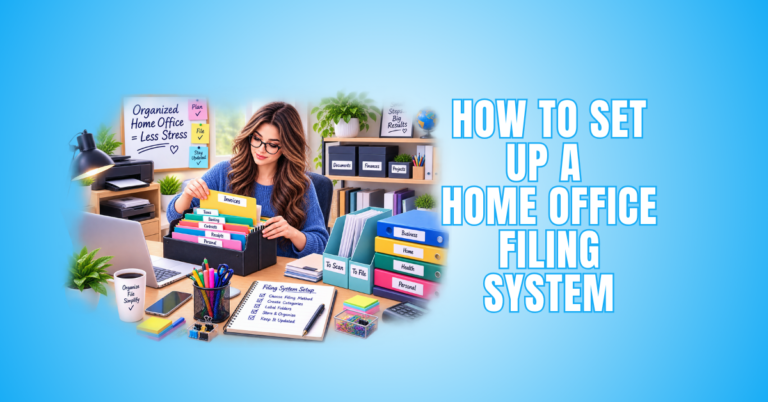
A built-in scanner also simplifies digital recordkeeping and reduces paperwork. Our home office filing system guide explains how to organize important documents efficiently.
Buying Tips
Consider an all-in-one printer that combines printing, scanning, and copying in one compact device. Look for reliable wireless connectivity, suitable print speeds, and automatic double-sided printing.
Compare ink or toner replacement costs, maintenance requirements, and scanning features. Our guide to small business printer-scanner-copiers offers additional options for more demanding workloads.
Pro Tip
Print only when necessary and save digital copies whenever possible. This reduces paper consumption, limits unnecessary printing expenses, and helps maintain an organized workspace.
Use consistent file names and clearly labelled digital folders so scanned documents remain easy to find when needed.
9. Notebook And Premium Pens
A notebook and quality pens remain useful home office essentials for brainstorming, planning, taking notes, and sketching ideas. They also help you record important information during meetings or creative sessions.
Keeping these simple supplies within reach makes it easier to capture thoughts, organize projects, and track daily responsibilities without opening another application.
Why It Matters
Despite the convenience of digital tools, writing by hand can encourage focused thinking and support memory retention. It also provides a quick way to record ideas before they’re forgotten.
A dedicated notebook makes it easier to organize priorities, outline strategies, and track progress. You can also use it alongside SMART goals for time management to plan achievable objectives.
Buying Tips
Choose a durable notebook with quality paper that prevents ink from bleeding through the pages. Spiral-bound notebooks lay flat for easy writing, while hardcover journals offer extra protection.
Select pens that write smoothly and feel comfortable during extended use. Consider ink quality, grip design, and whether you prefer ballpoint, gel, or rollerball pens.
Pro Tip
Keep one notebook for daily tasks and another for creative ideas, long-term planning, or meeting notes. Separating these subjects makes important information easier to locate.
Review your notes regularly and transfer essential deadlines or appointments to your digital calendar. This helps keep handwritten plans connected to your daily schedule.
Wealthy Affiliate – Mini Review
If you’ve ever thought about turning your blog, passion, or niche into an online business,
Wealthy Affiliate (WA) is one of the most beginner-friendly platforms I’ve used.
It combines step-by-step training, website hosting, AI-powered tools,
keyword research, and an active community all in one place.
What I like most is that you can start for free (no credit card needed), explore the platform,
test the tools, and connect with other entrepreneurs before upgrading.
WA isn’t a “get rich quick” scheme — success comes from consistent effort
and applying what you learn over time.
10. Desk Lamp
A desk lamp provides focused lighting for reading documents, writing, and completing detailed tasks. It keeps your workspace comfortably illuminated, even when natural light is limited.
The right lamp also adds warmth and character to your office. Explore our home office lighting ideas for inspiration on creating a brighter, more inviting workspace.
Why It Matters
Proper lighting supports comfort, visibility, and productivity throughout the workday. A well-positioned desk lamp helps reduce glare and makes reading or working on detailed projects easier.
Whether you’re reviewing paperwork or working late into the evening, consistent lighting makes your workspace more comfortable. It also complements your room’s general lighting and colour scheme. Explore our guide to the best colours for your home office for additional design inspiration.
Buying Tips
Choose an energy-efficient LED desk lamp with adjustable brightness and colour temperature. Flexible arms or rotating heads allow you to direct light exactly where it’s needed.
Consider touch controls, automatic dimming, and USB charging ports for additional convenience. Our guide to the best home office lighting options can help you compare suitable choices.
Pro Tip
Position your desk lamp opposite your dominant writing hand to minimize shadows on your work. For example, right-handed people generally benefit from placing the lamp on the left.
Adjust the brightness to complement surrounding light rather than creating excessive contrast. This simple change can make your desk more comfortable during extended work sessions.
11. Desk Organizer
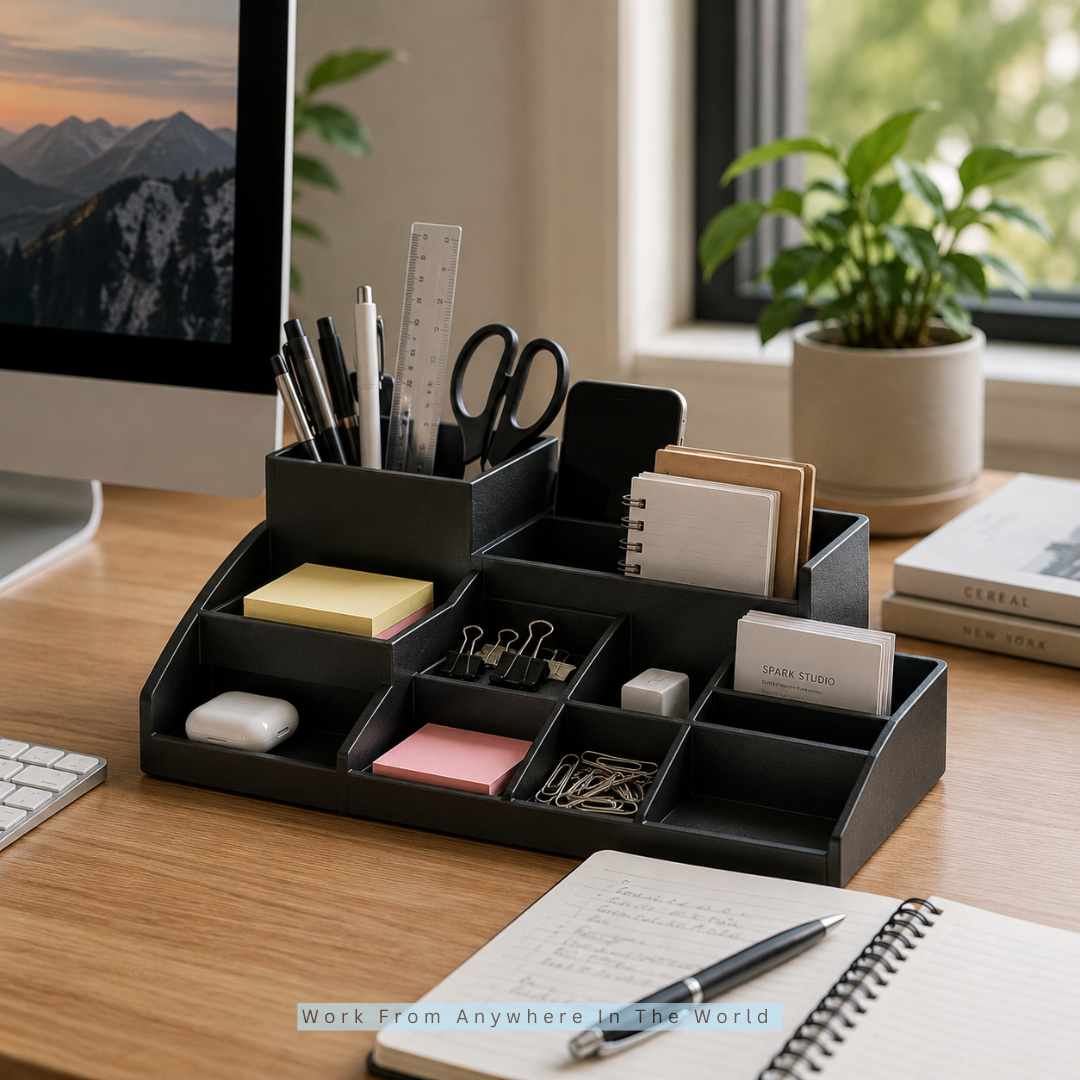
A desk organizer keeps frequently used office supplies neatly arranged and within easy reach. It provides dedicated spaces for pens, sticky notes, paper clips, chargers, business cards, and other essentials.
Choosing a practical organizer helps prevent unnecessary clutter while making your workspace more functional and visually appealing.
Why It Matters
An organized desk supports a smoother, more efficient workflow. Instead of searching for small items throughout the day, you can quickly find what you need and concentrate on your tasks.
A clutter-free workspace can also create a calmer, more professional environment. Keeping essential supplies organized saves time and makes daily responsibilities easier to manage.
Buying Tips
Choose an organizer with compartments that accommodate the supplies you use most frequently. Durable materials such as bamboo, metal, or quality plastic provide practical options for everyday use.
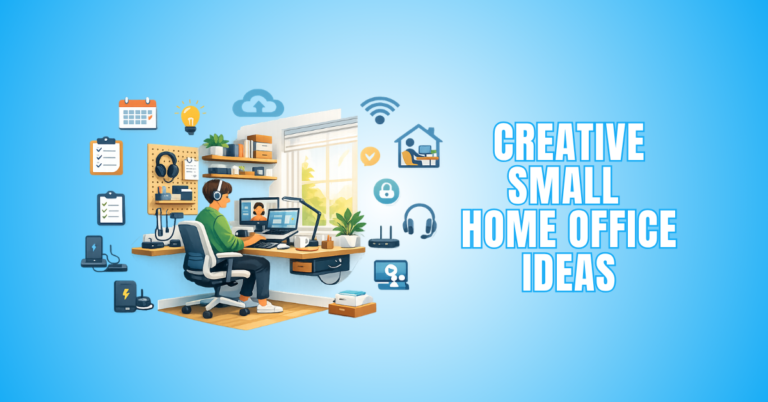
Compact designs are ideal for smaller desks, while modular organizers offer greater flexibility. Consider available desk space, storage capacity, and ease of cleaning. Our creative small home office ideas offer additional inspiration for maximizing storage without overcrowding your workspace.
Pro Tip
Review your desk organizer every few weeks and remove items you no longer use. Keeping only frequently needed supplies nearby helps prevent clutter from gradually returning.
Store less frequently used items in drawers or cabinets. This simple habit keeps your desk tidy without sacrificing convenient access to important supplies.
Frequently Asked Questions
Q1: How Can I Build A Home Office On A Budget?
Start with the essentials you use every day and upgrade gradually as your needs grow. A comfortable chair and dependable computer often provide greater long-term value than unnecessary accessories.
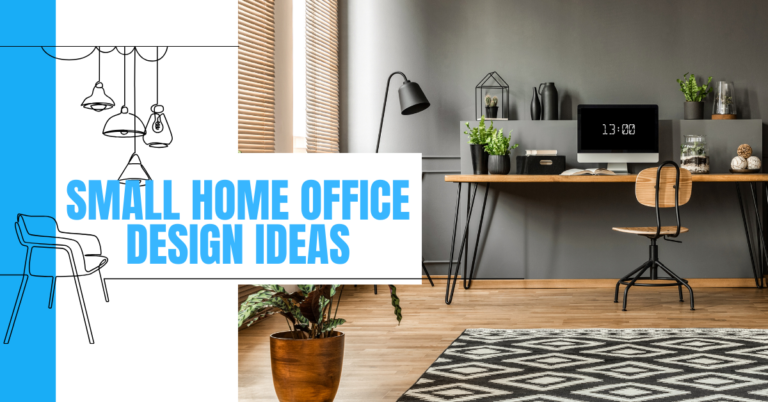
Our small home office design ideas can help you make better use of limited space. Simple changes to furniture placement, lighting, and storage can create a functional workspace without major renovations.
Q2: Is An Ergonomic Chair Really Worth Buying?
An ergonomic chair can improve comfort during long work sessions. Adjustable features help you find a comfortable sitting position and support different body types.
Choose a chair that accommodates your height, posture, and daily activities. Remember to change positions and take regular movement breaks, since even supportive seating cannot replace physical activity.
Q3: Should I Choose A Laptop Or A Desktop Computer?
The best choice depends on your work style. A laptop offers portability and flexibility, while a desktop may provide easier upgrades and stronger performance for certain tasks.
Consider your workspace, software requirements, and whether you regularly work away from your desk. A desktop may suit a permanent office, while a laptop provides flexibility for remote professionals.
Q4: Why Is Cable Management Important In A Home Office?
Organized cables create a cleaner workspace, reduce clutter, and make devices easier to access. Keeping cords secured and away from walkways also helps prevent tripping hazards.
Cable clips, sleeves, and under-desk trays provide practical ways to organize connections. Clearly labelled cables also make it easier to identify devices when cleaning, troubleshooting, or rearranging your workspace.
Q5: What Office Supplies Improve Productivity The Most?
A dependable computer, comfortable chair, suitable lighting, and practical organizers can make daily tasks easier. The most useful supplies depend on your particular responsibilities.
Consider adding an external monitor if you regularly work with multiple applications. Noise-cancelling headphones may also help you concentrate when household activities or surrounding noise become distracting.
Q6: How Often Should I Upgrade My Home Office Equipment?
Upgrade equipment when it no longer supports your work efficiently or when your requirements change. Prioritize reliability, comfort, and useful improvements rather than replacing everything regularly.
Routine cleaning, maintenance, and software updates can extend the useful life of your equipment. Periodically evaluate individual items to determine whether repairs, adjustments, or replacements would improve your workspace.
Q7: How Do I Keep My Home Office Organized Every Day?
Give supplies dedicated storage spaces, organize documents regularly, and remove unnecessary items from your desk. A few minutes of tidying each day can prevent clutter from accumulating.
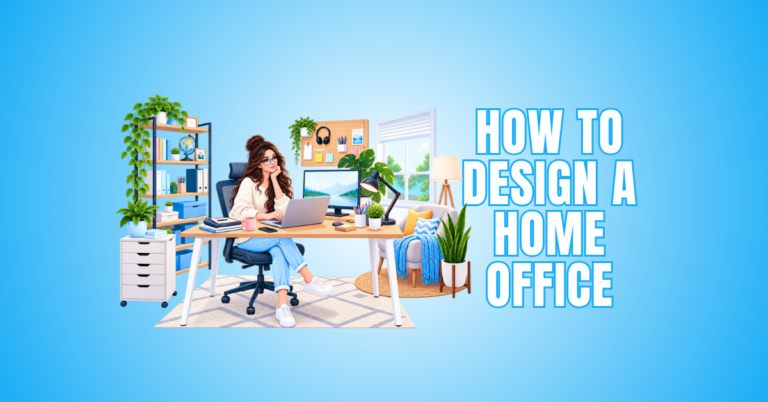
For additional inspiration, explore our guide on how to design a home office. Thoughtful furniture placement, practical storage, and consistent organizational habits help maintain a comfortable, productive workspace.
Conclusion
A productive home office doesn’t happen overnight, and you don’t need to purchase everything at once. The best workspaces develop gradually, with each improvement making daily tasks more comfortable and efficient.
By following this Home Office Supplies List, you can select practical equipment, furniture, and accessories that match your budget, goals, and working style. Thoughtful choices help you create a comfortable, organized workspace that supports focus and long-term productivity.
Whether you’re starting from scratch or upgrading an existing office, remember that small improvements can make a meaningful difference. Choose what works for you and build a workspace you’ll enjoy using every day.
I trust you enjoyed this guide to the Essential Home Office Supplies List: 11 Must-Haves. Please stay tuned for more helpful articles about remote work, online business, and building a successful work-from-home lifestyle.
Take care!
— JeannetteZ 🌍✨
💬 Your Opinion Is Important To Me
Do you have thoughts, ideas, or questions? I’d love to hear from you. Please leave your comments below or email me directly at Jeannette@WorkFromAnywhereInTheWorld.com.
📚 More Work From Anywhere Reads
🚀 Ready to Build a Business You Can Run from Home
Or from Anywhere in the World?
Imagine earning income on your terms — from home, a cozy café, or wherever life takes you.
With the right tools, training, and community support, it’s entirely possible.
Start your own online business for free — no credit card needed.
Disclosure
This post may contain affiliate links. As an Amazon Associate and participant in other affiliate programs, I earn from qualifying purchases at no extra cost to you. Please read my full affiliate disclosure.