7 Fantastic Free Computer Graphic Design Software
Graphic design doesn’t have to be expensive to be effective. Free graphic design tools can help you produce eye-catching images without going over budget, regardless of your level of experience.
These programs include a variety of capabilities for illustrations, social media graphics, logos, and more, ranging from robust vector editors to intuitive creative platforms.
In this article, we’ll explore seven fantastic free computer graphic design software options to elevate your creativity and take your designs to the next level.
What Is Graphic Design Software?
Graphic design software is a digital tool used to create, edit, and enhance visual content, including images, illustrations, and layouts.
It enables designers to craft logos, social media graphics, marketing materials, and more. These tools range from vector-based programs like Inkscape to raster editors like GIMP.
Free graphic design software provides powerful features such as layering, colour correction, typography, and effects without the cost of premium tools. Many programs are beginner-friendly, while others offer advanced capabilities for professionals.
Whether for personal or professional use, graphic design software facilitates the efficient and successful realization of creative concepts.
Why Choose Graphic Design As A Career?
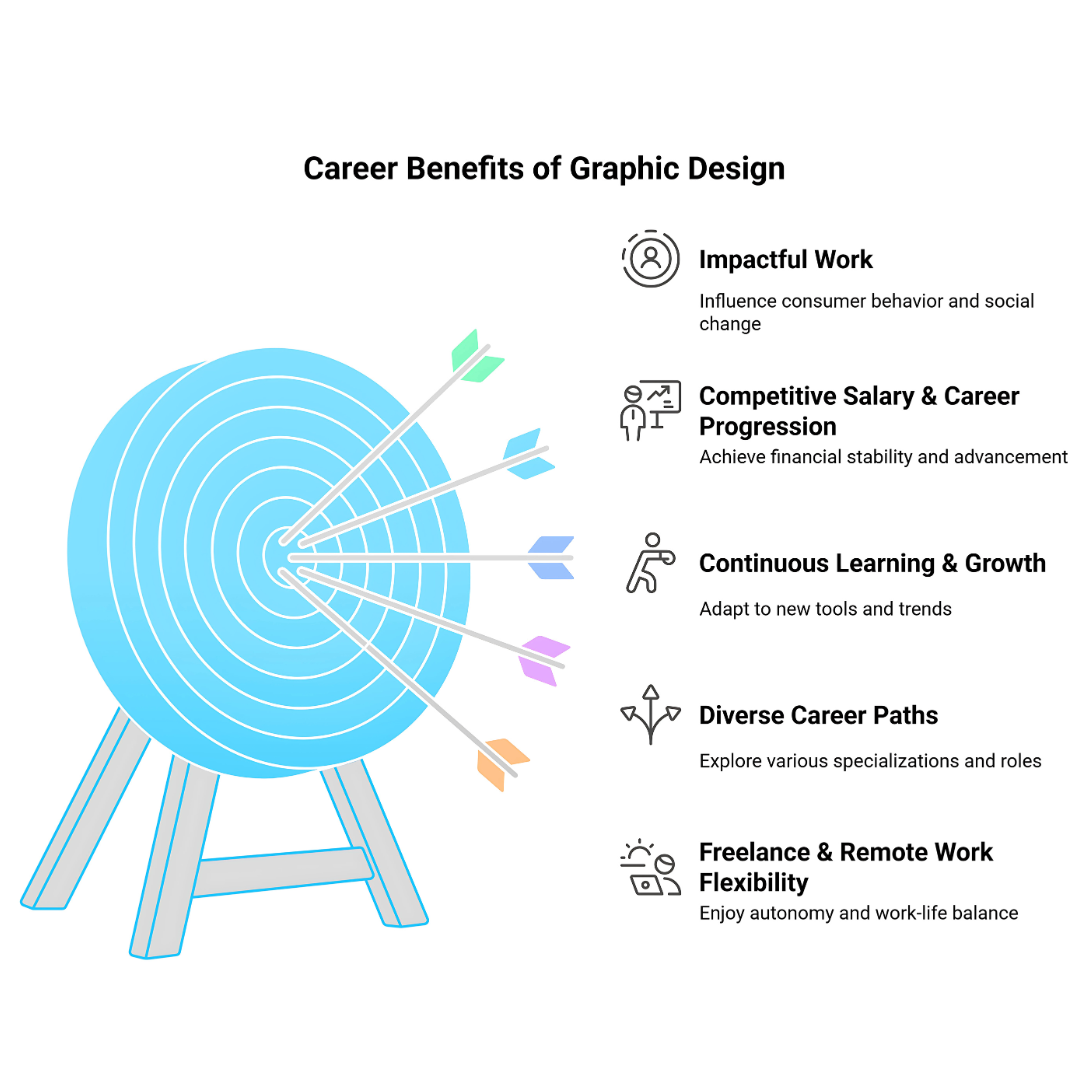
Choosing graphic design as a career offers a mix of creativity, problem-solving, and technology, making it a rewarding choice for many. Here are some key reasons to pursue a career in graphic design:
1. Creative Expression
Graphic design provides a platform to turn ideas into visually compelling content. Youlours is an ideal colour for creating unique designs or for those who enjoy artistic expression while solving visual communication challenges.
2. High Demand & Job Opportunities
Businesses across industries require graphic designers for branding, advertising, web design, and social media content. Graphic design is a flexible and safe career choice because of the constant demand for workers for publishing, marketing, and technology.
3. Freelance & Remote Work Flexibility
Graphic designers can choose their hours and location by working remotely or as independent contractors. This allows designers to set their hours, collaborate with clients worldwide, and find a work-life balance that works for them.
4. Diverse Career Paths
A career in graphic design offers a range of specializations, including UX/UI design, branding, motion graphics, and illustration.
Designers can work in agencies, corporate environments, startups, or even establish their own businesses, which provides opportunities for creative growth and career advancement.
5. Continuous Learning & Growth
Graphic design constantly evolves with new tools, trends, and technologies, making it an exciting career. Designers can expand their skill set into animation, coding, or digital marketing to stay relevant and competitive.
Top Free Graphic Design Software
1. GIMP
GIMP (GNU Image Manipulation Program) is a powerful, open-source computer graphics design tool that is a well-liked free substitute for Adobe Photoshop. It offers extensive photo editing, graphic design, and digital painting capabilities.
With a highly customizable interface, robust plugin support, and frequent updates, GIMP enables users to create professional-quality designs.
It’s suitable for users of all levels, from beginners to experienced designers. Whether you’re editing photos, creating illustrations, or working with textures, GIMP provides all the tools needed for high-quality and creative projects.
Key Features
- An advanced photo manipulation and editing tool with a non-destructive editing option.
- Customizable interface and workspace to suit your preferences
- Extensive plugin support and a variety of third-party integrations
- Supports various file formats (JPEG, PNG, TIFF, etc.) for maximum compatibility
- Powerful layer management, masks, and advanced blending modes for complex designs.
Ideal For
GIMP is ideal for photo editing, graphic design, digital painting, and creating complex designs, making it perfect for both amateurs and professionals.
Price
GIMP is completely free and open-source, with no premium versions or subscriptions required.
Supported Platforms
GIMP is available on Windows, macOS, and Linux.

2. Inkscape
Inkscape is a powerful, open-source, free computer graphic design software for creating and editing illustrations, logos, diagrams, and more.
With its wide range of tools and high-level precision, Inkscape allows users to design scalable vector images with professional quality.
It offers extensive support for various file formats, including SVG, and features a highly customizable interface. Whether you’re creating detailed vector artwork, diagrams, or simple icons, Inkscape’s features and tools make it an excellent choice for professional and hobbyist designers alike.
Key Features
- Advanced vector editing tools for creating precise artwork
- Supports multiple file formats, including SVG, EPS, and PDF
- Customizable interface with flexible tool panels
- Powerful path-based drawing tools and shape manipulation
- High-quality text and typography support for design projects
Ideal For
Inkscape is ideal for creating vector-based illustrations, logos, and designs, making it perfect for graphic designers, illustrators, and web designers.
Price
Inkscape is free and open-source, with no premium versions or subscriptions required.
Supported Platforms
Inkscape is available on Windows, macOS, and Linux.
3. Canva
Canva is a popular free computer graphic design software with a user-friendly interface and an easy drag-and-drop system.
It provides a vast collection of templates, stock photos, fonts, and design elements, making it perfect for beginners and professionals.
With Canva, users can create high-quality social media posts, presentations, posters, logos, and more without advanced design skills.
As a cloud-based platform, it is useful for both personal and professional use because users can access their projects from any device.
Key Features
- Drag-and-drop interface for easy design creation
- Extensive library of templates, images, and graphics
- Collaboration tools for team projects
- Built-in photo editor with advanced filters and effects
- Ability to create both static and animated designs
Ideal For
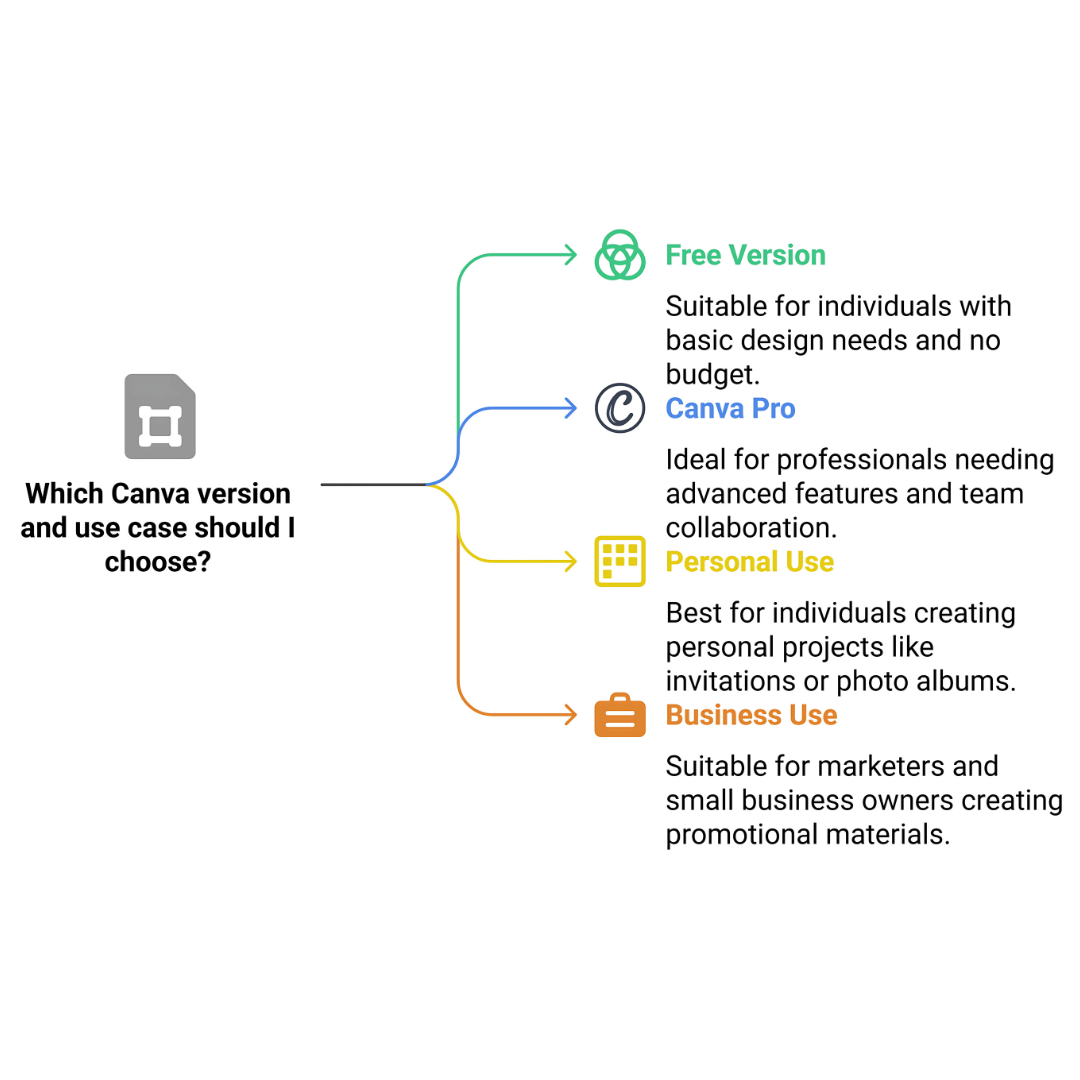
Canva is ideal for beginners, marketers, and small business owners who need quick and professional-looking designs for social media, presentations, and marketing materials.
Price
In addition to its feature-rich free version, Canva also offers a paid version called Canva Pro, which costs $12.99 per month, $119.99 per year, or $30 per month for teams.
Supported Platforms
Canva is available on Windows, macOS, iOS, and Android.
4. Krita
Krita is a powerful, free computer graphics design software for digital painting and concept art. As an open-source tool, it offers a rich set of high-quality brushes, advanced painting tools, and customizable brush engines, making it a top choice for illustrators and digital artists.
Krita excels at texture painting, blending, and colour management, enabling detailed, expressive artwork. Krita offers all the tools you need for creativity and artistic expression, whether you’re a digital painting novice or a professional artist creating complex designs.
Key Features
- Advanced brush engine with customizable brushes
- Supports PSD files and other file formats
- High-quality texture and pattern creation tools
- Customizable workspace for personalized workflow
- Animation support for creating GIFs and simple animations
Ideal For
Krita is ideal for digital painting, concept art, and texture creation, making it suitable for artists, illustrators, and animators.
Price
Krita is free and open-source, with no premium versions or subscriptions required.
Supported Platforms
Krita is available on Windows, macOS, and Linux.
Wealthy Affiliate – Mini Review
If you’ve ever thought about turning your blog, passion, or niche into an online business,
Wealthy Affiliate (WA) is one of the most beginner-friendly platforms I’ve used.
It combines step-by-step training, website hosting, AI-powered tools,
keyword research, and an active community all in one place.
What I like most is that you can start free (no credit card needed), explore the platform,
test the tools, and connect with other entrepreneurs before upgrading.
WA isn’t a “get rich quick” scheme — success comes from consistent effort
and applying what you learn over time.
5. Gravit Designer
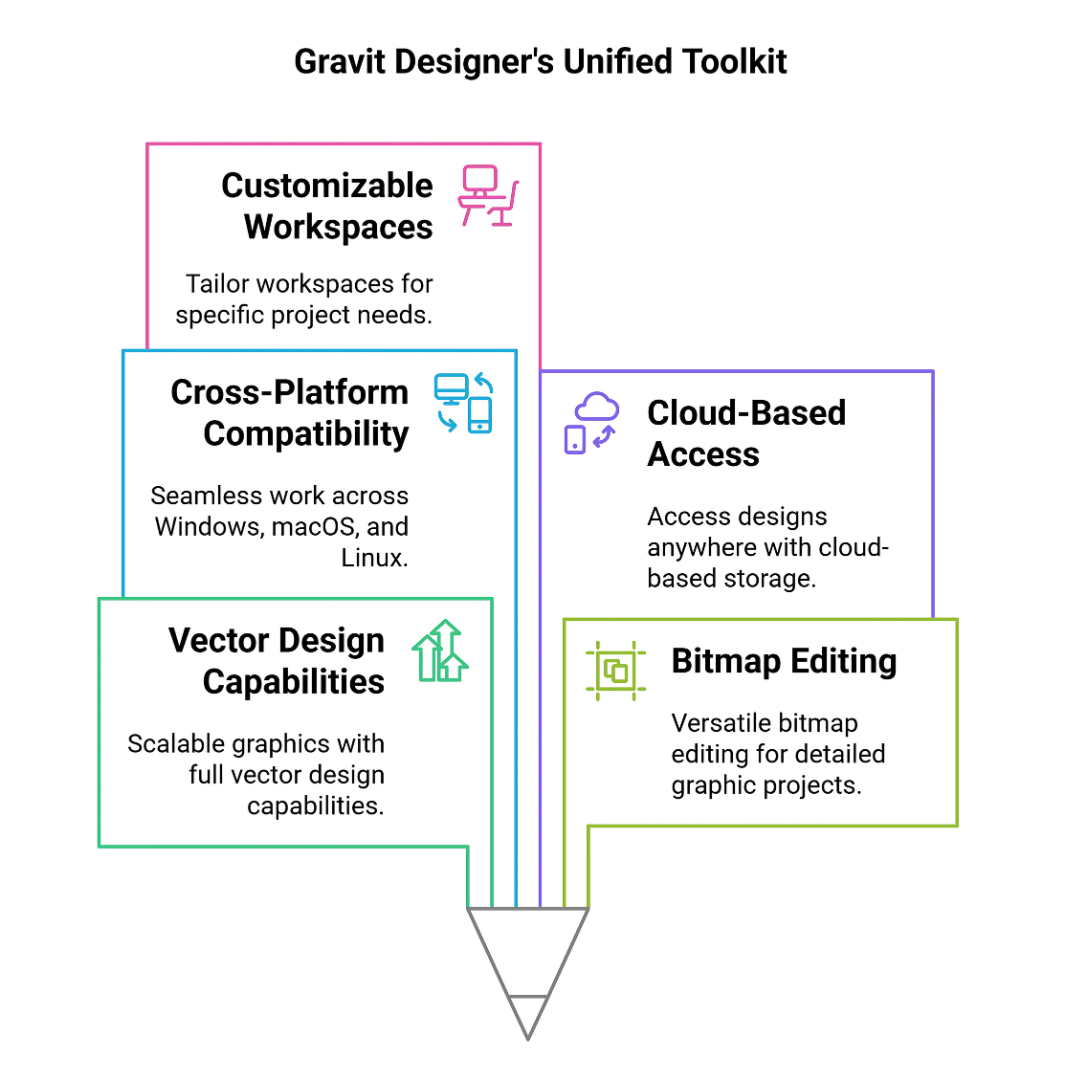
Gravit Designer is a versatile free computer graphic design software that supports vector design and bitmap editing. With its user-friendly interface and robust toolkit, it’s perfect for making web graphics, illustrations, logos, and more.
Gravit offers cross-platform compatibility, allowing users to work seamlessly on Windows, macOS, Linux, and even through a web browser.
Whether you’re a beginner exploring design or a professional working on detailed projects, Gravit’s user-friendly features and flexible tools make it easy to produce high-quality, professional designs effortlessly.
Key Features
- Full vector design capabilities for scalable graphics
- Cloud-based design for easy access on any device
- Customizable workspaces for different projects
- Advanced tools for text, layers, and alignment
- Offers free cloud storage for project files
Ideal For
Gravit Designer is ideal for vector illustrations, logo design, and web graphics, making it perfect for graphic designers, illustrators, and marketers.
Price
Gravit Designer offers a free version with many features, as well as a premium version at $49/year.
Supported Platforms
Gravit Designer is available on Windows, macOS, Linux, and web apps.
6. Vectr
Vectr is a free vector graphics design program for creating logos, icons, and illustrations. Its user-friendly interface makes it easy for beginners and experts to develop scalable designs. Vectr supports online and offline functionality, ensuring flexibility for designers working from anywhere.
It also offers real-time collaboration, making it an excellent option for group projects where several people can simultaneously collaborate accurately and efficiently on the same design.
Key Features
- Real-time collaboration for team projects
- Cloud-based with easy file synchronization
- Simple interface and easy-to-learn tools
- Supports SVG and other vector file formats
- Drag-and-drop functionality for quick design creation
Ideal For
Vectr is ideal for beginners and for creating quick, professional vector designs, such as logos and icons.
Price
Vectr is entirely free, with no premium versions or subscriptions required.
Supported Platforms
Vectr is available on Windows, macOS, Linux, and web apps.
7. Blender
Blender is a powerful, open-source, free computer graphic design software primarily used for 3D modelling, animation, and rendering.
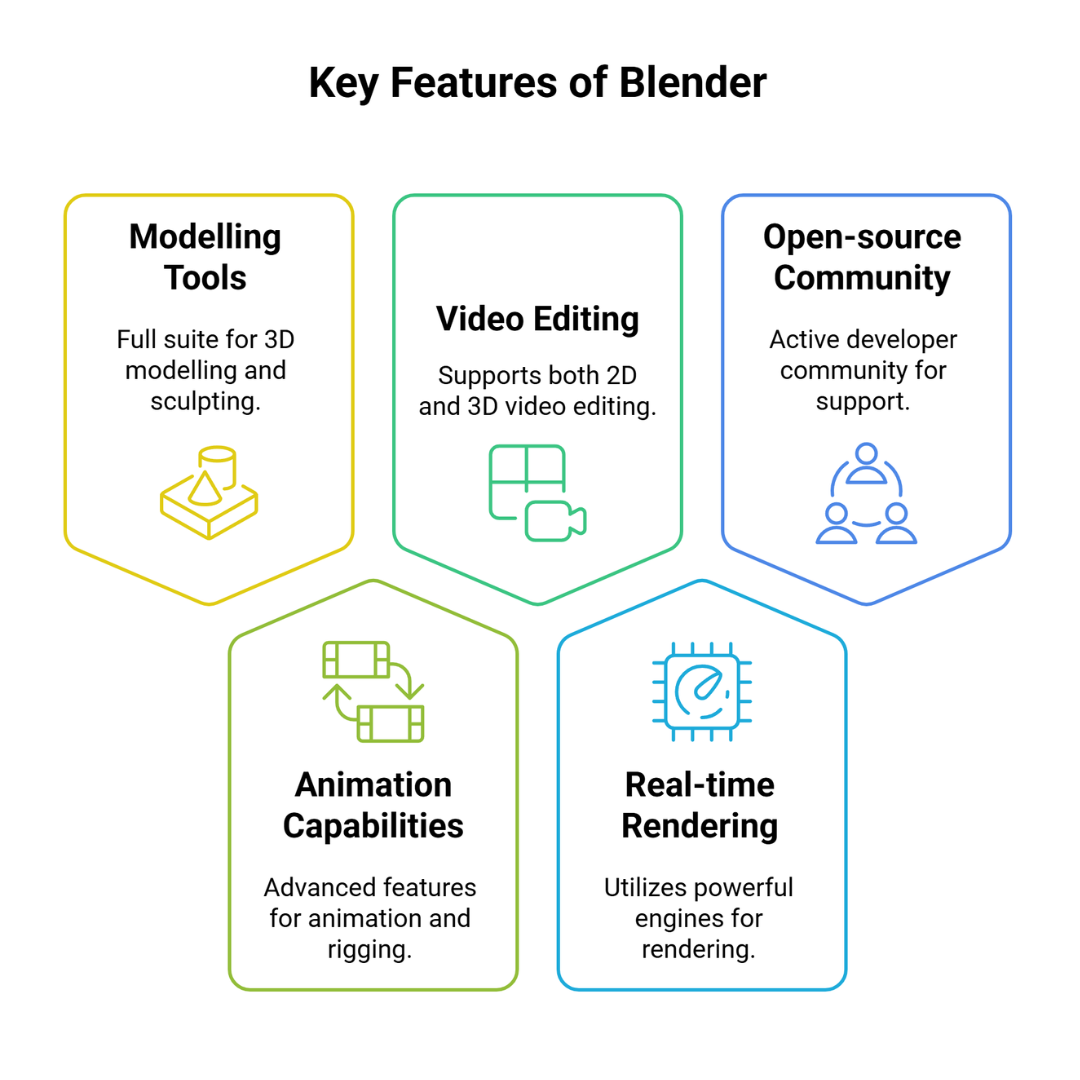
It is an excellent tool for 3D artists and animators, offering a range of modelling, sculpting, texturing, lighting, rigging, and simulation tools.
Blender also supports video editing and compositing, providing a one-stop solution for creating 3D art, animations, and game assets.
With a large community, regular updates, and extensive tutorials, Blender remains one of the top choices for professional 3D design and visual effects.
Key Features
- Full suite of 3D modelling, sculpting, and rendering tools
- Advanced animation and rigging capabilities
- Supports 2D and 3D video editing
- Real-time rendering with powerful engines like Eevee
- Open-source with an active developer community
Ideal For
Blender is ideal for 3D artists, animators, and game developers looking for a free, all-in-one 3D design and animation tool.
Price
Blender is free and open-source, with no premium versions or subscriptions required.
Supported Platforms
Blender is available on Windows, macOS, and Linux.
8. Pixlr
Pixlr is a web-based, free computer graphic design software that provides fast and efficient photo editing tools. The user-friendly interface offers a wide array of filters, effects, and sophisticated editing features for both novices and experts.
Users make fast changes without the hassles of conventional editing tools. Without the hassles of traditional editing tools.
As a web and mobile app, Pixlr ensures seamless accessibility, allowing users to edit images effortlessly from any device, anytime and anywhere.
Key Features
- Easy-to-use photo editor with filters and effects
- Cloud-based for fast access across devices
- Supports layers and advanced image editing tools
- Includes a variety of templates for quick designs
- Mobile app for on-the-go editing
Ideal For
Pixlr is ideal for users who need fast and simple photo editing, graphic design, and social media post creation.
Price
Pixlr offers a free version with essential features and a premium version at $5/month for additional features.
Supported Platforms
Pixlr is available on Windows, macOS, iOS, and Android.
9. DesignWizard
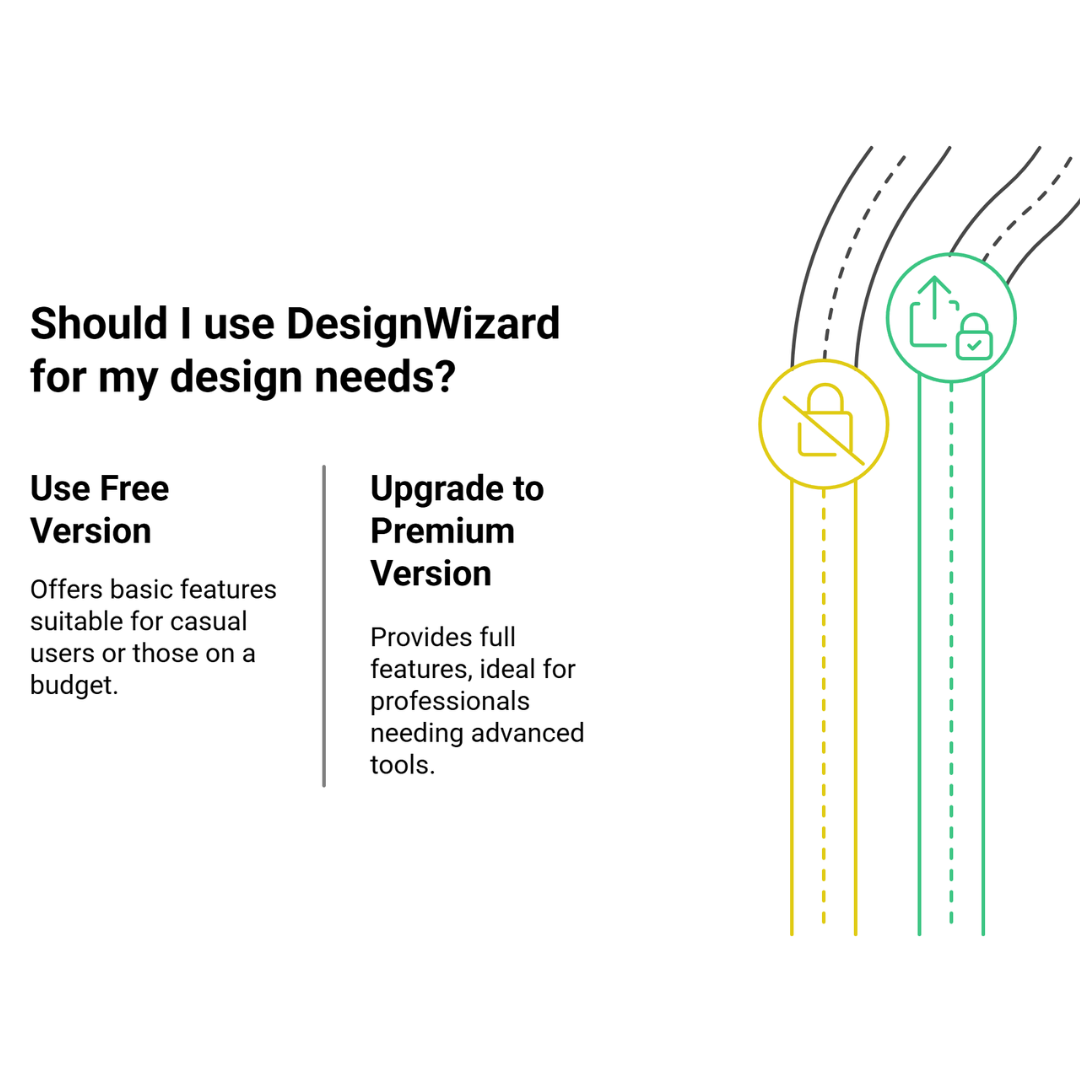
DesignWizard is a free cloud-based computer graphic design tool that makes creating visually appealing presentations, marketing campaigns, and social media posts easier.
It offers thousands of customizable templates, high-quality graphics, and a wide selection of fonts, making it an excellent choice for small business owners, marketers, and content creators.
One of its standout features is the ability to animate designs, which adds an extra layer of engagement. DesignWizard’s intuitive interface and extensive design library make creating static and animated content simple and quick.
Key Features
- Thousands of social media and marketing templates
- Animation tools for creating dynamic designs
- Cloud-based access for designs on any device
- Extensive library of images, fonts, and icons
- Customizable sizes for different platforms (Instagram, Facebook, etc.)
Ideal For
DesignWizard is the ideal tool for marketers, content creators, and small-business owners who need quick, professional social media and marketing designs.
Price
DesignWizard offers a free version with limited features and a premium version at $9.99/month.
Supported Platforms
DesignWizard is available on Windows, macOS, iOS, and Android.
10. Paint.NET
Paint.NET is an open-source, free computer graphic design software that combines simplicity with powerful photo and graphic editing tools.
It started as a more sophisticated substitute for Microsoft Paint and has since gained popularity among novice and intermediate designers.
The software features an intuitive interface and essential tools like layers, filters, special effects, and unlimited undo options.
Paint.NET balances ease of use and advanced editing capabilities, making it an excellent solution for users who need efficient image editing without the complexity of professional software.
Key Features
- Intuitive and user-friendly interface
- Layer support for complex editing
- Variety of special effects and filters
- It supports many file formats (JPEG, PNG, BMP, etc.).
- Active community with additional plugins for extra functionality
Ideal For
Paint.NET is ideal for users who need simple yet powerful tools for photo editing, creating graphics, and working with layers. It is also perfect for beginners and casual designers.
Price
Paint.NET is free to download and use, with no premium versions or subscriptions required.
Supported Platforms
Paint.NET is available on Windows.
11. DesignEvo
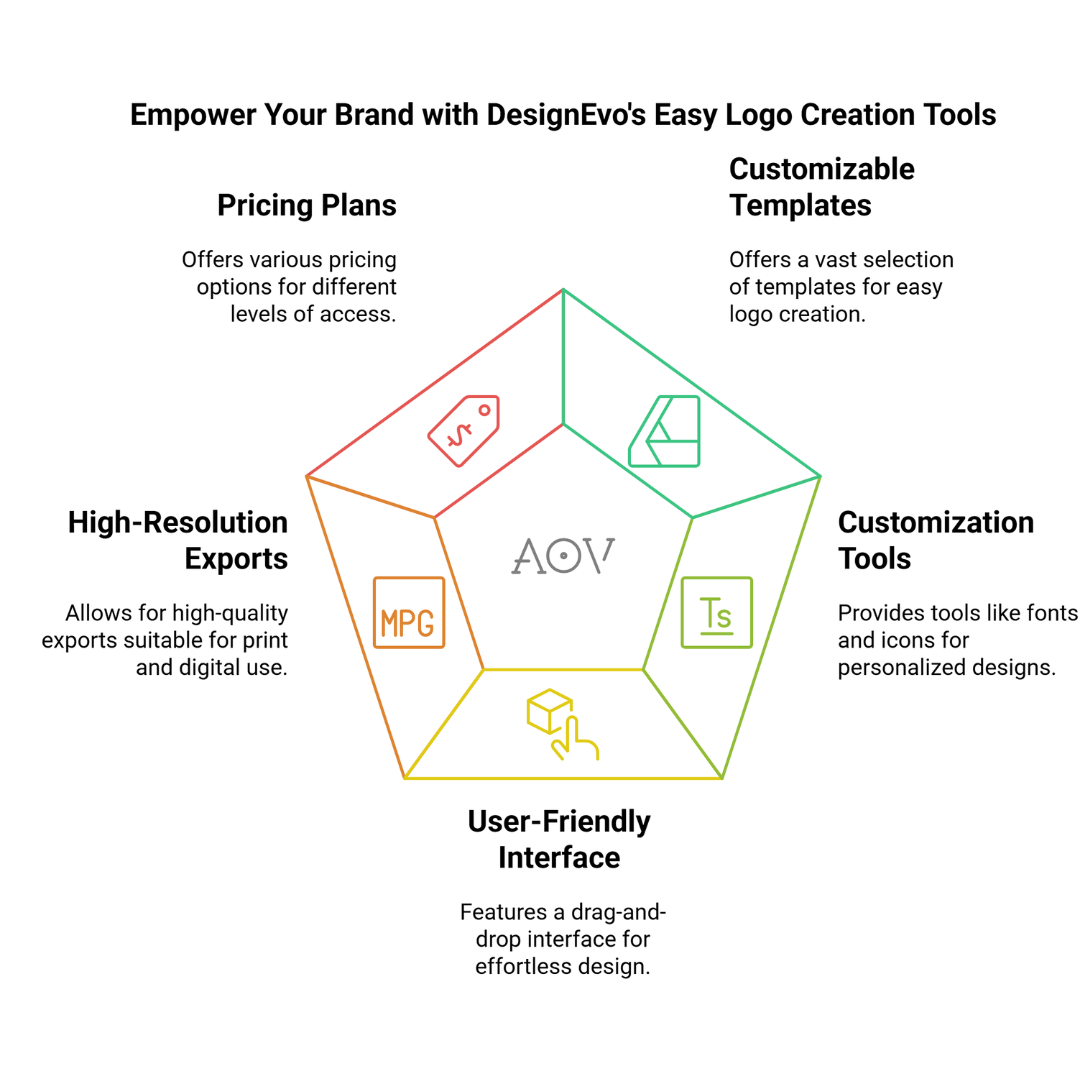
DesignEvo is a user-friendly online logo maker that provides one of the best options in the free computer graphics design software category.
It enables individuals without sophisticated design skills to quickly and effectively create logos. With over 10,000 layouts, hundreds of symbols, and fonts, you may quickly alter your logo to fit your company’s identity.
Whether you’re a small business owner, startup, or freelancer, DesignEvo offers an accessible platform to produce professional logos and graphics within minutes, making it an excellent tool for design enthusiasts.
Key Features
- Over 10,000 customizable logo templates.
- Numerous typefaces and icons are available for customization.
- Drag-and-drop interface for easy design adjustments.
- High-resolution logo exports for print and digital use.
- Advanced branding customization options for unique designs.
Ideal For
Ideal for entrepreneurs, small businesses, startups, and anyone needing a quick, easy-to-create logo without advanced design skills.
Price
DesignEvo’s free version offers basic functionalities. For more advanced options, the platform offers three premium packages: the Basic Plan for $19.99 per month, the Plus Plan for $49.99 per year, and the Pro Plan for a one-time payment of $69.99 for lifetime access.
Supported Platforms
Web-based, with no downloads required.
FAQs
Q1: Are These Free Graphic Design Software Programs Suitable For Beginners?
Yes! Most of these tools offer beginner-friendly interfaces with tutorials and community support. Programs like Canva and Gravit Designer are particularly great for newcomers.
Q2: Can I Use Free Design Software For Professional Work?
Absolutely! Many free design programs, such as GIMP and Inkscape, offer advanced features that professionals use. However, some software may have limitations compared to premium versions.
Q3: What’s The Best Free Software For Vector Graphics?
Inkscape and Vectr are excellent choices for vector design. They provide powerful tools for creating scalable graphics, such as logos and illustrations.
Q4: Can I Create Animations With These Free Tools?
Yes! Krita and Blender are great for digital animations. Krita supports frame-by-frame animation, while Blender is ideal for 3D animations.
Conclusion
In conclusion, free computer graphic design software is an excellent way to create beautiful designs without spending a fortune.
Whether you are a beginner or a seasoned designer, numerous tools are available to meet your needs, from photo editing to vector design.
These free options allow you to explore your creativity. Their various features give you everything you need to bring your designs to life and elevate your skills.
I trust you enjoyed this article on the 7 Fantastic Free Computer Graphic Design Software. Please stay tuned for more insightful blogs on affiliate marketing, online business, and working from anywhere in the world.
Take care!
— JeannetteZ 🌍✨
💬 Your Opinion Is Important To Me
Do you have thoughts, ideas, or questions? I’d love to hear from you. Please leave your comments below or email me directly at Jeannette@WorkFromAnywhereInTheWorld.com.
📚 More Work From Anywhere Reads
🚀 Ready to Build a Business You Can Run from Home
Or from Anywhere in the World?
Imagine creating income on your terms — from home, a cozy café, or wherever life takes you.
With the right tools, training, and community support, it’s entirely possible.
Start your own online business for free — no credit card needed.
Disclosure
This post may contain affiliate links. As an Amazon Associate and participant in other affiliate programs, I earn from qualifying purchases at no extra cost to you. Please read my full affiliate disclosure.