

Bluehost Review: 10 Impressive Hosting Features
Bluehost Review: Choosing a reliable hosting provider is an important step when launching a blog, business website, or online store. Bluehost is a familiar name in web hosting, offering website-building tools and WordPress-focused services in one place.
However, not every hosting provider suits every website. Features, performance requirements, technical support, and long-term costs can influence which service is the best fit.
This Bluehost Review explores the platform’s main features, benefits, limitations, and hosting options. It will help you understand what Bluehost offers and whether its services match your website goals.
What Is Bluehost?
Bluehost is a web hosting provider that helps individuals and businesses create and publish websites. Its services include shared hosting, WordPress hosting, eCommerce hosting, and website management tools.
Customers can register a domain, connect it to a hosting account, install WordPress, and manage essential website settings. These services bring several important website management tasks together.
Bluehost is particularly well known for its WordPress hosting services. Depending on the selected plan, users may have access to managed updates, website-building tools, staging environments, caching, and security features.
The platform may appeal to beginners who appreciate guided setup instructions. Bloggers and small business owners may also benefit from having hosting and website management tools available through one provider.
However, hosting alone does not determine website performance. Themes, plugins, image optimization, caching, and website design can all influence loading speeds and the visitor experience.
Before choosing Bluehost, consider your expected traffic, technical experience, budget, and website requirements. Comparing these factors will help you determine whether its hosting services suit your project.
Features Of Bluehost
Bluehost offers hosting and website management features designed to simplify launching and maintaining an online presence. Its WordPress tools, guided setup, domain services, and security options can be particularly useful for beginners.
The following features explain how Bluehost supports website creation, everyday management, and the transition from another hosting provider.
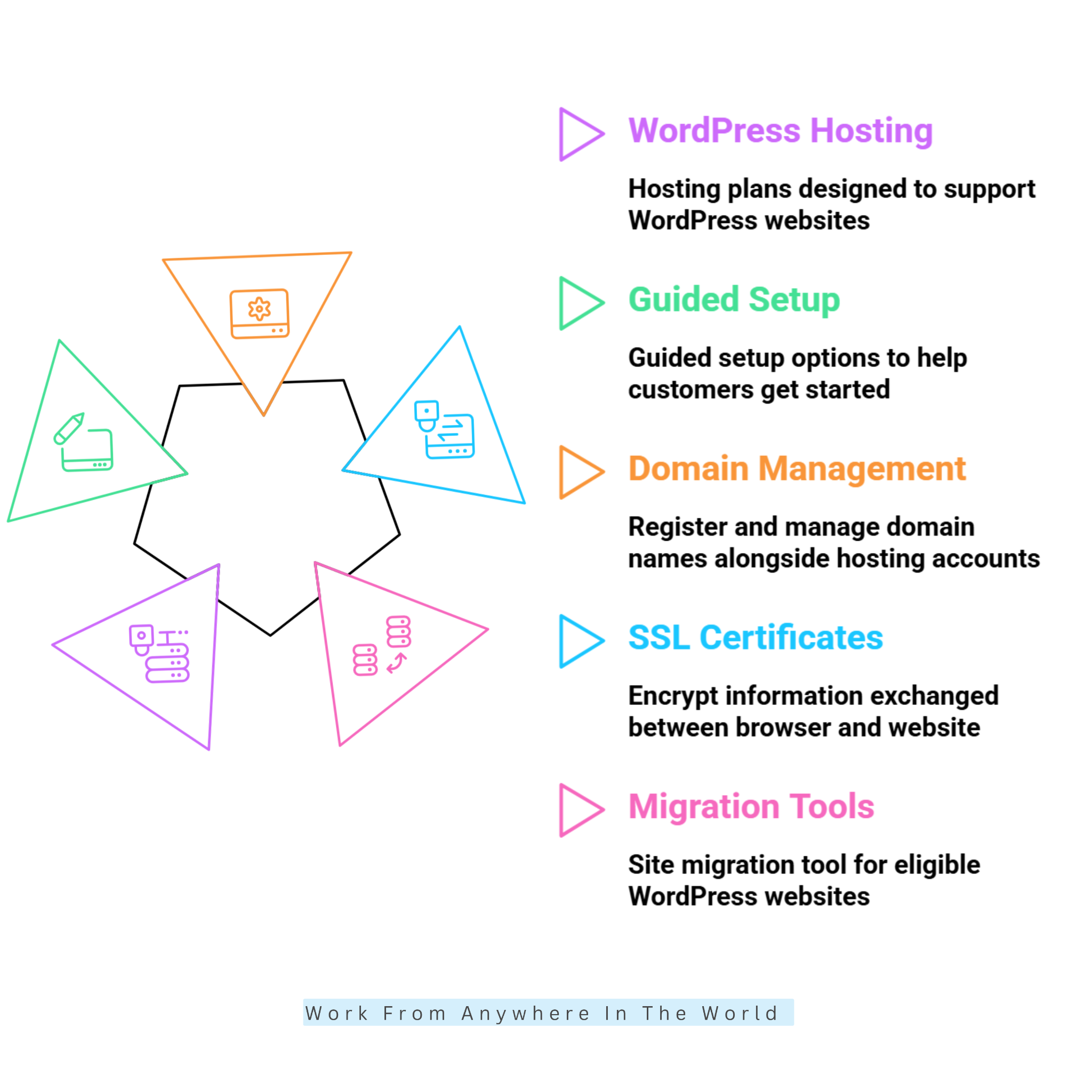
1. WordPress-Focused Hosting
Bluehost provides hosting plans designed specifically for WordPress websites. These combine hosting services with tools that can simplify website setup and ongoing maintenance.
Depending on the plan, users may have access to managed updates, staging environments, caching, and WordPress support. These features can help bloggers and business owners manage their websites without handling every technical detail themselves.
However, managed WordPress hosting differs from standard hosting in several ways. Our guide to WordPress vs Managed WordPress explains these differences and helps website owners compare their options.
Before selecting a Bluehost plan, review its included features alongside your existing plugins and website requirements. This can help you avoid paying for unnecessary services.
2. Guided Website Setup
Launching a website involves several steps, including connecting a domain, choosing a design, and configuring essential settings. Bluehost provides guided setup tools to make this process more manageable.
Its WordPress AI Builder can help users create an initial website structure and design based on their preferences. This provides a starting point that can be customized to suit individual requirements.
Beginners who want to understand the platform more thoroughly can also follow our WordPress tutorial for beginners. It explains important steps involved in building and managing a WordPress website.
Although automated tools can save time, generated layouts and content still require review. Check that your website reflects your branding, communicates clearly, and provides a comfortable visitor experience.
3. Domain Registration And Management
Bluehost allows customers to register and manage domain names alongside their hosting services. Keeping these services together can simplify website setup and account administration.
Eligible hosting plans may include a domain registration offer for the first year. However, availability depends on the selected plan, promotional conditions, and supported domain extensions.
Choosing a suitable domain is an important early decision. Our guide to the best domain name generators explores tools that can help entrepreneurs develop memorable website names.
Before registering, review renewal conditions and confirm that your preferred domain extension is available. Domain registration and hosting are separate services, even when purchased together.
4. SSL Certificates
An SSL certificate helps encrypt information exchanged between a website and its visitors. Bluehost includes SSL certificates with eligible hosting services, allowing websites to establish secure connections.
HTTPS helps protect information during transmission and provides visitors with a recognizable secure connection. However, an SSL certificate does not protect against every website security threat.
Website owners must also keep software updated, use strong passwords, and restrict administrative access. Regular backups and careful plugin management provide additional protection.
After activating SSL, verify that your website loads correctly through HTTPS. Check that important pages, images, and forms work properly and that visitors are redirected from HTTP addresses.
5. Website Migration Tools
Moving an established website to a new hosting provider involves transferring files, databases, and configuration settings. Bluehost provides migration options for eligible WordPress websites to help simplify this process.
Migration requirements depend on the website’s structure, existing hosting environment, and available tools. Some transfers may require additional configuration or technical assistance.
Before moving a live website, create an independent backup and review the transfer requirements. Our website migration checklist covers important preparations and checks to consider during the process.
After migration, test essential pages, contact forms, images, internal links, and checkout functionality where applicable. Confirm that everything works correctly before considering the transfer complete.
6. Caching And Content Delivery
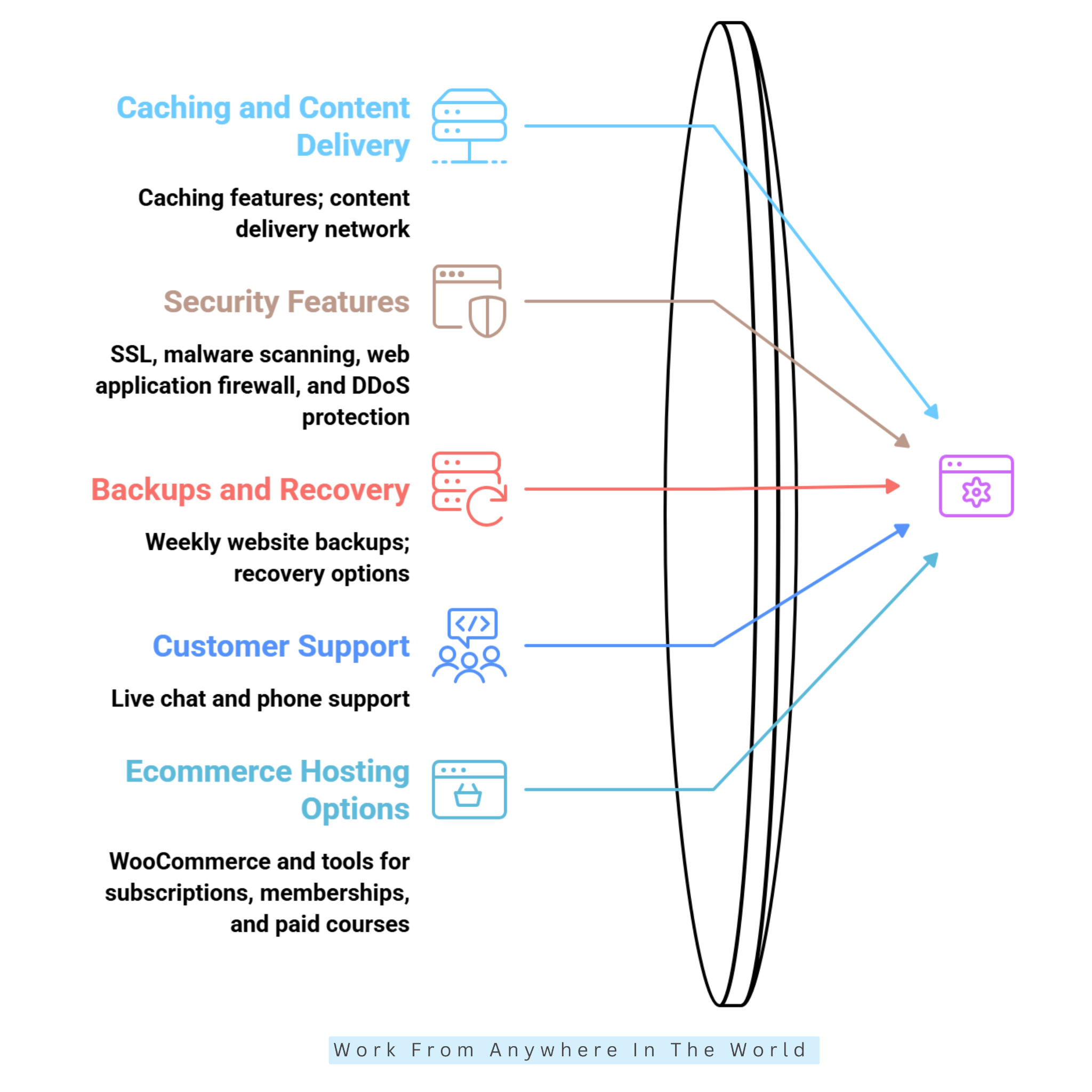
Caching helps websites load more efficiently by storing reusable content and reducing repeated server processing. Bluehost includes caching features in its WordPress hosting environment to support website performance.
Eligible plans may also provide access to a content delivery network (CDN). A CDN distributes website files across multiple servers, allowing visitors to access certain content from locations closer to them.
These features can benefit image-heavy blogs, online stores, and websites attracting international visitors. Our guide to improving your website speed explores additional ways to improve loading times and website performance.
Website owners should also optimize images, choose efficient themes, and remove unnecessary plugins. Combining these practices with appropriate caching can create a smoother browsing experience.
7. Security Features
Bluehost offers several security features designed to help protect hosted websites. Depending on the selected plan, these may include SSL certificates, malware scanning, a web application firewall, and DDoS protection.
A web application firewall (WAF) helps filter potentially harmful website traffic. DDoS protection helps reduce disruptions caused by attacks that overwhelm online services with excessive requests.
However, security features and malware removal services may vary between hosting plans. Businesses should review the available protections before choosing a subscription.
Website owners also play an important role in maintaining security. Our Wordfence Security Plugin Review explores additional protection options for WordPress websites.
Keep WordPress, themes, and plugins updated, use strong passwords, and limit administrative access to trusted users. Websites that collect customer information or process payments may require additional safeguards.
Wealthy Affiliate – Mini Review
If you’ve ever thought about turning your blog, passion, or niche into an online business,
Wealthy Affiliate (WA) is one of the most beginner-friendly platforms I’ve used.
It combines step-by-step training, website hosting, AI-powered tools,
keyword research, and an active community all in one place.
What I like most is that you can start for free (no credit card needed), explore the platform,
test the tools, and connect with other entrepreneurs before upgrading.
WA isn’t a “get rich quick” scheme — success comes from consistent effort
and applying what you learn over time.
8. Backups And Recovery
Website backups help restore important data after accidental changes, failed updates, or technical problems. Bluehost advertises weekly backups with its WordPress hosting plans, but you should confirm backup frequency and recovery options for each plan.
A useful backup should contain the files and database information needed to restore your website. Understanding how to access and recover this information is just as important as creating the backup itself.
For additional protection, consider maintaining an independent backup outside your hosting account. This provides another recovery option if your website or hosting services become inaccessible.
Regularly review your backup settings and test the restoration process when practical. Knowing how recovery works can reduce disruption when unexpected problems occur.
9. Customer Support
Bluehost provides customer support through channels that may include live chat and telephone assistance. Availability depends on the hosting plan and the type of support required.
Support representatives can help with hosting setup, account access, server configurations, and other provider-related issues. However, assistance may be limited for third-party plugins, themes, or custom website applications.
Before contacting support, gather relevant information about the problem. Include error messages, affected pages, and any recent changes that may have contributed to the issue.
Clear descriptions help support teams investigate problems more efficiently. Keeping a record of troubleshooting steps can also make follow-up conversations easier.
10. eCommerce Hosting Options
Bluehost offers WordPress hosting options designed for businesses creating online stores. Its eCommerce-focused plans may include WooCommerce and tools for managing products, subscriptions, memberships, and paid courses.
WooCommerce allows businesses to build customizable online stores using WordPress. Our Ultimate WooCommerce Guide explains how the platform supports online selling and store management.
The right hosting plan depends on your product catalogue, payment requirements, expected traffic, and preferred extensions. Some advanced store features may require additional services or plugins.
Before launching, review the hosting features, payment processing arrangements, and ongoing operating requirements. Hosting provides the technical foundation, but businesses remain responsible for inventory, customer service, and daily store management.
Building lasting customer relationships is equally important. Our guide to B2B customer retention strategies explores ways businesses can encourage repeat purchases and strengthen customer loyalty.
Pros Of Bluehost
Bluehost offers several advantages for beginners, bloggers, and small businesses looking for a convenient way to manage their websites. Its guided setup, WordPress tools, and range of hosting options can simplify common website management tasks.
The following benefits explain where Bluehost may provide the most value and what website owners should consider before choosing a plan.
1. Beginner-Friendly Setup
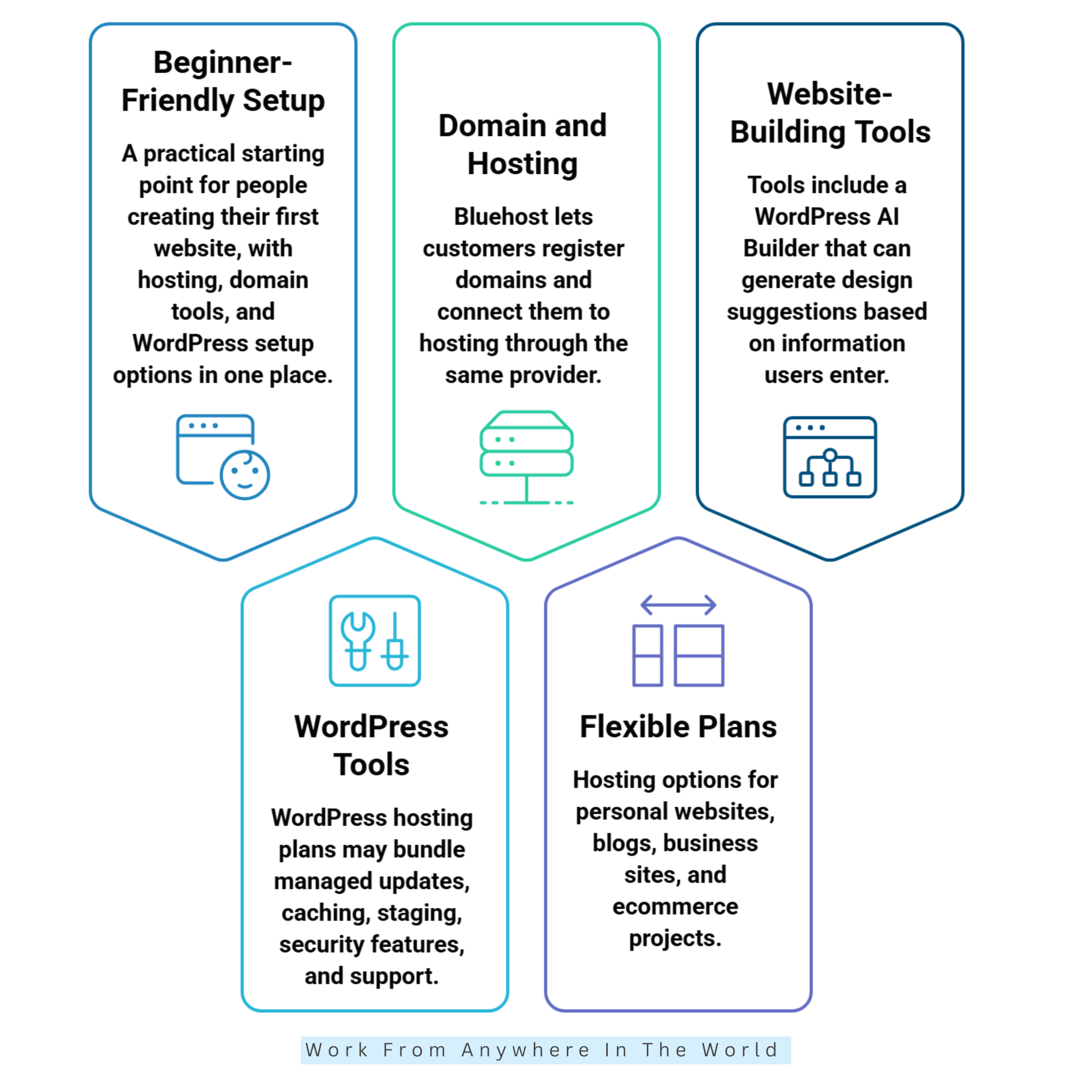
Bluehost can be a practical starting point for people creating their first website. Its hosting services, domain management tools, and WordPress setup options are available through one provider.
Guided setup instructions can reduce the technical decisions beginners face when launching a website. This lets bloggers and small business owners focus on creating content and presenting their services.
For example, a new blogger can focus on organizing articles and creating essential pages instead of configuring every hosting component independently. Our article on powerful reasons to start a blog explores the opportunities blogging can offer.
Although basic website maintenance still requires attention, Bluehost’s integrated setup tools can make the initial process more manageable.
2. WordPress Tools In One Place
Bluehost brings several WordPress management tools together within its hosting environment. Depending on the plan, these may include managed updates, caching, staging, security features, and technical support.
Having these tools available through one provider can simplify routine maintenance. Website owners may spend less time configuring separate services or navigating multiple management platforms.
For example, a publisher can use a staging environment to test website changes before applying them to a live WordPress installation.
However, some features may overlap with existing plugins. Compare the included tools with your current setup to determine whether they provide additional value.
3. Domain And Hosting Convenience
Managing domain registration and website hosting through the same provider can simplify account administration. Bluehost allows customers to register domains and connect them to hosting without arranging these services separately.
This convenience may appeal to beginners unfamiliar with domain name system settings. Keeping essential website services together can also make initial troubleshooting easier.
Eligible hosting plans may include a promotional domain registration offer. This can reduce initial expenses, although renewal charges and available domain extensions depend on the terms.
Before purchasing, review the registration conditions and renewal rates. Our guide to buying a domain forever provides additional information on domain ownership and registration.
4. Plans For Different Website Needs
Bluehost offers hosting options for personal websites, blogs, business websites, and eCommerce projects. Customers can compare packages based on storage, performance features, website allowances, and management tools.
This flexibility lets users choose hosting that matches their current needs. A small informational website may need fewer resources than a growing online store or content-heavy publication.
Entrepreneurs planning a professional online presence may find our guide on creating a business website helpful when considering their website requirements.
As a website expands, its hosting requirements may change. Reviewing plan limits and upgrade options early can help businesses prepare for future growth.
5. Helpful Website-Building Features
Bluehost provides website-building tools that can simplify the early stages of creating a WordPress website. Its WordPress AI Builder can generate initial layouts and design suggestions based on user preferences.
These tools may help bloggers and small businesses create a starting design without developing every page from scratch. WordPress customization options allow users to refine the layout afterward.
For example, a service-based business could generate an initial homepage structure and customize it with relevant information, images, and contact details.
However, automated designs still require thoughtful editing. Reviewing accessibility, mobile usability, branding, and content quality helps create a distinctive website that serves its visitors effectively.
Cons Of Bluehost
Bluehost provides convenient hosting services, but some limitations are worth considering before subscribing. Promotional pricing, plan restrictions, and technical requirements can affect its overall value.
Understanding these drawbacks helps website owners choose a hosting environment that matches their budget, experience, and long-term goals.
1. Promotional Pricing Can Be Misleading
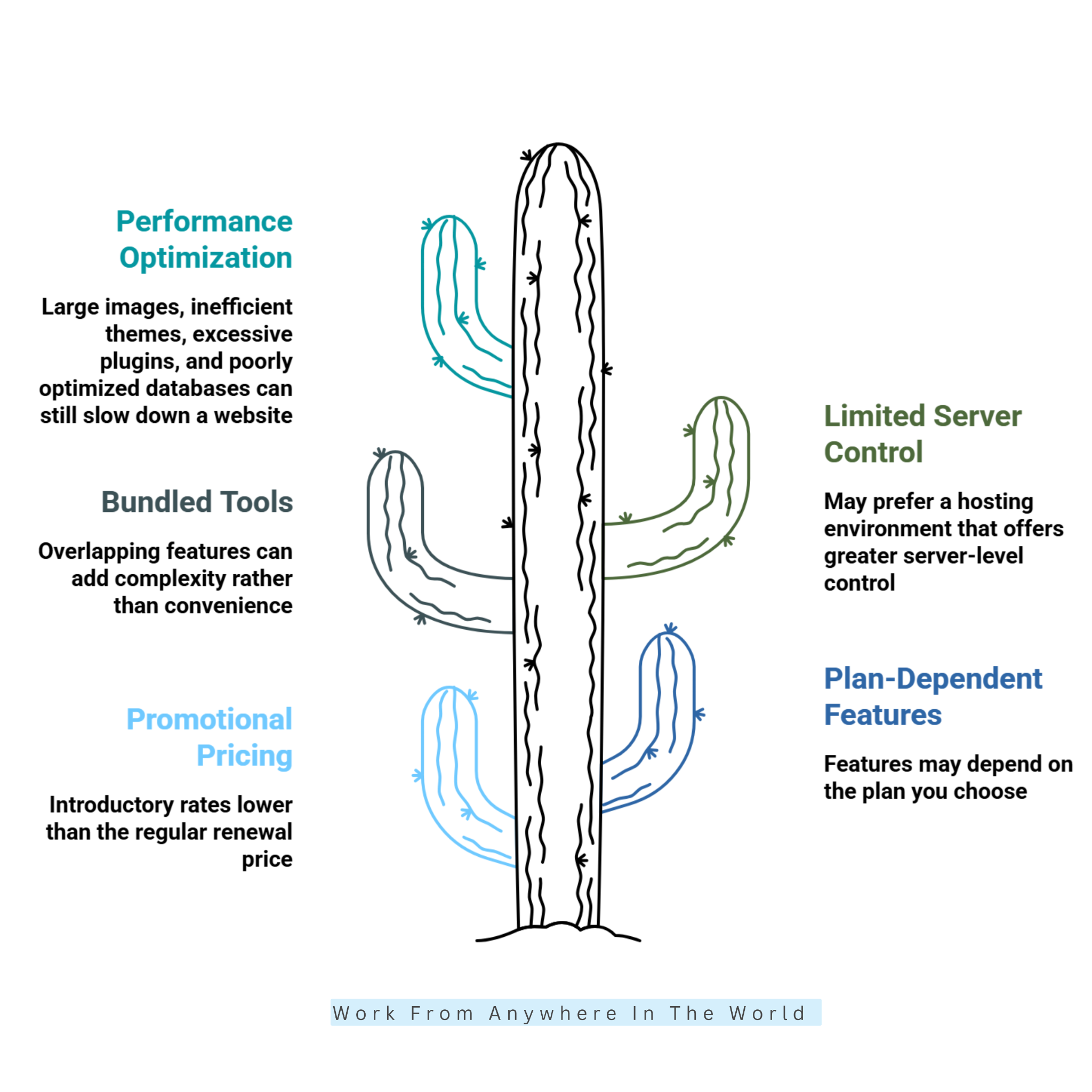
Bluehost often advertises introductory rates that are lower than its regular renewal prices. This can make a hosting package seem affordable at first, even though the cost may increase after the promotional period.
The total amount also depends on the billing term, selected package, taxes, and optional services. A longer subscription may offer a lower monthly equivalent while requiring a larger upfront payment.
Businesses comparing affordable hosting options can explore our guide to the 10 best low-cost web hosting services. It provides additional providers to consider before making a decision.
Before subscribing, compare the introductory payment, renewal charges, and total subscription cost. Understanding these differences can help you plan a realistic long-term hosting budget.
2. Some Features Depend On The Plan
Bluehost’s hosting packages do not necessarily include the same features. Phone support, malware protection, domain privacy, and eCommerce tools may vary depending on the selected subscription.
This can make direct comparisons difficult when customers focus primarily on advertised prices. A basic package may meet the needs of a personal blog but lack features required for a growing business website.
Identify your essential requirements before comparing hosting packages. Consider security, storage, technical assistance, and any specialized website functionality.
Choose a plan that supports your actual needs without paying for unnecessary services. Carefully reviewing the feature comparison can help prevent unexpected limitations.
3. Not Every Website Needs Its Bundled Tools
Bluehost combines several WordPress and website management features within its hosting packages. Although convenient, these services may overlap with tools that website owners already use.
For example, an experienced developer may prefer an independent staging environment. Another website owner might already have reliable backup, caching, and security plugins installed.
Overlapping tools can introduce unnecessary complexity or create compatibility concerns. Before choosing a package, compare Bluehost’s included services with your existing website setup.
Our guide to choosing a good web hosting provider explores important factors to consider when evaluating hosting services.
4. Advanced Users May Want More Control
Bluehost offers hosting solutions suitable for many WordPress websites. However, developers and businesses with specialized technical requirements may need greater control over their server environment.
Custom applications, unusual software dependencies, and complex deployment workflows can require specific configurations. A managed WordPress package may not offer the flexibility available through certain VPS or dedicated hosting environments.
For example, developers who require greater control over server resources may consider a virtual private server. Our guide to getting started with a Hostinger VPS explores another hosting approach.
Before choosing Bluehost, review its server access options, configuration limits, and supported technologies. Confirm that the selected hosting environment can accommodate your development requirements.
5. Hosting Alone Does Not Guarantee Performance
A hosting provider supplies server resources and performance tools, but these cannot automatically make every website fast. Large images, inefficient themes, excessive plugins, and poorly optimized databases can still affect loading times.
Traffic patterns and website code also influence performance. For example, an online store with oversized product images may load slowly even when its hosting environment includes caching.
Website owners should monitor loading speeds and maintain their websites regularly. Image optimization, efficient plugins, and appropriate caching can help improve the visitor experience.
Evaluate Bluehost alongside your website’s technical requirements and maintenance practices. Good hosting provides a foundation for performance, but ongoing optimization remains essential.
Bluehost Pricing And Plans
Bluehost offers several hosting plans designed for different website requirements and budgets. Pricing depends on the hosting service, selected package, billing period, and available promotions.
Introductory rates are often displayed as monthly equivalents, although customers may need to pay for a longer subscription upfront. Renewal charges can be higher, making it important to compare both initial and ongoing costs.
1. Starter Plan
The Starter plan is designed for individuals and beginners creating smaller websites. It provides essential hosting features and WordPress tools without the advanced capabilities included in higher-tier packages.
This option may suit personal blogs, portfolios, and simple informational websites. However, users should review storage allowances, website limits, and included security features before subscribing.
2. Business Plan
The Business plan offers additional resources and features for websites with more demanding requirements. Depending on the current package, these may include expanded storage, security tools, and website management capabilities.
Small businesses and growing blogs may benefit from the additional flexibility. Compare the available features with your expected traffic, content requirements, and maintenance needs.
3. eCommerce Essentials Plan
The eCommerce Essentials plan focuses on businesses building online stores with WordPress and WooCommerce. It may include tools for managing products, subscriptions, memberships, and paid courses.
These features can support businesses selling physical products, digital downloads, or online services. Our guide to the best tips to create a WooCommerce store provides practical advice for setting up and managing an online shop.
However, payment processing costs and certain advanced capabilities may require separate arrangements.
4. What To Check Before Choosing A Plan
When comparing Bluehost plans, consider storage, website allowances, backup arrangements, security features, and customer support. Domain renewal charges and optional services can also affect long-term expenses.
A promotional domain registration offer may apply only to eligible extensions and the first registration year. Review the terms carefully to understand future renewal obligations.
Because hosting prices and promotions change, visit the official Bluehost pricing page to compare current plans, renewal rates, and subscription conditions before purchasing.
Frequently Asked Questions
Q1: Is Bluehost Suitable For WordPress Websites?
Yes. Bluehost offers WordPress-focused hosting plans with features such as managed updates, caching, staging environments, and technical support. These tools can simplify website setup and ongoing maintenance.
However, available features vary between hosting packages. Review the current plan details to ensure the included services meet your WordPress requirements.
Q2: Does Bluehost Include A Free Domain?
Eligible Bluehost hosting plans may include a free domain registration for the first year. The offer depends on the selected package, promotional conditions, and supported domain extensions.
After the promotional period, the domain typically renews at the applicable registration rate. Check renewal charges and registration terms before purchasing.
Q3: Can I Use Bluehost For An Online Store?
Yes. Bluehost offers eCommerce-focused WordPress hosting plans that support WooCommerce. Depending on the package, users may access tools for selling products, subscriptions, memberships, and online courses.
Before choosing a plan, consider your product catalogue, expected traffic, payment requirements, and necessary extensions. Some advanced store features may involve additional costs.
Q4: Does Bluehost Offer A Money-Back Guarantee?
Bluehost advertises a 30-day money-back guarantee for eligible hosting purchases. This allows customers to request a refund within the specified period, subject to the provider’s conditions.
Domain registration fees and certain optional services may not be refundable. Review Bluehost’s current refund policy to understand the applicable terms and exclusions.
Q5: Can I Transfer My Existing Website To Bluehost?
Yes. Bluehost provides migration options for eligible WordPress websites. These tools can help transfer website files, databases, and settings from another hosting provider.
Migration requirements depend on your existing website and hosting environment. Create an independent backup and confirm the available migration assistance before starting the transfer.
Q6: Does Bluehost Provide Website Backups?
Yes. Bluehost advertises weekly website backups with its WordPress hosting plans. However, backup frequency, retention periods, and restoration options may vary by package.
Check the current backup conditions before subscribing. Maintaining an independent backup is also recommended to provide an additional recovery option.
Conclusion
Bluehost offers a convenient hosting solution for bloggers, small businesses, and entrepreneurs building an online presence. Its WordPress-focused services, guided setup, and website management tools can simplify launching and maintaining a website.
The range of hosting options also provides flexibility for different projects. Whether you’re creating a personal blog, business website, or online store, Bluehost offers features designed to support various requirements.
However, promotional pricing, renewal costs, and plan limitations deserve careful consideration. Some advanced features may require a higher-tier subscription, while others may overlap with tools you already use.
Before choosing Bluehost, compare its hosting packages with your website’s traffic, storage, security, and performance needs. Understanding these requirements can help you select a suitable plan without unnecessary expenses.
Overall, Bluehost is worth considering when its WordPress tools, hosting features, and customer support align with your budget and long-term website goals.
I trust you enjoyed this Bluehost Review: 10 Impressive Hosting Features. Please stay tuned for more insightful articles on affiliate marketing, website management, online business, and working from anywhere in the world.
Take care!
— JeannetteZ 🌍✨
💬 Your Opinion Is Important To Me
Do you have thoughts, ideas, or questions? I’d love to hear from you. Please leave your comments below or email me directly at Jeannette@WorkFromAnywhereInTheWorld.com.
📚 More Work From Anywhere Reads
🚀 Ready to Build a Business You Can Run from Home
Or from Anywhere in the World?
Imagine earning income on your terms — from home, a cozy café, or wherever life takes you.
With the right tools, training, and community support, it’s entirely possible.
Start your own online business for free — no credit card needed.
Disclosure
This post may contain affiliate links. As an Amazon Associate and participant in other affiliate programs, I earn from qualifying purchases at no extra cost to you. Please read my full affiliate disclosure.