27 Best eLearning Tools For Teachers, Trainers, And Students
eLearning Tools have transformed the way teachers, trainers, businesses, and students deliver and experience education. As online learning continues to grow, choosing the right tools can improve collaboration, increase engagement, simplify course management, and create more effective learning experiences.
Whether you’re teaching in a classroom, training employees, creating online courses, or studying remotely, there are eLearning solutions designed to meet a wide range of needs.
From virtual classrooms and learning management systems to content creation platforms and assessment tools, today’s technology makes it easier than ever to deliver high-quality education from anywhere.
This guide explores some of the best eLearning tools available today. You’ll discover their key features, benefits, and ideal use cases to help you select the right platform for your teaching, training, or learning goals.
What Are eLearning Tools
eLearning tools are digital applications and platforms that support online teaching, training, and learning. They help educators, trainers, businesses, and students create, deliver, manage, and access educational content from virtually anywhere.
These tools include learning management systems (LMS), virtual classroom software, content creation platforms, collaboration tools, assessment applications, and video conferencing solutions.
By making education more interactive, flexible, and accessible, eLearning tools have become an essential part of modern learning environments.
Best eLearning Tools By Category
eLearning tools are available in many forms, with each category serving a different purpose. Some are designed for live online classes, while others focus on course management, content creation, collaboration, assessments, or learner engagement.
Below are some of the best eLearning tools organized by category to help you find the right solution for your educational or training needs.
1. Virtual Classroom Tools
Virtual classroom tools create an immersive online environment where teachers and students can interact in real-time. These tools are essential for synchronous learning and collaborative discussions.
Zoom
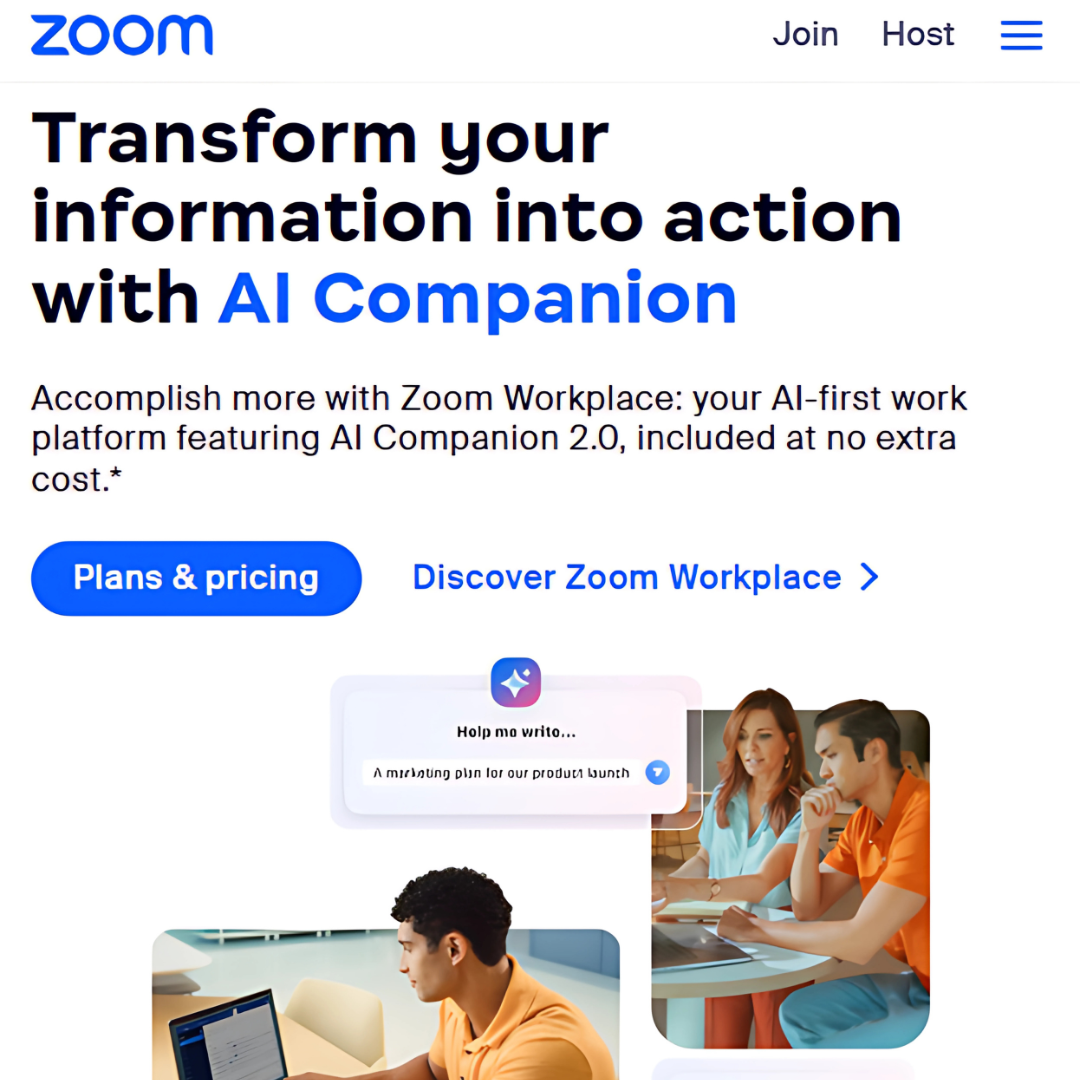
Zoom is a leading video conferencing platform widely used for online classes, virtual meetings, and webinars. It offers features such as breakout rooms, polling, screen sharing, and whiteboards, making it an excellent choice for both small group sessions and large-scale online learning.
Key Features Of Zoom
- HD Video and Audio Quality: HD video and audio quality provide clear visuals and sound for immersive learning experiences, enhancing engagement and communication.
- Screen Sharing and Annotation Tools: Facilitates live content sharing with interactive markup for practical demonstrations and collaboration.
- LMS Integration: Enables seamless scheduling, attendance tracking, and session recordings within eLearning systems.
Microsoft Teams
Microsoft Teams is ideal for corporate training and educational institutions. It offers seamless video conferencing, real-time collaboration, file sharing, task management, and integration with Office 365, enhancing productivity and communication across teams.
Key Features Of Microsoft Teams
- Integrated with Office 365: This feature offers seamless access to Word, Excel, PowerPoint, and OneDrive, streamlining workflows.
- Persistent Chat and Discussion Threads: Maintains ongoing conversations for easy reference and collaboration.
- Class Insights: Provides analytics to monitor student participation and progress.
Google Meet
Google Meet is one of the most reliable eLearning tools. It provides a secure and user-friendly platform for online learning, featuring video calls, screen sharing, and real-time collaboration, all integrated with Google Workspace.
Key Features Of Google Meet
- Real-time Captions: Automatically generate captions during sessions to enhance accessibility for diverse learners.
- Easy Integration with Google Classroom: Syncs effortlessly to streamline assignments and communication.
- No Additional Software Required: Operates directly in browsers, simplifying access and reducing setup hassles.
2. Learning Management Systems (LMS)
An LMS (Learning Management System) centralizes course creation, content delivery, and learner tracking. It also provides tools for assessments, progress monitoring, and reporting, helping educators efficiently manage and optimize the online learning experience.
Moodle
Moodle is a very configurable open-source learning management system. It is perfect for various learning needs, as it enables teachers to create customized course experiences and supports a wide range of learning activities, assessments, and multimedia.
Key Features Of Moodle
- Supports Multimedia Content: It allows graphics, videos, and interactive components to improve student engagement and accommodate different learning preferences.
- Comprehensive Assessment Tools: Offers quizzes, assignments, and feedback features for tracking progress.
- Mobile-Friendly Interface: Ensures smooth access and usability on smartphones and tablets for on-the-go learning.
Blackboard Learn
Blackboard Learn is a comprehensive LMS tailored for higher education and corporate training. It offers tools for course creation, assessments, communication, and analytics, enhancing collaboration and learning management in professional environments.
Key Features Of Blackboard Learn
- Advanced Analytics: Provides detailed insights into learner performance, engagement trends, and course effectiveness to inform improvements.
- Collaborative Tools Like Discussion Boards: Facilitate peer interaction and knowledge sharing, fostering a community-driven learning environment.
- Integration with Third-Party Applications: Supports seamless connection with external tools, enhancing functionality and customization options.
Canvas
Canvas is renowned for its intuitive interface, simplifying navigation for educators and students. It offers seamless integrations with third-party tools, robust analytics, and flexible course management features, enhancing the eLearning experience.
Key Features Of Canvas
- Intuitive Course Design Tools: These simplify content creation with drag-and-drop functionality and templates, empowering educators to design engaging courses effortlessly.
- Rich Multimedia Integration: Supports embedding videos, audio, animations, and interactive elements to create dynamic learning experiences.
- Mobile App for On-the-Go Learning: This app ensures seamless access to courses anytime, anywhere, enabling flexible and uninterrupted learning.
3. Content Creation Tools
eLearning tools enable educators to create interactive and engaging content, allowing them to design dynamic courses, integrate multimedia, develop quizzes, and incorporate gamification, thus fostering a compelling and immersive learning environment for students.
Articulate 360
Articulate 360 is a comprehensive suite of tools for creating professional-quality eLearning courses and interactive training content. It includes features for building presentations, quizzes, simulations, and assessments, making it a popular choice for educators, instructional designers, and corporate trainers.
Key Features Of Articulate 360
- Rapid Course Authoring with Storyline 360: Enables quick creation of interactive and engaging courses with a user-friendly interface.
- Pre-built Templates and Assets: Provides ready-to-use templates, characters, and assets to speed up course development.
- Supports SCORM and xAPI Standards: Ensures compatibility with various learning management systems to track and report learner progress.
Adobe Captivate
Adobe Captivate allows users to create responsive eLearning content tailored for any device. It supports simulations, interactive videos, quizzes, and virtual reality integration, making it a versatile tool for immersive learning experiences.
Key Features Of Adobe Captivate
- VR Content Creation: Allows the development of immersive virtual reality experiences for enhanced interactive learning.
- Integration with Other Adobe Products: It integrates seamlessly with tools such as Photoshop and Illustrator for advanced content creation and design.
- Fluid Box Layouts for Responsive Design: This feature automatically adjusts content for optimal viewing across devices, ensuring a smooth user experience.
Canva
Canva is a user-friendly design platform for crafting stunning presentations, infographics, and social media visuals. Its drag-and-drop interface, customizable templates, and collaborative features make content creation simple and efficient.
Key Features Of Canva
- Drag-and-Drop Interface: This interface simplifies course creation by allowing users to place elements like text, images, and videos without coding knowledge.
- Thousands of Templates: Offers various pre-designed templates for quick course development.
- Team Collaboration Features: Enables multiple users to collaborate on projects, fostering seamless collaboration and content development.
4. Assessment And Feedback Tools
Assessments and feedback are crucial for evaluating learning outcomes, identifying knowledge gaps, and refining course content. They provide actionable insights, foster continuous improvement, and ensure that educational objectives are effectively met.
Kahoot!
Kahoot! transforms learning into an engaging experience with gamified quizzes, polls, and surveys. Its interactive format encourages active participation, collaboration, and healthy competition, making it a favourite tool for educators and learners.
Key Features Of Kahoot!
- Customizable Quizzes: Offers flexible quiz creation with various question types and scoring options tailored to course objectives.
- Real-Time Leaderboard: Displays live rankings to motivate learners and encourage friendly competition.
- Compatibility with All Devices: Ensures smooth performance and accessibility across desktops, tablets, and smartphones for an optimal learning experience.
Quizizz
Quizizz is an eLearning tool that offers an engaging platform for creating interactive quizzes and flashcards. Its gamified approach, real-time feedback, and self-paced options enhance learner engagement and retention.
Key Features Of Quizizz
- Self-Paced Learning Mode: This mode offers flexibility and individualized learning experiences, allowing students to move through the material at their own pace.
- Gamification Elements: Incorporates game-like features such as points, badges, and challenges to boost engagement and motivation.
- Detailed Performance Analytics: Tracks learner progress and provides in-depth insights to help instructors identify areas for improvement.
Google Forms
Google Forms is a straightforward, free tool for creating surveys and quizzes. Its user-friendly interface, real-time response tracking, and seamless integration with Google Workspace make it versatile for educators and professionals.
Key Features Of Google Forms
- Automatic Data Collection in Google Sheets: Effortlessly transfers collected data into Google Sheets, ensuring real-time updates and easy access for analysis.
- Real-Time Response Tracking: Monitors and records responses instantly, providing up-to-the-minute insights on participant engagement.
- Integration with Other Google Workspace Tools: Enhances productivity by syncing with Gmail, Google Docs, and Drive, enabling seamless collaboration and document management.
5. Collaboration And Communication Tools
Collaboration and communication tools help learners and educators work together more effectively, whether in the classroom or remotely. They support teamwork, improve communication, and make it easier to share ideas, manage projects, and complete group activities in real time.
Slack
Slack is a leading communication platform that enables remote collaboration through organized channels and direct messaging. It integrates with numerous tools, supports file sharing, and provides features such as notifications and search to streamline teamwork.
Key Features Of Slack
- File Sharing and Integrations: This feature enables easy sharing of files and documents, as well as seamless integrations with other platforms for smooth collaboration.
- Video and Audio Calls: Supports high-quality video and audio calls for real-time communication and virtual meetings.
- Workflow Automation: Streamlines repetitive tasks by automating processes, improving efficiency and reducing manual effort.
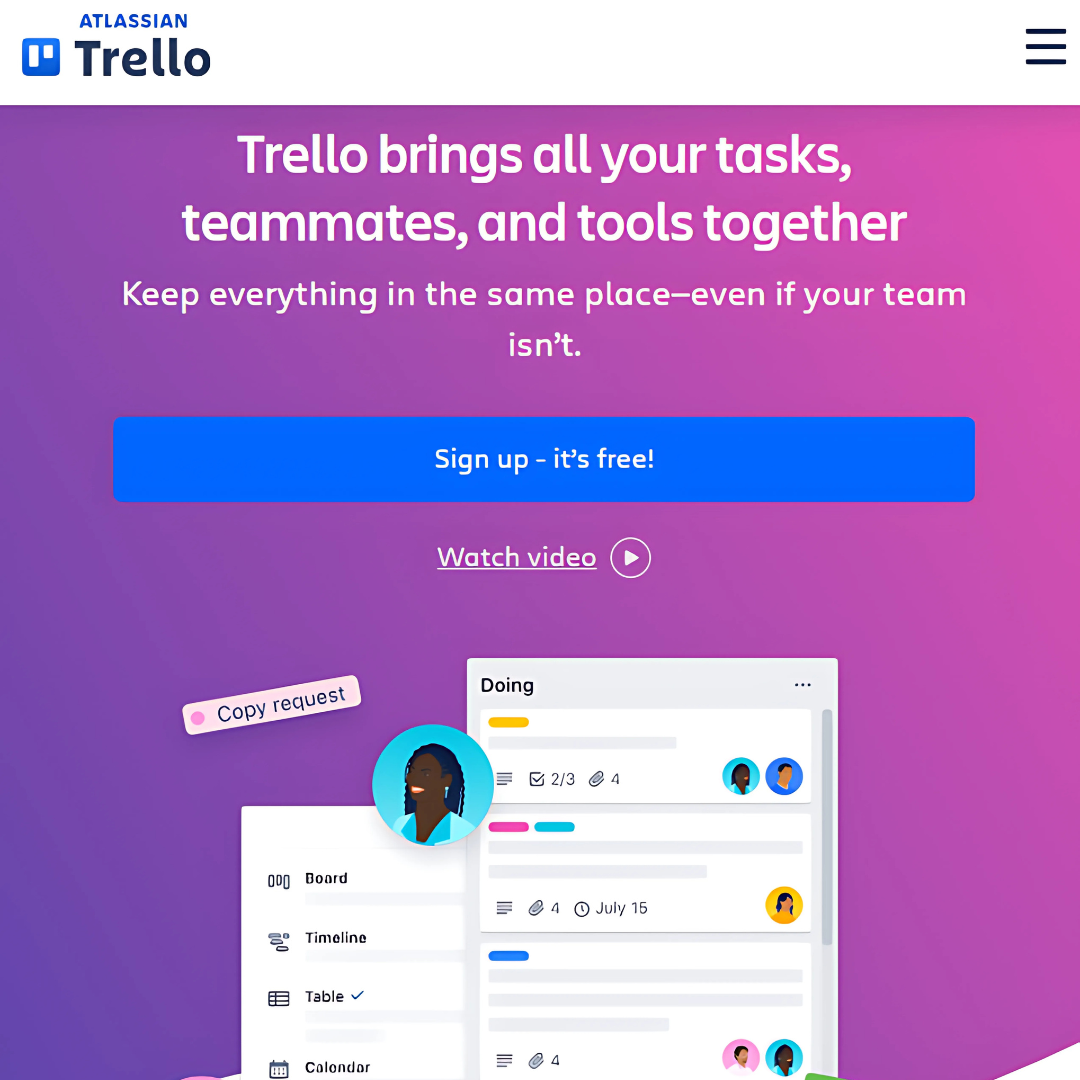
Trello
Trello is a visual project management tool that is ideal for project-based learning and collaborative educational activities. It helps learners and educators organize tasks, track progress, set deadlines, and work together efficiently using intuitive boards, lists, and cards.
Key Features Of Trello
- Visual Task Management: This method organizes tasks using intuitive visual boards like Kanban, making project tracking and prioritization easy.
- Integration with Other Tools: Seamlessly integrates with platforms like Slack and Google Drive for streamlined communication and file sharing.
- Collaboration in Real-Time: Enables team members to edit and comment on tasks simultaneously.
Padlet
Padlet is a versatile digital bulletin board that allows users to collaboratively share ideas, documents, images, and multimedia content. It supports real-time interaction and enhances creative collaboration.
Key Features Of Padlet
- Drag-and-Drop Interface: Simplifies content creation by allowing users to add and arrange elements without coding.
- Supports Various File Types: Handles images, videos, and documents for versatile content integration.
- Easy Sharing with Unique Links: Generates personalized links for effortless content sharing, ensuring quick access and collaboration.
6. Gamification And Engagement Tools
Gamification increases learner engagement by incorporating game-like elements into the educational process. These tools encourage participation, motivation, and knowledge retention through quizzes, challenges, rewards, and interactive activities, making learning more enjoyable.
Classcraft
Classcraft is an eLearning tool that transforms learning into an interactive role-playing game. It fosters teamwork, engagement, and accountability while helping teachers track progress and manage classroom dynamics effectively.
Key Features Of Classcraft
- Customizable Avatars and Rewards: Allows learners to personalize avatars and earn rewards, boosting engagement and motivation.
- Integration with Existing Curricula: Seamlessly aligns with current curriculum frameworks, enabling easy incorporation into existing educational programs.
- Analytics to Track Progress: Provides detailed insights into learner performance, helping educators monitor progress and identify areas for improvement.
EdApp
EdApp delivers bite-sized, mobile-friendly learning content through microlearning modules, enhancing retention and engagement.
Its gamified features, such as leaderboards and quizzes, motivate learners, making education fun and interactive while improving knowledge retention and overall performance.
Key Features Of EdApp
- Leaderboards and Badges: This approach incorporates gamification elements, motivating learners with leaderboards and achievement badges to encourage progress and engagement.
- Spaced Repetition for Retention: Uses adaptive learning techniques to reinforce concepts at optimal intervals, enhancing long-term retention.
- Built-in Course Authoring Tools: Provides intuitive tools for creating customized courses, allowing educators to design engaging, interactive learning experiences.
Duolingo
Duolingo offers interactive lessons, including speaking, listening, and writing exercises, all designed with a game-like structure.
Users earn points, level up, and receive rewards, making language learning engaging. The app supports multiple languages and is accessible on various devices.
Key Features Of Duolingo
- Interactive Exercises: Engage learners with hands-on activities such as quizzes, simulations, and drag-and-drop tasks, enhancing retention and understanding.
- Rewards and Achievements: Motivates learners through badges, certificates, and other rewards for completing milestones or tasks.
- Mobile-Friendly Design: Optimized for seamless learning on mobile devices, ensuring access anytime, anywhere.
Wealthy Affiliate – Mini Review
If you’ve ever thought about turning your blog, passion, or niche into an online business,
Wealthy Affiliate (WA) is one of the most beginner-friendly platforms I’ve used.
It combines step-by-step training, website hosting, AI-powered tools,
keyword research, and an active community all in one place.
What I like most is that you can start free (no credit card needed), explore the platform,
test the tools, and connect with other entrepreneurs before upgrading.
WA isn’t a “get rich quick” scheme — success comes from consistent effort
and applying what you learn over time.
7. Tools For Video-Based Learning
Video-based learning tools enable interactive, visual learning experiences, making it easier to understand intricate topics.
Platforms like YouTube, Vimeo, and dedicated learning apps offer educational videos, tutorials, and demonstrations that effectively engage learners and enhance information retention.
Vimeo
Vimeo is a video hosting platform designed for educational, professional, and business content. It offers high-quality video playback, privacy controls, and collaboration features, making it an excellent choice for hosting online courses, training videos, and instructional content.
Key Features Of Vimeo
- High-Quality Streaming: Delivers seamless, buffer-free video playback with superior resolution for an enhanced viewing experience.
- Privacy Controls: This feature provides robust privacy settings, allowing content creators to control who can access and view their videos.
- Customizable Video Players: This option allows users to customize the appearance and features of video players to align with brand or content needs.
Camtasia
Camtasia allows users to record screens, add annotations, and edit videos to create professional instructional content. With its user-friendly interface and wide range of editing tools, tutorials, training films, and other instructional content can be easily created.
Key Features Of Camtasia
- Built-in Templates and Effects: Offers a wide range of pre-designed templates and visual effects, simplifying content creation and enhancing engagement.
- Quizzing Features: Includes customizable quizzes for assessing learner progress with different question types and scoring options.
- Compatible with Major LMS Platforms: Ensures seamless integration with popular learning management systems for smooth content delivery and tracking.
Flipgrid
Flipgrid is an eLearning tool that enables learners to create and share short video responses, promoting interaction, collaboration, and engagement in a dynamic and creative learning environment.
It’s an excellent tool for encouraging student engagement. It allows students to express ideas creatively and discuss topics with peers in a dynamic and interactive environment.
Key Features Of Flipgrid
- User-Friendly Interface: Created with accessibility and ease of use in mind, guaranteeing a seamless user experience for users of all abilities.
- Integration with Microsoft Tools: Seamlessly connects with tools like Word, Excel, and Teams for efficient collaboration and content management.
- Moderation and Feedback Options: This feature provides features for managing discussions, monitoring content, and giving constructive feedback to learners.
8. AI-Powered Tools
AI-powered tools in eLearning provide personalized learning paths, adapting to each learner’s pace and needs. They also automate administrative tasks like grading and content delivery, making the learning process more efficient and tailored to individual students’ strengths and weaknesses.
Coursera
Coursera leverages AI to provide personalized course recommendations based on learners’ interests, skills, and previous courses. It also tracks progress and suggests improvements, creating a tailored learning experience that helps users stay on track and achieve their goals effectively.
Key Features Of Coursera
- Tailored Course Suggestions: This feature provides personalized recommendations based on user preferences, learning styles, and progress to enhance engagement.
- Flexible Deadlines: Allows learners to set their own pace with adjustable deadlines, accommodating different schedules.
- Integration with Professional Certifications: Offers integration with industry-recognized certifications, adding value to learning achievements.
Grammarly
Grammarly helps learners, teachers, and trainers improve their writing through real-time grammar, spelling, punctuation, and style suggestions. Its AI-powered writing assistance promotes clearer communication and helps users create polished assignments, educational content, emails, and reports with greater confidence.
Key Features Of Grammarly
- Context-Specific Recommendations: Provides personalized suggestions based on user activity, learning goals, and preferences to enhance content relevance.
- Plagiarism Detection: Scans submitted work for originality, ensuring academic integrity by identifying potential plagiarism.
- Browser Extensions and Integrations: Offers convenient tools for easy access and integration with other platforms, improving productivity and workflow.
ScribeSense
ScribeSense is an AI-powered eLearning tool that automates the grading of handwritten assignments and quizzes. It reduces educators’ workload while ensuring accuracy and efficiency in grading.
It quickly processes students’ handwritten responses, ensuring efficient grading while maintaining accuracy and freeing time for instructors to focus on teaching.
Key Features Of ScribeSense
- AI-Driven Handwriting Recognition: Utilizes artificial intelligence to accurately convert handwritten notes into editable text, enhancing accessibility and searchability.
- Detailed Analytics: Provides in-depth data on usage patterns, performance, and progress to inform decision-making and improvements.
- Secure Cloud Storage: Safeguards data with encrypted cloud storage, ensuring safe access and backup for users.
9. Tools For Accessibility
Accessibility tools in eLearning make content more inclusive by supporting learners with disabilities. Features like text-to-speech, closed captioning, and customizable fonts ensure everyone can effectively engage with and benefit from online learning materials regardless of ability.
Read&Write
Read&Write supports literacy and accessibility by providing features such as text-to-speech, speech-to-text, word prediction, and reading assistance. It helps students of all abilities improve reading, writing, and comprehension, making learning more inclusive and accessible in both classrooms and remote learning environments.
Key Features Of Read&Write
- Screen Masking and Highlighting: Allows users to focus on specific content areas by masking irrelevant sections and highlighting important information for better clarity.
- Dictionary and Translator Tools: Provides built-in tools for easy word lookups and translation, enhancing comprehension.
- Supports Multiple Languages: Offers multi-language support, ensuring accessibility for a global audience.
Otter.ai
Otter.ai provides real-time transcription for audio and video content, converting spoken words into text. This tool enhances accessibility for deaf or hard-of-hearing students by providing accurate captions, enabling them to follow lectures and discussions more efficiently and effectively.
Key Features Of Otter.ai
- Real-Time Collaboration: This feature enables multiple users to work simultaneously on documents, projects, or presentations, fostering seamless teamwork.
- Integration with Zoom: Connects with Zoom for video conferencing, allowing direct collaboration during virtual meetings.
- AI-Driven Transcription Accuracy: AI generates highly accurate transcriptions of spoken content, improving accessibility and documentation.
How To Choose The Right eLearning Tool
Choosing the right eLearning tool depends on your educational goals, budget, and the features you need. Consider the following factors before selecting a platform:
1. Your Budget
Compare pricing plans and determine whether a free or paid solution best meets your needs. Consider both your current requirements and any future growth.
2. Ease Of Use
Choose a platform with an intuitive interface that is easy for educators, trainers, and learners to navigate. A user-friendly tool reduces the learning curve and improves productivity.
3. Number Of Learners
Consider how many users the platform can support. Some tools are ideal for small groups, while others are designed to accommodate large classes or organizations.
4. Collaboration Features
If teamwork is important, look for features such as real-time messaging, file sharing, discussion boards, and group workspaces that encourage collaboration.
5. Mobile Compatibility
Ensure the platform works well on smartphones and tablets so learners can access courses and learning materials from virtually anywhere.
6. Integrations
Select an eLearning tool that integrates with the software you already use, such as learning management systems, cloud storage, video conferencing platforms, or productivity applications.
7. Customer Support
Reliable customer support and comprehensive help resources can make a significant difference when troubleshooting issues or learning how to use new features.
Conclusion
The right eLearning tools can transform the way people teach, train, and learn by making education more engaging, accessible, and effective.
Whether you’re an educator, corporate trainer, student, or lifelong learner, choosing the right platform can help you achieve your learning goals with greater confidence.
Take the time to explore the tools featured in this guide and select the ones that best suit your needs, budget, and teaching or learning style.
By investing in the right eLearning solutions, you can create more interactive learning experiences and stay prepared for the future of digital education.
I trust you enjoyed this article on the 27 Best eLearning Tools For Teachers, Trainers, and Students. Please stay tuned for more insightful blogs on affiliate marketing, online business, and working from anywhere in the world.
Take care!
— JeannetteZ 🌍✨
💬 Your Opinion Is Important To Me
Do you have thoughts, ideas, or questions? I’d love to hear from you. Please leave your comments below or email me directly at Jeannette@WorkFromAnywhereInTheWorld.com.
📚 More Work From Anywhere Reads
🚀 Ready to Build a Business You Can Run from Home
Or from Anywhere in the World?
Imagine creating income on your terms — from home, a cozy café, or wherever life takes you.
With the right tools, training, and community support, it’s entirely possible.
Start your own online business for free — no credit card needed.
Disclosure
This post may contain affiliate links. As an Amazon Associate and participant in other affiliate programs, I earn from qualifying purchases at no extra cost to you. Please read my full affiliate disclosure.