
15 Best Platforms For Bloggers
Platforms For Bloggers play a crucial role in building a successful online presence. The right platform can make it easier to create content, customize your website, grow your audience, and monetize your blog.
With so many blogging platforms available, choosing the best option can feel overwhelming. Some offer extensive customization and flexibility, while others focus on simplicity and ease of use.
This guide explores the best platforms for bloggers based on features, usability, customization options, pricing, and support. Whether you’re a beginner or an experienced blogger, understanding the advantages and limitations of each platform can help you make an informed decision.
Top Platforms For Bloggers To Consider
1. WordPress
WordPress, launched in 2003, powers 43% of websites worldwide with millions of users. Choose self-hosted (WordPress.org) for complete control or hosted (WordPress.com) for simplicity. Build stunning sites quickly with themes, plugins, and intuitive tools!
Pros
- Highly customizable with a wide range of themes and plugins.
- Supports blogging, e-commerce, membership sites, and other website types.
- Free and open-source for self-hosted websites.
- Large user community with extensive resources and support.
- Flexible and scalable to meet a variety of website needs.
Cons
- Requires separate hosting and a domain name, which adds costs.
- Initial setup and configuration may be challenging for beginners.
- Requires ongoing maintenance, including updates and backups.
- Security risks can increase if themes, plugins, and WordPress core updates are neglected.
- Hosting and performance issues can arise without proper management.
Best For
WordPress is ideal for bloggers who want complete control over their website, extensive customization options, and the ability to grow over time.
It is suitable for personal blogs, business websites, e-commerce stores, membership sites, and content creators who want full ownership of their content and platform.
2. Medium
Medium, founded in 2012, is one of the most popular blogging platforms, with millions of users. It allows writers to publish articles, engage with readers, and earn revenue through the Partner Program, offering a sleek, user-friendly interface.
Pros
- User-friendly platform with a clean, distraction-free interface for easy content creation.
- Provides exposure to a built-in audience, which can help increase engagement.
- Monetization is available through the Partner Program, depending on eligibility and article performance.
- Ideal for writers focused on storytelling without managing technical website details.
- Allows writers to publish quickly without needing hosting, plugins, or design setup.
Cons
- Limited customization options for design and branding.
- Monetization policies and earnings can change over time.
- Limited control over platform policies, content distribution, and audience reach.
- Lacks advanced SEO and marketing tools.
- Not ideal for bloggers who want full ownership of their website and audience data.
Best For
Medium is ideal for writers who want to focus on creating content and reaching an existing audience without having to manage a website. It works well for personal stories, thought leadership, industry insights, and bloggers who prefer a simple, distraction-free publishing experience.
3. Substack
Substack is a platform designed for writers to publish and monetize their content. Founded in 2017, it simplifies newsletter creation and blogging through subscription-based revenue. Millions of users rely on its intuitive tools to build and grow their audiences.
Pros
- Substack makes it easy to set up newsletters with integrated email distribution.
- It offers direct monetization through subscriptions, providing a potential recurring income stream.
- Full control over content and subscriber management.
- Built-in audience engagement features, including comments and email delivery.
- Simple, focused interface for content creation.
Cons
- Platform fees and payment processing costs can reduce overall earnings.
- Limited design and branding customization options.
- Building an initial audience can be slow and requires consistent effort.
- Fewer advanced marketing and SEO tools compared to a self-hosted website.
- Dependence on the platform’s features and policies can limit flexibility.
Best For
Substack is ideal for writers, journalists, creators, and niche experts who want to build a direct relationship with their audience through email newsletters. It is particularly suitable for those seeking a simple publishing platform with built-in subscription-based monetization.
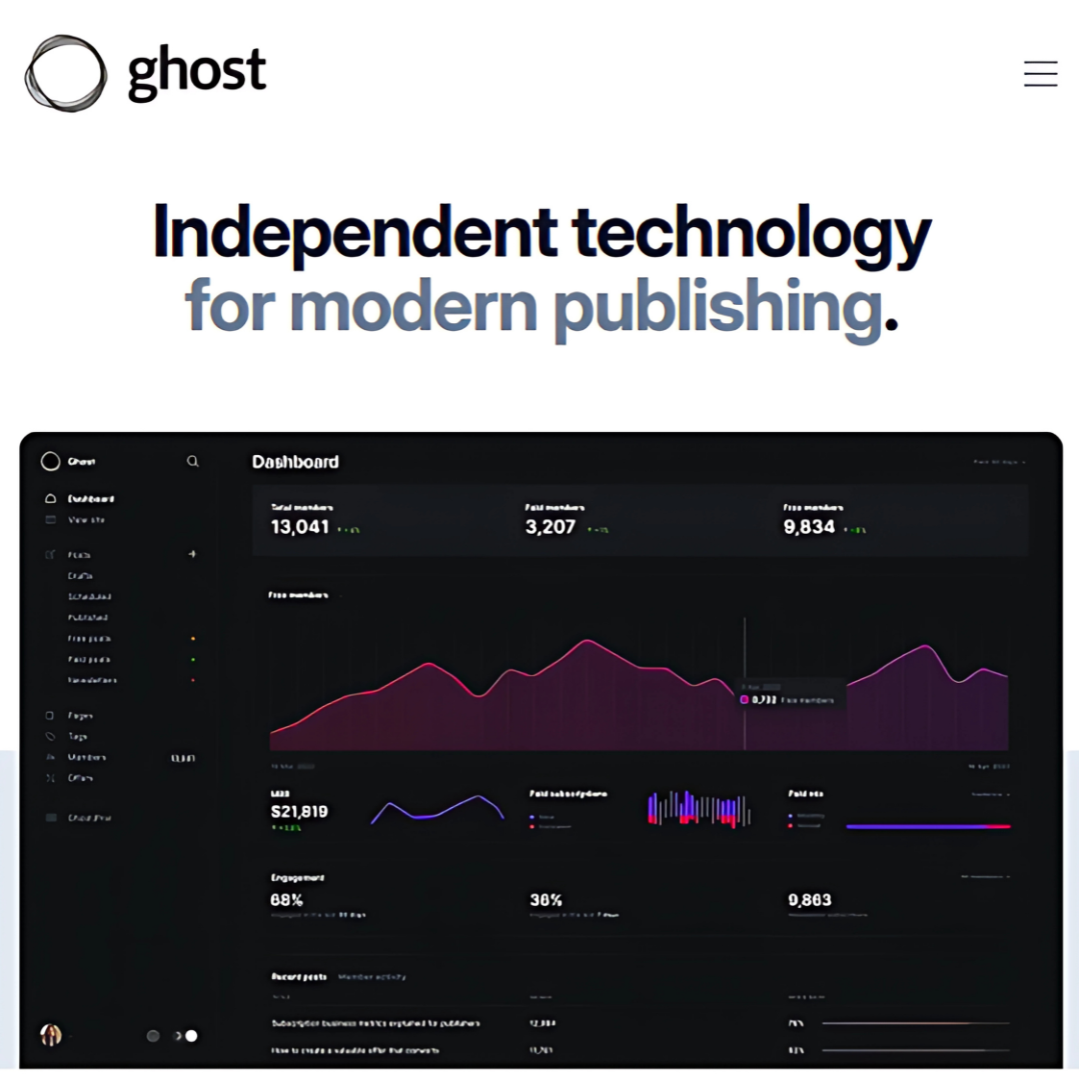
Ghost, founded in 2013, is an open-source publishing platform that enables creators to build websites, publish content, and monetize through memberships and subscriptions. It is known for its speed, simplicity, and modern content management features.
4. Ghost
Pros
- Open-source and highly customizable, making it ideal for users who want greater control over their website.
- Focused on content creation with built-in monetization options.
- Offers membership and subscription tools for paid content.
- Fast performance and strong security features.
- Modern, clean design suitable for blogs, newsletters, and online publications.
Cons
- Requires technical skills for self-hosting and is less beginner-friendly.
- Hosted plans can become expensive as a website grows.
- Limited plugin and integration options compared to WordPress.
- Smaller community means fewer tutorials, themes, and support resources.
- Self-hosted installations require regular updates and maintenance.
Best For
Ghost is ideal for professional bloggers, publishers, newsletter creators, and membership-based websites that want a modern publishing platform with built-in monetization. It is particularly well suited for users who value speed, simplicity, and content-focused design.
5. Squarespace
Squarespace is an all-in-one website builder that allows users to create professional websites without coding. Founded in 2003, it offers customizable templates and built-in tools for blogs, online stores, portfolios, and business websites. It is known for its ease of use and polished design options.
Pros
- User-friendly drag-and-drop builder with no coding required.
- Professionally designed, mobile-responsive templates.
- All-in-one service that includes hosting, domains, and website-building tools.
- Reliable customer support through chat and email.
- Well suited for creatives, small businesses, and portfolio websites.
Cons
- Can be more expensive than some competing website builders.
- Limited third-party app and integration options compared to WordPress.
- Less flexibility for advanced customization and development.
- Advanced e-commerce features require higher-tier plans.
- Limited backend control may restrict scalability for complex websites.
Best For
Squarespace is ideal for creatives, photographers, artists, small business owners, and entrepreneurs who want a visually appealing website without dealing with technical setup. It is particularly suitable for portfolios, blogs, service-based businesses, and small online stores.
6. Wix
Wix, founded in 2006, is one of the most popular website builders and platforms for bloggers. It offers drag-and-drop tools, customizable templates, and features for blogs, e-commerce stores, portfolios, and business websites. Millions of users worldwide rely on Wix for its ease of use and flexibility.
Pros
- Intuitive drag-and-drop builder with a wide selection of templates.
- No technical skills are required, making it beginner-friendly.
- A free plan is available for users who want to get started quickly.
- Supports numerous integrations with apps and third-party tools.
- Affordable premium plans for personal websites and small businesses.
Cons
- The free plan includes Wix branding and advertisements.
- Limited design flexibility for advanced customization compared to self-hosted platforms.
- Websites may experience performance issues when heavily customized.
- Premium plans can become expensive as website needs grow.
- Migrating a Wix website to another platform can be challenging.
Best For
Wix is ideal for beginners, small business owners, freelancers, and bloggers who want an easy-to-use website builder without technical complexity. It is particularly suitable for personal blogs, portfolios, local businesses, and small online stores.
7. LinkedIn Articles
LinkedIn Articles is a long-form publishing feature available on LinkedIn, the world’s largest professional networking platform. It allows users to share industry insights, thought leadership content, and professional expertise with their network while building credibility and visibility.
Pros
- Excellent for professional networking and establishing industry authority.
- Access to a large built-in audience of professionals and business decision-makers.
- Simple and easy-to-use publishing interface.
- Integrates seamlessly with LinkedIn’s networking and engagement features.
- Effective for promoting career-related, business, and thought leadership content.
Cons
- Limited formatting and design options compared to dedicated blogging platforms.
- No direct monetization features for creators.
- Limited control over branding and website customization.
- Content visibility depends heavily on LinkedIn’s algorithm.
- Does not provide full ownership and control like a self-hosted website.
Best For
LinkedIn Articles is ideal for professionals, consultants, coaches, recruiters, executives, and business owners who want to share industry knowledge and build their personal brand. It works best as a supplement to a website or blog rather than a standalone blogging platform.
Wealthy Affiliate – Mini Review
If you’ve ever thought about turning your blog, passion, or niche into an online business,
Wealthy Affiliate (WA) is one of the most beginner-friendly platforms I’ve used.
It combines step-by-step training, website hosting, AI-powered tools,
keyword research, and an active community all in one place.
What I like most is that you can start free (no credit card needed), explore the platform,
test the tools, and connect with other entrepreneurs before upgrading.
WA isn’t a “get rich quick” scheme — success comes from consistent effort
and applying what you learn over time.
8. HubPages
HubPages is a content publishing platform that allows writers to create articles on a wide range of topics. Founded in 2006, it provides opportunities to earn revenue through advertising and affiliate marketing while benefiting from an established online community.
Pros
- Free to join and publish content.
- Offers monetization opportunities through advertising and affiliate marketing.
- User-friendly publishing tools suitable for beginners.
- Established community of writers and readers.
- Built-in analytics help track content performance.
Cons
- Earnings depend heavily on traffic and advertising revenue.
- Revenue-sharing models reduce the income earned by writers.
- Limited customization compared to owning a personal website.
- High competition can make it difficult for new writers to gain visibility.
- Limited control over platform policies and monetization options.
Best For
HubPages is ideal for beginner writers who want to gain publishing experience and learn how online content platforms work. It can also be useful for hobby writers and those looking to experiment with content creation before launching their own website.

9. Weebly
Weebly is a website builder that enables users to create websites, blogs, and online stores using simple drag-and-drop tools. Founded in 2006, it offers customizable templates, built-in hosting, and e-commerce features, making it a popular option for beginners and small businesses.
Pros
- Easy-to-use drag-and-drop builder suitable for beginners.
- Includes hosting, domain options, and SSL security features.
- Affordable plans for personal websites and small businesses.
- Offers built-in e-commerce functionality for online stores.
- Requires little technical knowledge to get started.
Cons
- Limited design flexibility compared to WordPress and other advanced platforms.
- Free plans include Weebly branding.
- Advanced e-commerce and marketing features require higher-tier plans.
- Fewer integrations and customization options than some competitors.
- Scalability can be limited for larger or more complex websites.
Best For
Weebly is ideal for beginners, hobby bloggers, small business owners, and entrepreneurs who want a simple website builder with minimal technical requirements. It works well for personal websites, blogs, and small online stores.
10. Tumblr
Tumblr is a microblogging and social networking platform that allows users to share text, images, videos, and other multimedia content. Founded in 2007, it is known for its creative communities, customizable blogs, and strong focus on visual content and niche interests.
Pros
- Free to use with simple content publishing and sharing tools.
- Supports multiple content formats, including text, images, GIFs, audio, and video.
- Customizable themes allow users to personalize their blogs.
- Active communities centred around niche interests and creative content.
- Easy social sharing and audience engagement features.
Cons
- Less suitable for professional blogging or business websites.
- Limited monetization opportunities compared to dedicated blogging platforms.
- Basic SEO features compared to self-hosted websites.
- Content visibility often depends on platform trends and user engagement.
- Limited long-term growth potential for building an independent brand.
Best For
Tumblr is ideal for hobby bloggers, artists, photographers, writers, fandom communities, and creators who want to share visual or creative content. It works best for personal expression and community engagement rather than professional blogging or business growth.
11. Blogger (BlogSpot)
Blogger (BlogSpot), founded in 1999, is a free blogging platform owned by Google. It allows users to create and manage blogs with customizable templates and basic monetization options. Its simplicity and integration with Google’s services make it a popular choice for beginner bloggers.
Pros
- Free to use with no hosting costs.
- Integrates well with Google services such as Analytics, AdSense, and Search Console.
- Simple interface that is easy for beginners to learn.
- Reliable hosting provided by Google.
- Allows customization through HTML and CSS for more advanced users.
Cons
- Outdated interface compared to modern blogging platforms.
- Limited templates and design customization options.
- Lacks many advanced features available on platforms such as WordPress.
- Limited flexibility for scaling a blog into a larger website or business.
- Fewer integrations and third-party tools compared to competing platforms.
Best For
Blogger is ideal for beginners, hobby bloggers, and individuals who want a simple, free platform to share content online. It works well for personal blogs and small projects but may be limiting for bloggers who plan to build a larger brand or business.
12. Contently
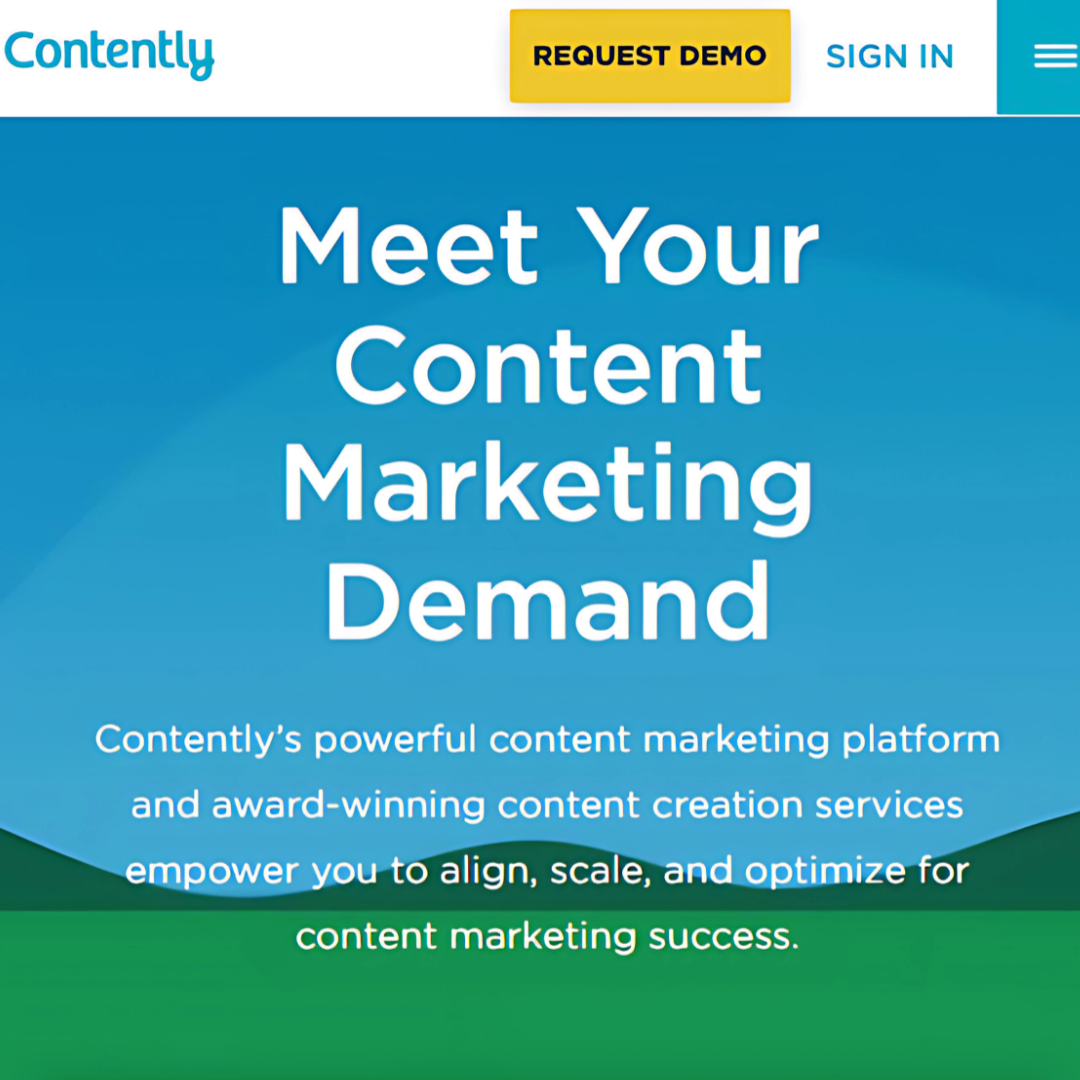
Contently is a content marketing platform that connects businesses with freelance writers, editors, designers, and content strategists. Founded in 2011, it helps brands create, manage, and distribute high-quality content through a streamlined workflow and professional content services.
Pros
- Connects businesses with experienced freelance content creators.
- Provides content planning, management, and analytics tools.
- Helps brands produce high-quality content at scale.
- Offers customizable solutions for different business needs.
- Well-suited for organizations with ongoing content marketing strategies.
Cons
- Primarily designed for businesses rather than individual bloggers.
- Professional content services can be expensive for smaller organizations.
- Limited value for hobby bloggers and beginners.
- Relies on working with external creators rather than building personal publishing skills.
- May be more complex than necessary for small content projects.
Best For
Contently is ideal for businesses, marketing teams, and larger organizations that need professional content creation and content marketing support. It is best suited for brands managing ongoing content campaigns rather than individual bloggers seeking a traditional blogging platform.
13. Notion
Notion is an all-in-one productivity and content management platform that combines note-taking, task management, databases, collaboration tools, and document creation. Founded in 2013, it helps individuals and teams organize information, manage projects, and create content within a flexible workspace.
Pros
- Combines note-taking, task management, databases, and content creation in one platform.
- Highly customizable for personal and team workflows.
- Excellent collaboration features for teams and content creators.
- Clean and intuitive interface for organizing information.
- Generous free plan for individual users.
Cons
- Limited blogging and publishing features compared to dedicated blogging platforms.
- Advanced functionality can have a steep learning curve.
- Premium features require a paid subscription.
- Limited SEO and marketing capabilities for content creators.
- Performance can slow down when working with large databases or complex workspaces.
Best For
Notion is ideal for writers, content creators, students, entrepreneurs, and teams who want to organize ideas, manage projects, and collaborate in one workspace. It is best suited for productivity and content planning rather than traditional blogging, although it can be used to publish simple websites and content.
14. Joomla
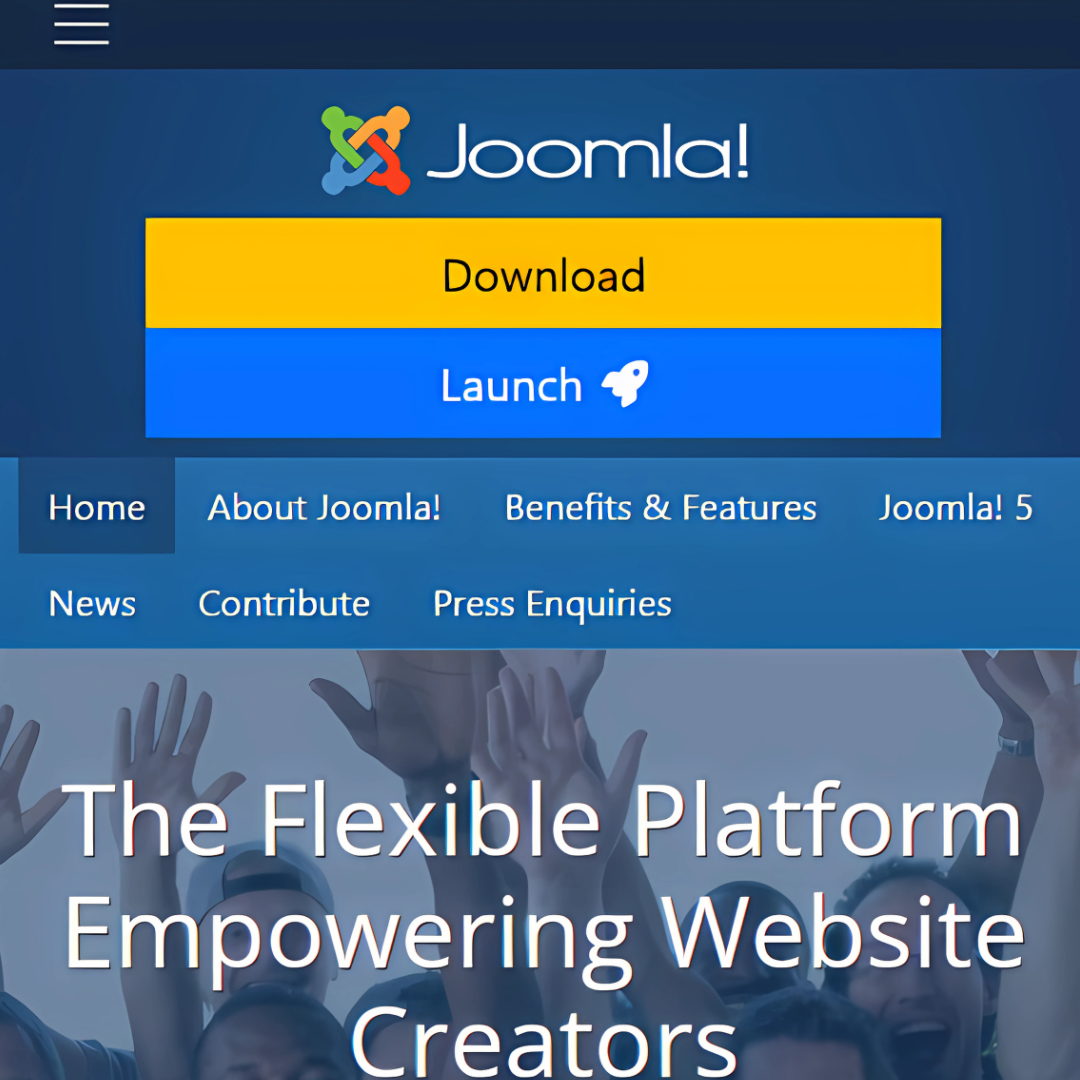
Joomla, launched in 2005, is an open-source content management system (CMS) that enables users to build websites, blogs, and web applications. It offers extensive customization through templates and extensions, making it a flexible option for creating dynamic and feature-rich websites.
Pros
- Powerful open-source CMS suitable for complex websites.
- Highly customizable through extensions and templates.
- Excellent user management capabilities for multi-user websites.
- Strong security features and regular updates.
- Built-in multilingual support for global audiences.
Cons
- Steeper learning curve than many competing platforms.
- Requires technical knowledge for setup, hosting, and maintenance.
- Smaller ecosystem of themes and extensions compared to WordPress.
- Limited community support compared to more widely used platforms.
- Updates and maintenance can be challenging for beginners.
Best For
Joomla is ideal for developers, businesses, organizations, and website owners who need a flexible content management system with advanced functionality. It is particularly suitable for multi-user, membership, and multilingual websites, as well as projects that require greater customization than many website builders offer.
15. Drupal
Drupal, founded in 2001, is an open-source content management system (CMS) designed for building complex websites and web applications. Known for its flexibility, scalability, and robust security features, Drupal is widely used by enterprises, government organizations, and large institutions.
Pros
- Highly flexible and scalable for large, complex websites.
- Robust content management capabilities for enterprise-level projects.
- Extensive customization through modules and themes.
- Strong security features trusted by organizations worldwide.
- Excellent support for managing large amounts of content and data.
Cons
- Requires significant technical knowledge for setup and configuration.
- Steeper learning curve than many other content management systems.
- Smaller ecosystem of themes and modules compared to WordPress.
- Development and maintenance often require specialized expertise.
- Ongoing updates and management can be time-consuming for complex websites.
Best For
Drupal is ideal for enterprises, government agencies, educational institutions, and organizations that require advanced security, scalability, and content management capabilities. It is best suited for large, complex websites managed by experienced developers or technical teams.
FAQs
Q1: How Often Should I Post A Blog?
Consistency is key. Posting 1–3 times per week helps maintain audience engagement, improve visibility, and support long-term growth.
Q2: How Do I Pick A Blog Topic?
Choose topics you are passionate about, address your audience’s needs, and research relevant keywords to identify opportunities within your niche.
Q3: Which Blog Platform Is Best For Making Money?
WordPress is often considered the best platform for monetization due to its flexibility and support for advertising, affiliate marketing, memberships, and online stores.
Q4: How Many Images Should Be In A Blog Post?
Including 2–5 relevant images can improve readability, engagement, and SEO. However, avoid adding unnecessary images that may distract from the content.
Q5: Can Blogging Be Profitable?
Yes, blogging can generate income through advertising, affiliate marketing, sponsored content, memberships, and selling products or services.
Q6: How Can I Become A Popular Blogger?
Focus on creating high-quality content, publishing consistently, engaging with your audience, optimizing for SEO, and building relationships within your niche.
Conclusion
The best platform for bloggers depends on your goals, technical skills, budget, and long-term plans. WordPress remains one of the most flexible options for bloggers who want complete control, while Ghost and Substack are excellent choices for content creators and newsletter publishers.
Beginners may prefer user-friendly platforms such as Wix, Squarespace, or Weebly, while advanced users may benefit from the customization offered by Joomla or Drupal.
Platforms like Medium, LinkedIn Articles, Blogger, and Tumblr can also help you reach specific audiences and build your online presence.
Before choosing a platform, consider your monetization goals, customization needs, and growth plans. Selecting the right platform from the start can save time, support your blogging journey, and help you achieve long-term success.
I trust you enjoyed this article on the 15 Best Platforms For Bloggers. Please stay tuned for more insightful blogs on affiliate marketing, online business, and working from anywhere in the world.
Take care!
— JeannetteZ 🌍✨
💬 Your Opinion Is Important To Me
Do you have thoughts, ideas, or questions? I’d love to hear from you. Please leave your comments below or email me directly at Jeannette@WorkFromAnywhereInTheWorld.com.
📚 More Work From Anywhere Reads
🚀 Ready to Build a Business You Can Run from Home
Or from Anywhere in the World?
Imagine creating income on your terms — from home, a cozy café, or wherever life takes you.
With the right tools, training, and community support, it’s entirely possible.
Start your own online business for free — no credit card needed.
Disclosure
This post may contain affiliate links. As an Amazon Associate and participant in other affiliate programs, I earn from qualifying purchases at no extra cost to you. Please read my full affiliate disclosure.