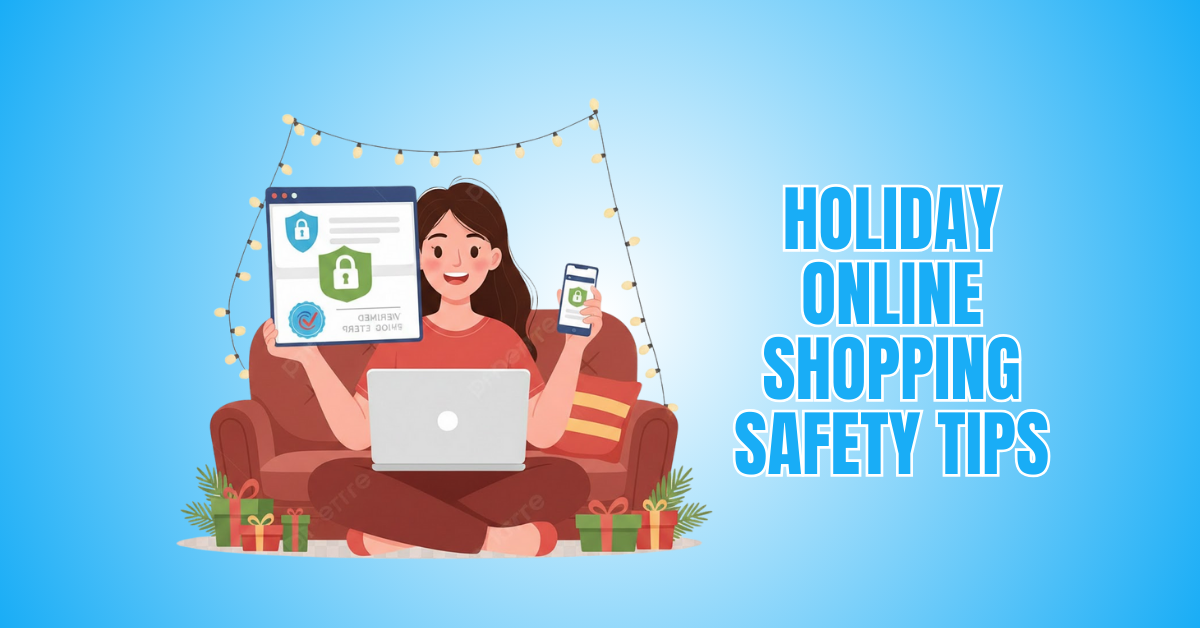
18 Holiday Online Shopping Safety Tips: Shop Smart
Holiday shopping feels exciting. The deals are big. The rush is real. And more people shop online every single year. But with the convenience comes risk.
Scammers work harder during the holidays because shoppers move fast, buy more, and worry less. That’s why online shopping safety is more important than ever.
This guide walks you through practical, easy, and innovative holiday online shopping safety tips. Each section is simple, conversational, and designed to protect you and your wallet.
Why Online Shopping Safety Matters
Online shopping safety is essential as holiday shopping increases, raising the risk of fraud, data theft, and scams.
If adequate security isn't in place, fraudsters may target the sensitive information you disclose when you shop online, such as your name, address, and payment information.
Scammers create fake websites, deceptive ads, and phishing emails that look real, hoping to trick shoppers into revealing personal data or paying for items that will never arrive.
Unsafe networks, weak passwords, and unsecured websites make it even easier for hackers to access your accounts or steal your identity.
Shopping safely protects not just your money but also your digital footprint, which can be difficult to restore once compromised.
Safe practices—such as verifying HTTPS, avoiding public Wi-Fi, using secure payment methods, and recognizing suspicious links—significantly reduce risk.
Taking these precautions ensures a smoother, more secure experience as online shopping continues to grow, particularly during the holidays. Protecting yourself means protecting your finances, privacy, and peace of mind every time you shop online.
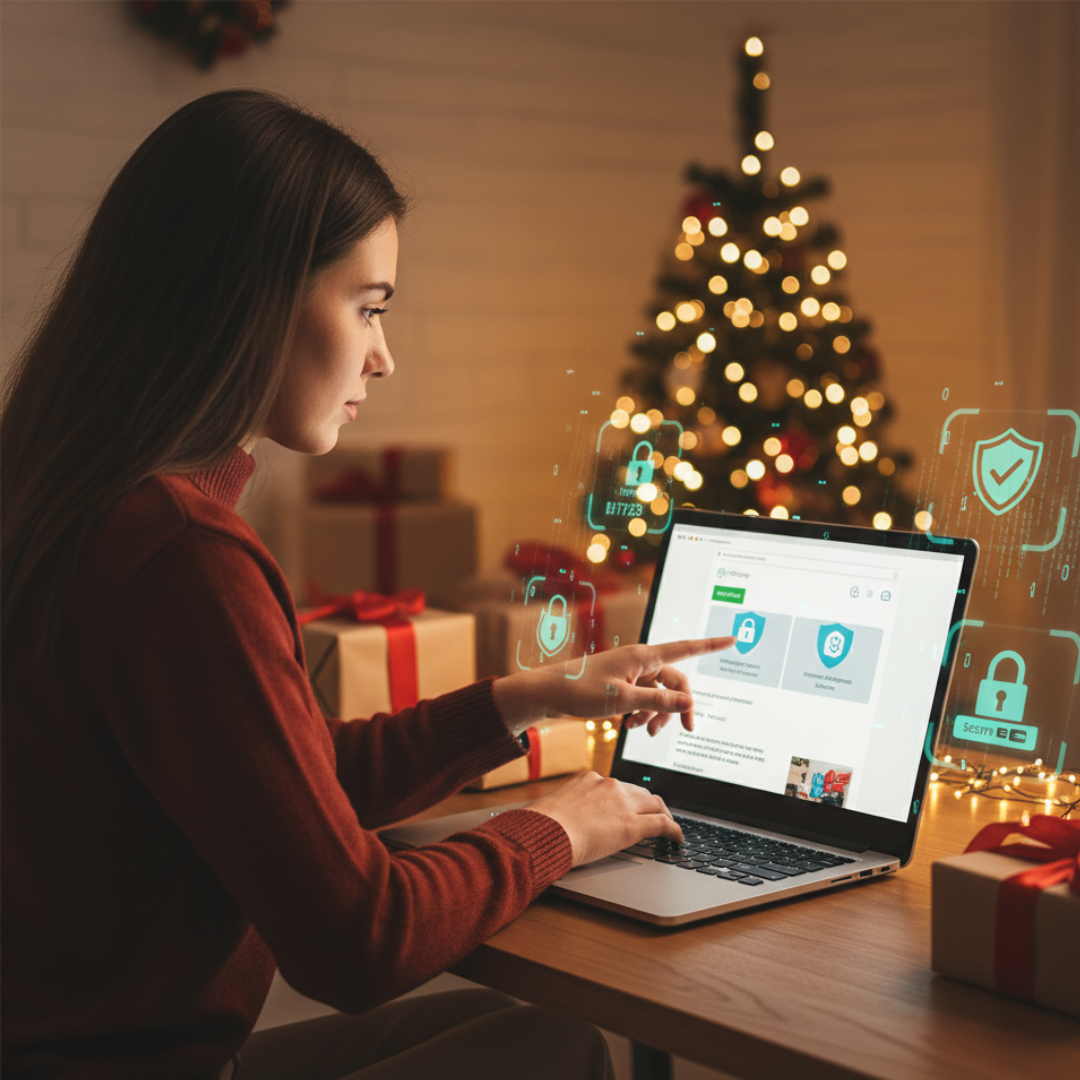
Holiday Online Shopping Safety Tips
Tip No. 1: Start With Trusted Websites
Start your holiday shopping on websites you know and trust. Big retailers usually have stronger security, so your information stays safer. New or unfamiliar sites can be risky, so take a moment to research before buying.
Check customer reviews, social media activity, and overall reputation. Real businesses leave clear online footprints. Fake ones don’t. If something feels off, skip the site. Trust your instincts.
Shopping on trusted platforms reduces the chances of scams, payment issues, and identity theft. Safe sites make your holiday shopping faster, smoother, and far less stressful.
Red Flags To Watch
- No customer reviews available
- Poor or missing social pages
- Suspiciously low product prices
- The website domain looks unusual
Tip No. 2: Check For HTTPS
Before entering any payment details, always check if the website uses HTTPS. It’s simple. Just look at the URL. If it starts with https://, your connection is encrypted.
That little “s” means your data is protected. Also, look for a padlock icon beside the web address. If it’s missing, leave the site immediately. Unsecured websites make it easier for hackers to steal your information.
This one small check can save you from major problems later. Make it a habit every time you shop. Safe sites always use HTTPS. Unsafe ones don’t. Your privacy deserves protection.
Red Flags To Watch
- No padlock icon visible
- URL starts with “http://.”
- The domain name looks altered
- Security certificate expired
Tip No. 3: Avoid Public Wi-Fi When Shopping
This is one of the most essential holiday online shopping safety tips because public Wi-Fi creates the perfect opportunity for hackers to steal your information.
These networks are readily accessible to hackers. They can intercept your login details, payment info, or personal data without you noticing.
Avoid entering passwords or making purchases on public Wi-Fi at all costs. If you must shop while travelling, use your mobile data or a trusted VPN for protection.
It only takes one unsafe connection to expose your information. Stay cautious, especially during the busy holiday season. A secure network keeps your money and identity safe.
Red Flags To Watch
- Free Wi-Fi with no password
- Network name looks suspicious
- Slow or unstable connection
- Pop-ups requesting personal info
Tip No. 4: Use Strong And Unique Passwords
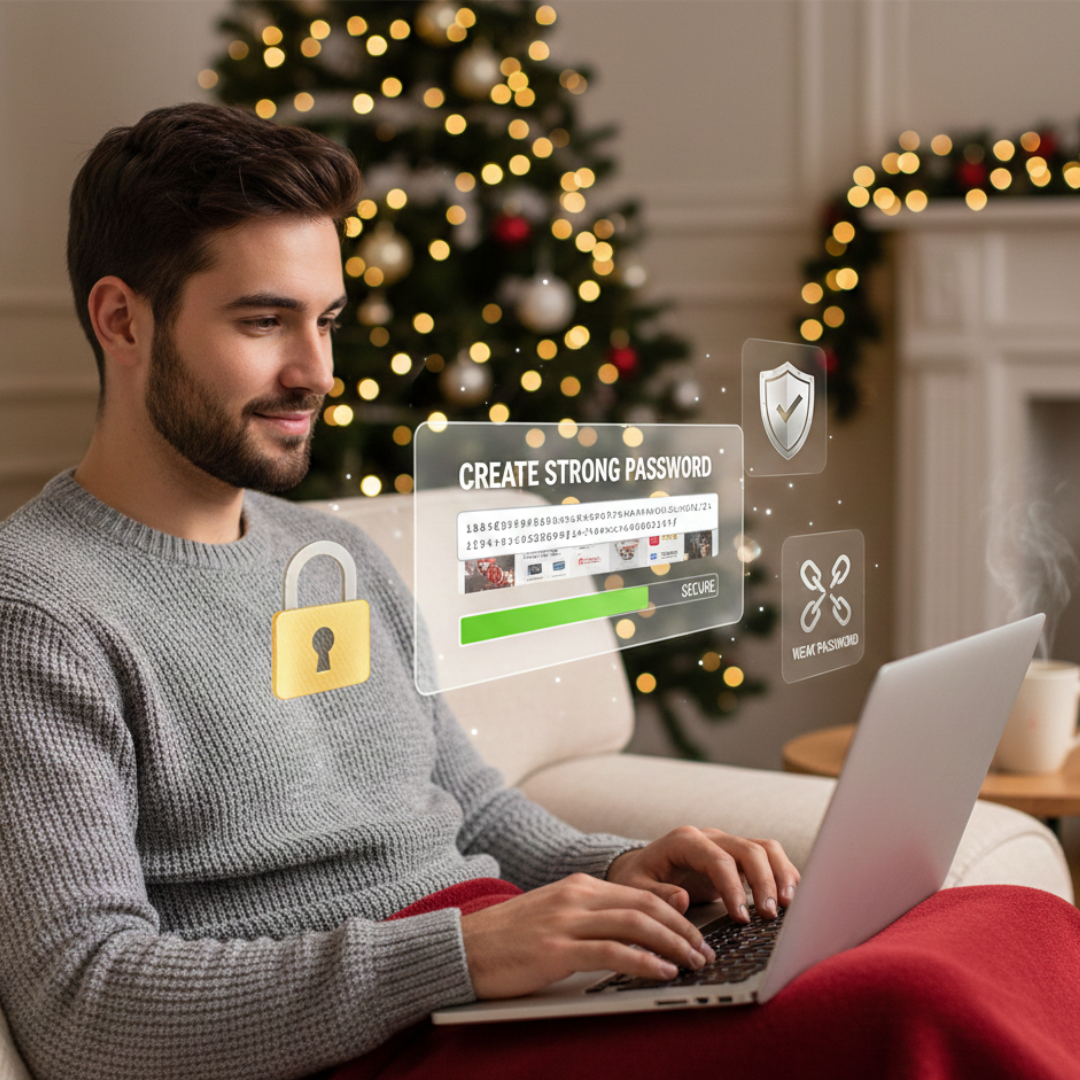
Strong, unique passwords protect your online shopping accounts from hackers. Weak passwords are easy to guess, especially during the busy holiday season when cyberattacks increase.
Make use of lengthy passwords that combine symbols, numbers, and letters. Steer clear of employing the same password in several different stores.
If one account gets hacked, the others become vulnerable too. You don't have to worry about remembering all of your secure passwords when you use a password manager.
It takes only a minute to update your passwords, but it can save you from serious trouble later. Strong passwords keep your shopping safer.
Red Flags To Watch
- Simple or short passwords
- Same password used everywhere
- No password manager used
- Frequent login attempt alerts
Tip No. 5: Don’t Save Your Payment Information
It’s tempting to save your card details for faster checkout, but it’s not the safest choice. If the website ever gets hacked, your stored payment info could be exposed. It’s better to enter your card manually each time you shop.
Yes, it takes a few more seconds, but it shields you from financial fraud and illegal transactions. Many shoppers don’t realize how vulnerable stored payment data can be.
Keep things simple. Keep things safe. Avoid saving your card on shopping sites, especially during the holiday rush when cyberattacks spike. Your security is worth the slight delay.
Red Flags To Watch
- Website forces card saving
- No option for guest checkout
- Weak or unclear security policies
- Unexpected “store card info” pop-up
Tip No. 6: Beware Of Too-Good-To-Be-True Deals
One of the best holiday online shopping safety tips is to avoid deals that look unrealistically cheap, because they’re often designed to lure you into scams. Scammers use flashy discounts to push shoppers into rushing without thinking.
Always compare prices with well-known retailers before buying. If a site offers 70–90% off on high-demand items, stay alert. Check reviews, product photos, and store credibility. Real discounts look reasonable. Fake ones look extreme.
Trust your instincts. When something feels off, walk away. It’s better to miss a deal than lose your money to a scammer. Smart shopping always beats risky shopping.
Red Flags To Watch
- Discounts look unrealistic
- The website uses heavy urgency
- No real product photos
- Prices are far below competitors'.
Tip No. 7: Use Credit Cards, Not Debit Cards
When shopping online, credit cards offer much safer protection than debit cards. If something goes wrong—like fraud or a fake purchase—credit card companies make disputes easier.
Since debit cards take money straight out of your bank account, finding lost money is more challenging and time-consuming.
Credit cards also provide better fraud alerts and temporary holds for suspicious activity. If your bank offers virtual card numbers, use them for an extra layer of safety.
During the holiday rush, scams spike, so choosing the safest payment method really matters. A credit card simply gives you more security and peace of mind.
Red Flags To Watch
- Seller refuses credit cards
- Only accepts wire transfers
- No secure payment gateway
- Unclear refund or dispute policy
Tip No. 8: Enable Two-Factor Authentication
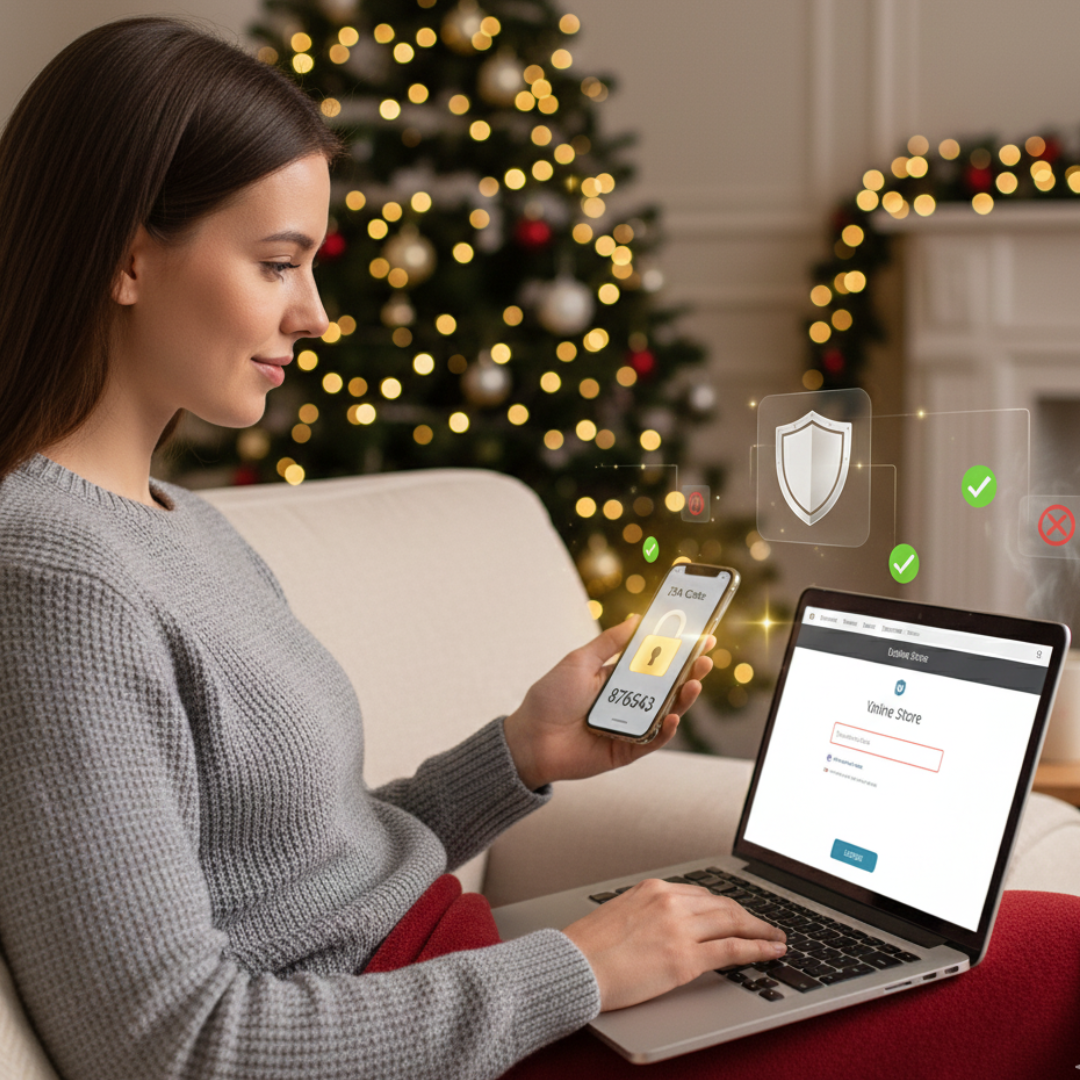
Two-factor authentication adds an extra wall of protection to your online shopping accounts. Even if someone gets your password, they can’t log in without the second verification step.
It usually comes as a text code, email code, or authentication app notification. Turning it on takes only a moment, but it massively reduces your risk of account theft.
Many retailers, banks, and payment apps offer 2FA, especially during busy holiday seasons when cyberattacks spike. Make it a habit to enable it everywhere you shop. It’s a small step that delivers big security. Your accounts stay safer, and so do you.
Red Flags To Watch
- No 2FA option available
- Login attempts you didn’t make
- Password reset emails randomly
- App access from an unknown device
Tip No. 9: Watch Out For Fake Emails And Texts
One of the most essential holiday online shopping safety tips is to ignore suspicious emails and verify all order updates directly on the retailer’s official website. Their goal is simple—make you click without thinking.
These messages often include links that steal your login details or install malware. Always check the sender’s email address and look for spelling errors or strange wording.
Never click tracking links from unknown messages. Instead, open the retailer’s official website and check your order directly.
Real companies never ask for personal info through email or text. Staying alert helps you avoid phishing scams during the busy holiday season.
Red Flags To Watch
- Links look shortened or odd
- Sender address looks strange
- Urgent “verify info now” message
- Spelling or grammar mistakes
Tip No. 10: Read Reviews Before Buying
Before purchasing from a new or unfamiliar store, always read customer reviews. Honest reviews give you insight into product quality, shipping speed, and overall reliability.
Check both the positive and negative ones to get a balanced view. Look for buyer-uploaded photos because they reveal the truth about what you’re actually getting. If a site has no reviews or only overly perfect ones, be cautious.
Fake reviews sound repetitive and vague. Genuine feedback feels natural and detailed. Taking a few minutes to research can save you money, stress, and disappointment. Savvy shoppers always check reviews first.
Red Flags To Watch
- No real customer photos
- All reviews look identical
- Ratings seem overly perfect
- Reviews mention missing items
Wealthy Affiliate – Mini Review (2025)
If you’ve ever thought about turning your blog, passion, or niche into an online business,
Wealthy Affiliate (WA) is one of the most beginner-friendly platforms I’ve used.
It combines step-by-step training, website hosting, SEO research tools,
and an active community all in one place.
What I like most: you can start free (no credit card needed),
explore lessons, test the tools, and connect with other entrepreneurs
before upgrading. WA isn’t a “get rich quick” scheme — it’s a platform where success comes
from consistent effort and applying what you learn.
Tip No. 11: Avoid Clicking Ads On Social Media
Social media gets flooded with flashy holiday ads, but many of them lead to fake stores. Scammers often create eye-catching ads with impossible discounts to make you click fast.
Instead of buying directly from the ad, search the brand name on Google and visit the official website. Check how long the company has been around, read reviews, and look for real contact information.
Many fake shops disappear right after the holidays, leaving buyers with no products and no refunds. Be cautious, slow down, and verify before you buy. Smart clicks save your money and your peace of mind.
Red Flags To Watch
- The brand has no website
- Ad comments are full of complaints
- Prices look extremely low
- No real customer engagement
Tip No. 12: Use Secure Payment Methods
One of the smartest holiday online shopping safety tips is to stick with trusted payment methods that offer strong buyer protection.
Credit cards, PayPal, Apple Pay, and Google Pay offer strong buyer protection, making disputes and refunds easier if something goes wrong.
Avoid paying through wire transfers, bank transfers, or gift cards—these methods are almost impossible to recover once sent.
Scammers prefer them because the money disappears instantly. Secure payment gateways also encrypt your financial details, keeping your information protected during checkout.
If a store doesn’t offer trusted payment options, take it as a warning sign. Using secure methods keeps your holiday shopping smooth, safe, and stress-free.
Red Flags To Watch
- Only gift cards are accepted
- Seller pushes wire transfer
- No trusted payment icons
- Refund policy is missing completely

Tip No. 13: Track Your Packages Carefully
Holiday deliveries can get confusing, and scammers take advantage of that by sending fake “track your package” messages. These texts or emails often include links that steal your information or install malware.
Never click tracking links from unknown sources. Instead, copy the tracking number and check it directly on the official carrier website, like USPS, UPS, FedEx, or DHL.
Keep a list of everything you ordered so you don’t mix up packages. This helps you spot fake alerts quickly. Careful tracking prevents missed deliveries, package theft, and falling for phishing scams during the busy holiday rush.
Red Flags To Watch
- Tracking link looks shortened
- No tracking number provided
- The message tone feels urgent
- Sender name looks unfamiliar.
Tip No. 14: Set Alerts On Your Bank Account
Bank alerts help you catch suspicious activity fast, especially during the holiday shopping season. Turn on notifications for every transaction so you know instantly when your card is used.
If something looks unfamiliar, you can contact your bank right away and stop further charges. This quick action protects you from significant losses and gives you control over your account.
Many banks also offer alerts for failed logins, large purchases, or unusual spending patterns. These tools act like an early warning system. It only takes a minute to set them up, but they add powerful protection to your online shopping.
Red Flags To Watch
- Unexpected small test charges
- Alerts at odd hours
- Purchases from unknown stores
- Repeated declined transactions
Tip No. 15: Update Your Devices Before Shopping
One of the most overlooked holiday online shopping safety tips is to keep all your devices updated, so you’re protected from new security threats.
Cybercriminals often target older systems because they have unpatched security weaknesses. Updating your device installs new protections that block viruses, hackers, and malware.
Also, update your browser, antivirus software, and payment apps. These updates improve performance and keep your information secure while checking out. It only takes a few minutes, but it dramatically reduces your risk.
One of the simplest strategies for secure online shopping is to stay current. A secure device means safer purchases, smoother browsing, and fewer worries during the holiday rush.
Red Flags To Watch
- Outdated browser version
- Missing security patches
- Antivirus turned off
- Apps crashing frequently
Tip No. 16: Shop Early To Reduce Risk
Shopping early isn’t just less stressful—it’s also safer. When you rush at the last minute, you’re more likely to fall for fake deals, shady websites, or pressure tactics.
Scammers know late shoppers feel desperate, so they push unrealistic discounts and fake “fast shipping” offers. You have more time to check stores, read reviews, and compare pricing when you start early.
You can also avoid sudden urgency traps and low-stock scams. Early shopping means fewer mistakes, fewer risks, and a smoother holiday experience. Give yourself time. Slow decisions lead to safer choices and fewer holiday headaches.
Red Flags To Watch
- “Last units!” pressure pop-ups
- Unrealistic fast shipping promises
- No time to research the seller
- Flash sales ending suspiciously fast
Tip No. 17: Be Cautious With Holiday Giveaways
Holiday giveaways pop up everywhere, but many are designed to steal your information. Scammers use fake contests to collect emails, phone numbers, and even payment details.
If a giveaway promises expensive items like iPhones, TVs, or luxury gadgets for free, stop and think. Authentic brands never ask for sensitive information or payment to “claim a prize.”
Always check the company’s official website or social pages to confirm if the giveaway is real. When something feels too generous, it’s usually a trap. Stay smart and avoid sharing personal details on suspicious giveaway posts or pop-ups.
Red Flags To Watch
- The prize sounds unbelievably valuable
- Asked to pay “claim fee.”
- No official brand confirmation
- Link redirects to an unknown site.
Tip No. 18: Use A VPN When Shopping Online
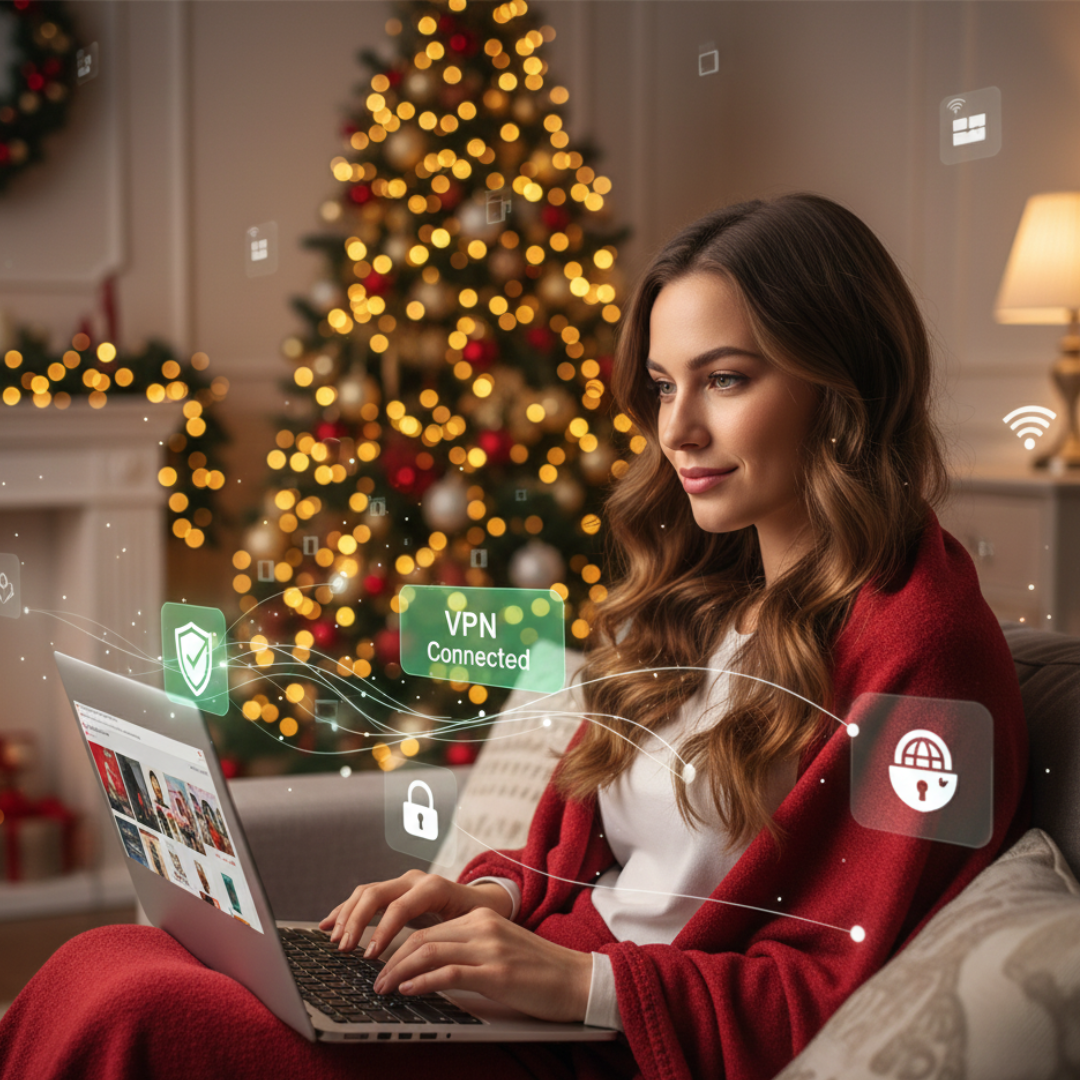
When you shop online, using a VPN gives an additional degree of security. It makes it more difficult for hackers to trace or intercept your data by hiding your IP address and encrypting your connection.
This is especially useful when you’re on semi-public networks like hotels, workplaces, or shared Wi-Fi. A VPN helps safeguard critical data, including passwords and payment information, and keeps your online activity hidden.
Additionally, it stops websites from gathering pointless data or tracking your position. Turning on a VPN before shopping is quick and easy, but it gives you strong protection throughout the busy holiday season.
Red Flags To Watch
- Shopping without encryption
- Using shared Wi-Fi unprotected
- Random location tracking alerts
- Unknown apps accessing the network
Conclusion
Holiday online shopping should feel fun, easy, and stress-free—and with the proper precautions, it can be. Following essential holiday online shopping safety tips ensures you enjoy the season without falling victim to scams or security risks.
Scammers are most active during the holidays, but simple safety habits make a huge difference. When you slow down, verify, and shop smart, you reduce risk and enjoy a safer experience. Protect your money, safeguard your data, and make every holiday purchase with peace of mind.
I trust you enjoyed this article on the Holiday Online Shopping Safety Tips: Shop Smart, Stay Safe, and Enjoy the Season. Please stay tuned for more insightful blogs on affiliate marketing, online business, and working from anywhere in the world.
Take care!
— JeannetteZ 🌍✨
💬 Your Opinion Is Important To Me
Do you have thoughts, ideas, or questions? I’d love to hear from you. Please leave your comments below or email me directly at Jeannette@WorkFromAnywhereInTheWorld.com.
📚 More Work From Anywhere Reads
🚀 Ready to Build a Business You Can Run from Home
Or from Anywhere in the World?
Imagine creating income on your terms — from home, a cozy café, or wherever life takes you.
With the right tools, training, and community support, it’s entirely possible.
Start your own online business for free — no credit card needed.
Disclosure
This post may contain affiliate links. As an Amazon Associate and participant in other affiliate programs, I earn from qualifying purchases at no extra cost to you. Please read my full affiliate disclosure.