Best Ways To Protect Your Online Privacy: 18 Powerful Tips
Knowing the best ways to protect your online privacy is more important than ever as we rely on the internet for shopping, banking, communication, work, and entertainment.
Every time you go online, your personal information may be collected, shared, or exposed to potential security risks. Cybercriminals and data brokers are constantly looking for opportunities to access valuable information.
Protecting your online privacy is about more than preventing identity theft. It also helps safeguard your personal data, financial information, online accounts, and digital reputation.
Taking simple precautions today can prevent costly problems in the future. Building safe online habits also gives you greater control over your digital footprint.
This guide explains what online privacy is, why it matters, and shares 18 practical ways to protect your personal information.
Each tip is easy to follow and can help you browse the internet more safely with greater confidence. By making a few simple changes, you can significantly improve your online security.
What Is Online Privacy?
Online privacy refers to your ability to control how your personal information is collected, used, stored, and shared while using the internet.
It includes everything from your browsing activity and online accounts to your financial information and personal communications.
Protecting your online privacy means taking steps to limit who can access your data and how it is used. Good privacy habits also help reduce the risk of identity theft, fraud, and unauthorized access to your personal information.
Online privacy extends beyond social media and online shopping. It also includes the websites you visit, the apps you use, the devices you connect to, and the information you choose to share online.
By understanding how your personal data is collected and used, you can make informed decisions about your online activity. Taking control of your digital footprint helps you browse the internet more safely and with greater confidence.
Why Is Online Privacy Important?
Online privacy plays a vital role in protecting your personal information from unauthorized access and misuse. As more everyday activities take place online, safeguarding your data has become an essential part of staying safe.
Without proper privacy measures, sensitive information can be exposed to cybercriminals, advertisers, or other third parties. Taking simple precautions helps reduce these risks and gives you greater control over your digital life.
Protecting your online privacy also helps prevent identity theft, financial fraud, and unwanted tracking. It allows you to decide what information you share and who can access it.
Good privacy habits can also improve your confidence when using websites, apps, and online services. The more informed you are, the better prepared you’ll be to protect your personal information and digital footprint.
18 Proven Ways To Protect Your Online Privacy
Protecting your online privacy doesn’t have to be complicated. A few simple habits can significantly reduce your risk of identity theft, fraud, and unauthorized access to your personal information.
The following tips will help you strengthen your online security and take greater control of your digital footprint. Even small changes can make a big difference over time.
1. Use Strong And Unique Passwords
Strong passwords are one of the simplest and most effective ways to protect your online privacy. They help prevent unauthorized access to your accounts and reduce the risk of identity theft and data breaches.
Using a different password for every account adds another layer of protection. Even if one account is compromised, your other accounts remain much more secure.
Why Strong Passwords Matter
Your passwords are your first line of defence against online threats. Weak or predictable passwords make it much easier for cybercriminals to access your accounts and personal information.
Creating strong, unique passwords for every account helps reduce the risk of multiple accounts being compromised. A password manager can also generate and securely store complex passwords, so you don’t have to remember them yourself.
Pro Tip
Create passwords using a combination of uppercase and lowercase letters, numbers, and special characters. Avoid using names, birthdays, or other information that can be easily guessed.
Never reuse the same password across multiple accounts. If one account is compromised, unique passwords help protect the rest of your online accounts.
Example Of A Strong Password
T1m3@2g0$ecure (instead of password123)
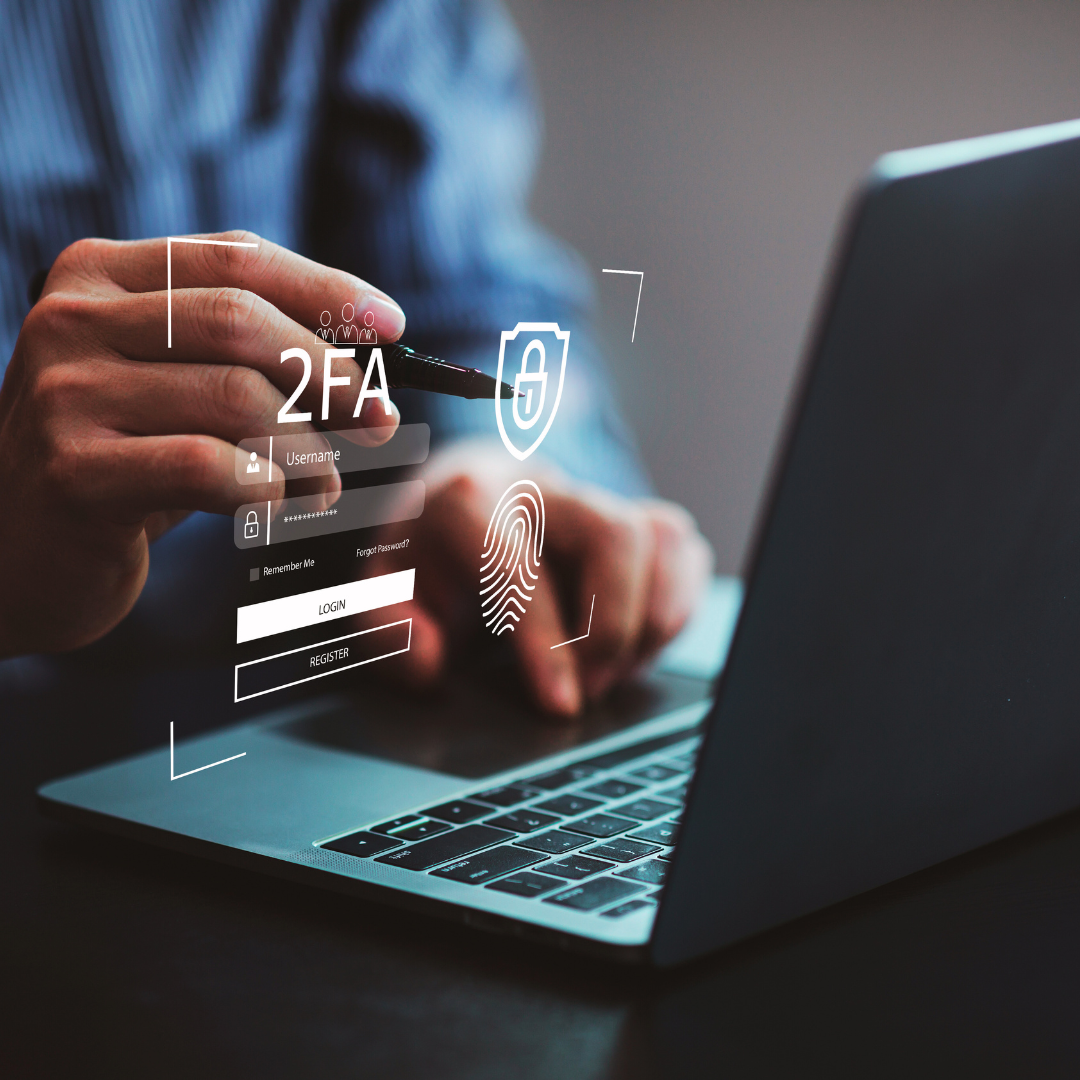
2. Enable Two-Factor Authentication (2FA)
Two-factor authentication (2FA) adds an extra layer of protection to your online accounts. Even if someone discovers your password, they cannot sign in without completing a second verification step.
Enabling 2FA is one of the easiest ways to improve your online security. It significantly reduces the risk of unauthorized access to your personal and financial information.
How Two-Factor Authentication Works
Two-factor authentication requires two forms of verification before you can access an account. The first is something you know, such as your password, and the second is something you have, such as your smartphone or a security key.
This additional security step makes it much harder for cybercriminals to access your accounts. Even if your password is compromised, your information remains better protected.
Pro Tip
Enable two-factor authentication on all accounts that support it, especially email, banking, shopping, and social media accounts. Authentication apps are generally more secure than receiving verification codes by text message.
Review your account security settings regularly to ensure two-factor authentication remains enabled. Keeping your recovery information up to date will also help you regain access if needed.
3. Update Your Software Regularly
Keeping your software up to date is one of the simplest ways to protect your online privacy. Regular updates strengthen your devices against security threats and help keep your personal information safe.
Software updates also improve performance, fix bugs, and add new security features. Making updates a regular habit can significantly reduce your risk of cyberattacks.
Why Software Updates Matter
Outdated software can contain security vulnerabilities that cybercriminals use to gain unauthorized access to your devices. Keeping your operating system, web browser, apps, and antivirus software up to date helps close these security gaps.
Installing updates promptly strengthens your defences and improves the overall security of your devices. It also ensures you benefit from the latest security enhancements and performance improvements.
Pro Tip
Enable automatic updates whenever possible so you don’t miss important security patches or software improvements. Regularly check that your operating system, browsers, apps, and antivirus software are running the latest versions.
Review your devices periodically to remove outdated software you no longer use. Fewer unnecessary applications can also help reduce potential security risks.
4. Limit Personal Information On Social Media
The information you share on social media can reveal more than you realize. Limiting personal details helps protect your privacy and reduces the risk of identity theft, scams, and other online threats.
Taking a few moments to review what you share can make a significant difference. The less personal information available online, the more difficult it is for others to misuse it.
Why Limiting Personal Information Matters
Cybercriminals often search social media for personal details they can use to target individuals. Information such as your home address, phone number, travel plans, or family details can increase your risk of fraud or identity theft.
Review your privacy settings regularly and think carefully before sharing sensitive information online. Remember that once something is published on the internet, it can be difficult to remove completely.
Pro Tip
Be selective about the information you share on social media, and post only what you are comfortable making public. Consider using aliases or nicknames for non-essential accounts whenever appropriate.
Review your privacy settings regularly to control who can see your posts and personal information. Small changes can go a long way toward protecting your online privacy.
5. Avoid Public Wi-Fi For Sensitive Transactions
Public Wi-Fi networks can be convenient, but they are not always secure. Using them for banking, online shopping, or accessing sensitive accounts can increase the risk of your personal information being intercepted.
Whenever possible, use a trusted and secure internet connection for activities involving confidential information. Taking a few extra precautions can help protect your privacy and financial security.
Why Public Wi-Fi Can Be Risky
Public Wi-Fi networks are often less secure than private connections, making them more vulnerable to unauthorized access. Cybercriminals may attempt to intercept data transmitted over unsecured networks or exploit weak security settings.
If you need to use public Wi-Fi, avoid accessing sensitive accounts whenever possible. Using a Virtual Private Network (VPN) can also help encrypt your connection and improve your online security.
Pro Tip
Use a reputable Virtual Private Network (VPN) whenever you connect to a public Wi-Fi network. It encrypts your internet traffic and adds an extra layer of protection for your personal information.
Turn off automatic Wi-Fi connections on your devices and connect only to networks you trust. These simple habits can help reduce unnecessary security risks while you’re away from home.
6. Be Cautious With Email Attachments And Links
Email remains one of the most common ways cybercriminals attempt to steal personal information. Being cautious with unexpected messages can help you avoid scams, malware, and identity theft.
Taking a few moments to verify an email before responding can prevent costly mistakes. A healthy level of caution is one of the best ways to protect your online privacy.
How To Recognize Suspicious Emails
Phishing emails often appear to come from legitimate businesses, banks, or people you know. They may encourage you to click a link, open an attachment, or provide sensitive information.
Before taking any action, verify the sender’s email address and look for warning signs such as poor grammar, unusual requests, or unexpected attachments. If you’re unsure, contact the organization directly using a trusted phone number or website.
Pro Tip
Never click links or download attachments from emails you weren’t expecting or from senders you don’t recognize. Even messages that appear genuine should be checked carefully before you respond.
Take your time before sharing personal or financial information by email. When in doubt, visit the company’s official website directly instead of following links in the message.
7. Manage Your Digital Footprint
Everything you do online contributes to your digital footprint. Regularly reviewing the information available about you can help protect your privacy and reduce the amount of personal data accessible to others.
Taking control of your digital footprint also helps reduce the risk of identity theft and unwanted tracking. The less personal information available online, the easier it is to protect your privacy.
Why Your Digital Footprint Matters
Occasionally search for your name to see what information is publicly available. You can also review old profiles, accounts, and online services that you no longer use to determine whether they still contain personal information.
Delete or update accounts that are no longer needed, and remove any unnecessary personal details whenever possible. Reviewing your online presence regularly helps you maintain better control over your personal information.
Pro Tip
Set up alerts for your name to stay informed when new public information appears online. If appropriate, you can also use reputable privacy services to help remove personal information from data broker websites.
Review old social media profiles, online shopping accounts, forums, apps, and other services you no longer use. Closing unused accounts reduces the amount of personal information stored online and lowers potential security risks.
8. Adjust Privacy Settings On Your Devices
Your devices collect and store a significant amount of personal information. Reviewing your privacy settings regularly helps you control what data is shared and who can access it.
Taking a few minutes to adjust these settings can strengthen your online privacy. It also helps reduce unnecessary data collection by apps and online services.
Why Privacy Settings Matter
Many devices and apps request access to features such as your location, camera, microphone, contacts, or photos. While some permissions are necessary, others may not be required for the app to function properly.
Review these permissions regularly and disable any that are unnecessary. It’s also a good idea to check your privacy settings after major software or app updates, as some permissions may change.
Pro Tip
Only grant apps the permissions they genuinely need to perform their intended function. For example, a weather app may need your location while you’re using it, but it doesn’t usually require continuous access.
Take time to review your device’s privacy settings every few months. Removing unnecessary permissions helps protect your personal information and gives you greater control over your data.
9. Use Secure Browsers
The web browser you choose plays an important role in protecting your online privacy. Privacy-focused browsers are designed to reduce data collection, block unwanted trackers, and give you greater control over your browsing experience.
Choosing a browser with strong privacy features can help limit the amount of information shared with websites and advertisers. It also provides additional tools to help keep your online activity more secure.
Why Browser Choice Matters
Some browsers offer built-in privacy features that block trackers, strengthen security, and provide greater control over your personal data. Browsers such as Brave and Mozilla Firefox are popular choices for users who value online privacy.
Pairing a privacy-focused browser with a search engine that respects your privacy can further reduce online tracking. Regularly reviewing your browser’s privacy settings also helps improve your overall online security.
Pro Tip
Choose a browser that offers strong privacy controls and keep it updated to benefit from the latest security improvements. You can also use private browsing mode when appropriate, although it does not make you completely anonymous online.
Consider using a privacy-focused search engine if you want to reduce the amount of information collected about your searches. Combining these tools with safe browsing habits provides even better protection for your online privacy.
Wealthy Affiliate – Mini Review
If you’ve ever thought about turning your blog, passion, or niche into an online business,
Wealthy Affiliate (WA) is one of the most beginner-friendly platforms I’ve used.
It combines step-by-step training, website hosting, AI-powered tools,
keyword research, and an active community all in one place.
What I like most is that you can start free (no credit card needed), explore the platform,
test the tools, and connect with other entrepreneurs before upgrading.
WA isn’t a “get rich quick” scheme — success comes from consistent effort
and applying what you learn over time.
10. Install Ad Blockers And Anti-Tracking Tools
Ad blockers and anti-tracking tools can help improve your online privacy by reducing unwanted advertisements and limiting online tracking. They also help create a cleaner browsing experience while reducing the amount of data collected about your activity.
Using these tools alongside good browsing habits provides an additional layer of protection. They can also help reduce your exposure to potentially harmful or misleading advertisements.
How Ad Blockers And Anti-Tracking Tools Help
Many websites use trackers to collect information about your browsing habits for advertising and analytics. Ad blockers and anti-tracking tools help limit this data collection and give you greater control over your online privacy.
Several reputable tools are available, including uBlock Origin and Privacy Badger. Choose trusted software that is regularly maintained and compatible with your preferred web browser.
Pro Tip
Install reputable ad blockers or anti-tracking extensions from trusted sources and keep them updated. Review their settings occasionally to ensure they continue providing the level of protection you want.
Remember that no single tool can protect your privacy completely. Combining privacy-focused tools with safe browsing habits will provide the strongest protection for your personal information.
11. Avoid Clicking On Pop-Ups
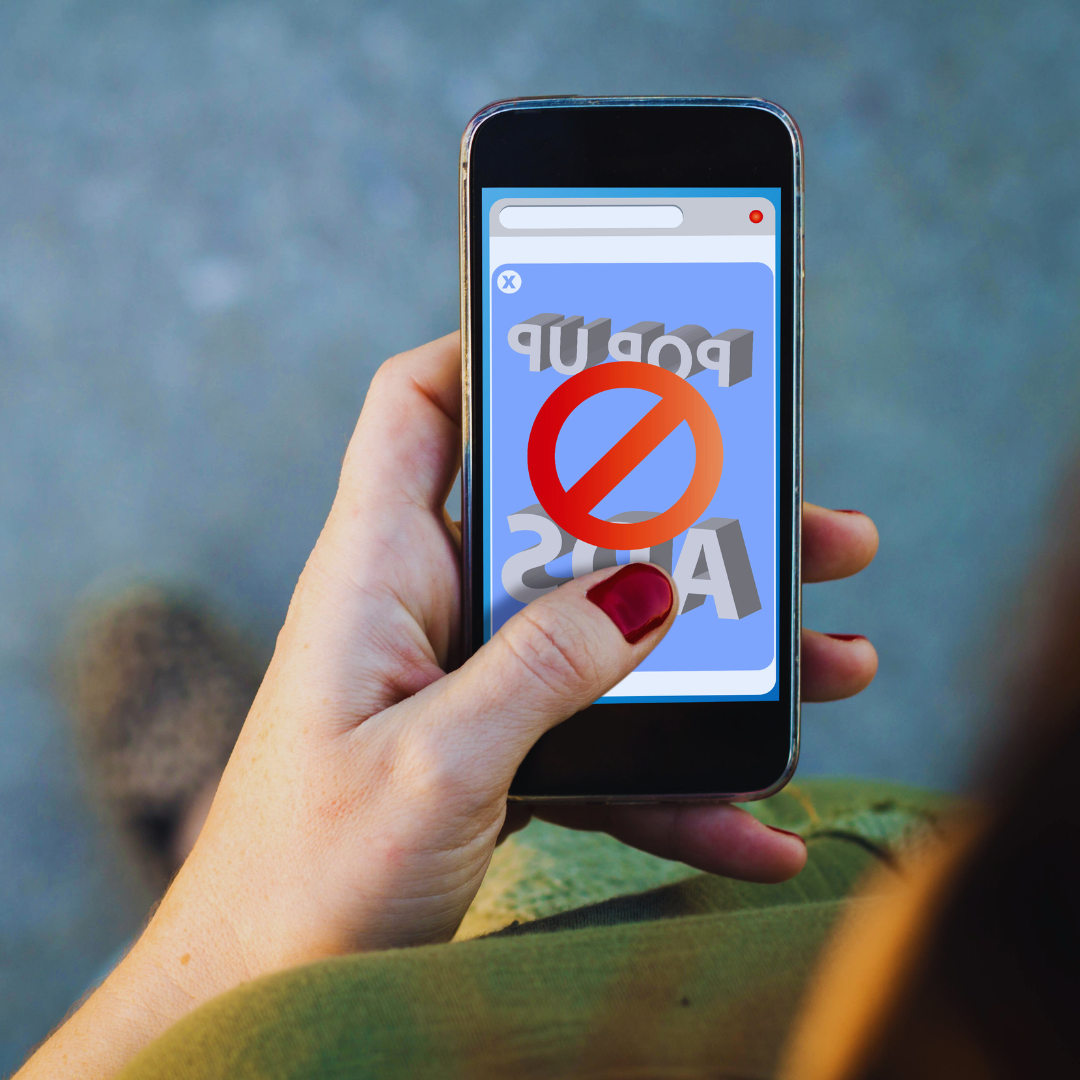
Pop-up windows can be more than just a nuisance. Some contain misleading messages, phishing attempts, or malicious content designed to trick you into revealing personal information or downloading harmful software.
Being cautious when pop-ups appear can help protect your devices and personal data. Using a browser with built-in pop-up blocking also adds another layer of security while you browse.
Why Pop-Ups Can Be Dangerous
Some pop-ups imitate legitimate security alerts or promotional offers to encourage you to click on links or download files. Others may redirect you to fraudulent websites that attempt to collect sensitive information.
If a suspicious pop-up appears, avoid interacting with it unless you are certain it is legitimate. Close the browser window if necessary and run a security scan if you believe your device may have been exposed to a threat.
Pro Tip
Keep your browser’s pop-up blocker enabled and install software updates regularly to strengthen your online security. These simple precautions can help reduce your exposure to malicious pop-ups.
Always think before clicking on unexpected messages or alerts that appear while browsing. Taking a moment to verify their authenticity can help protect your personal information and devices.
12. Use Secure Payment Methods
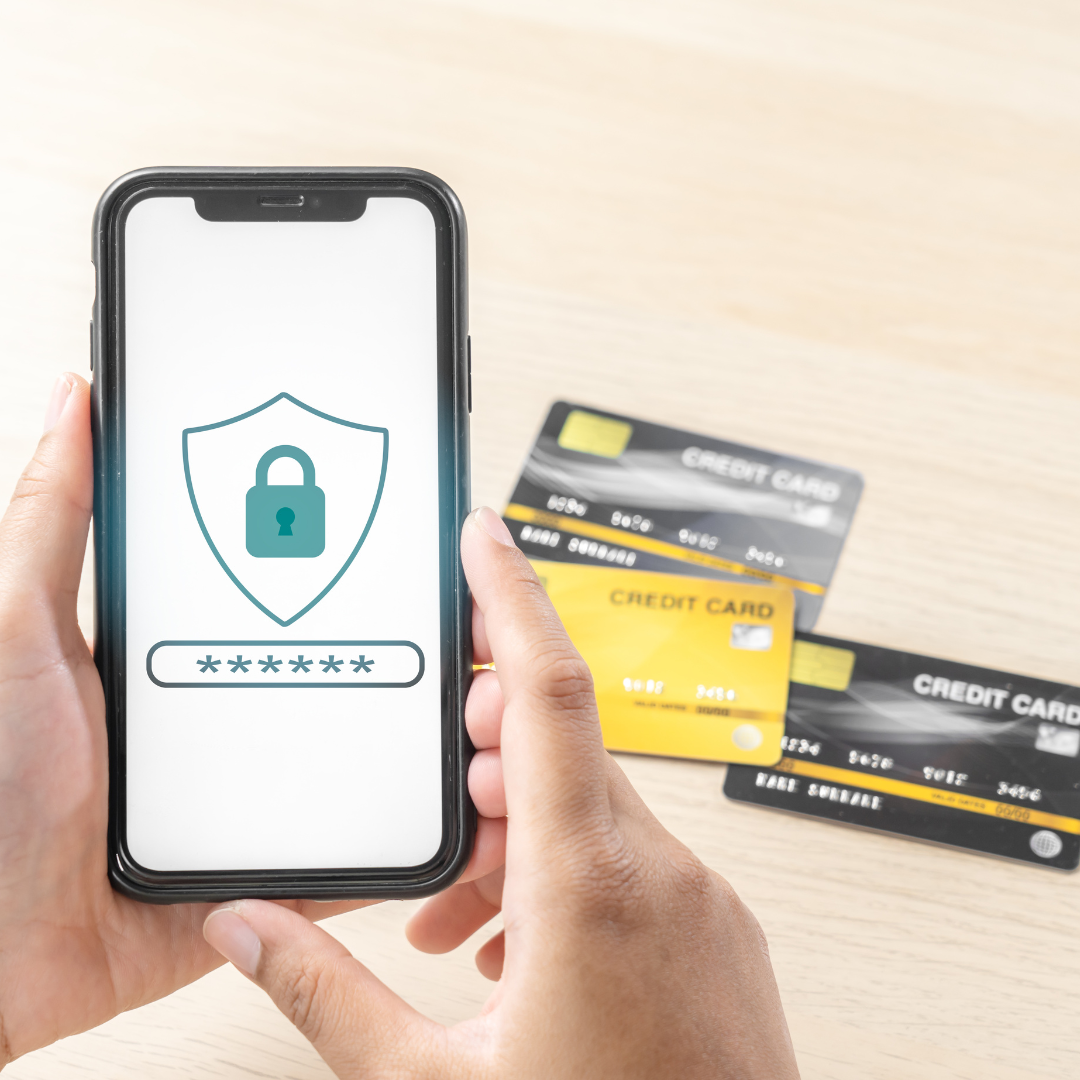
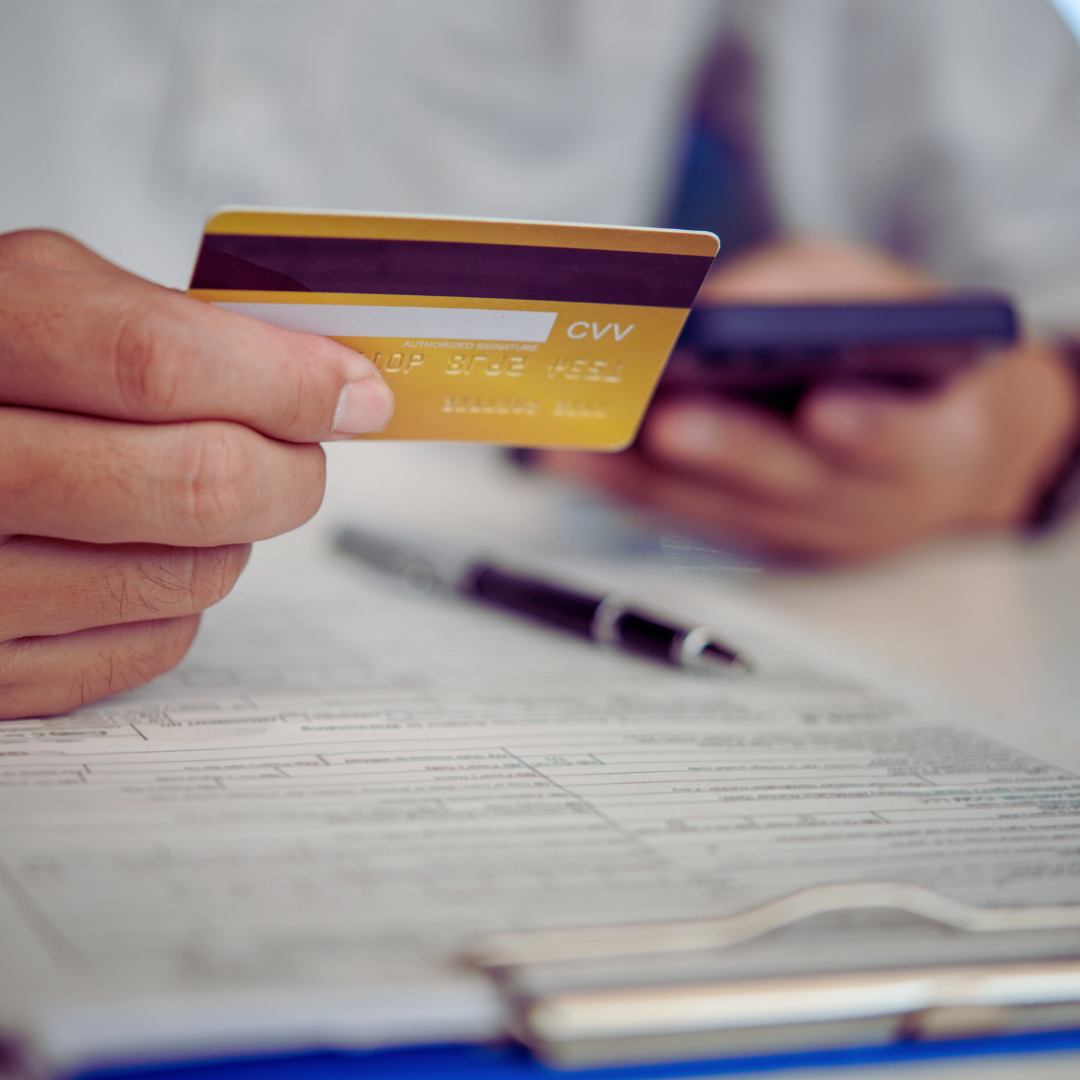
Using secure payment methods helps protect your financial information when shopping online. Choosing trusted payment options can reduce the risk of fraud and provide additional protection if a transaction is disputed.
Taking a few simple precautions before making a purchase can also improve your online security. Safe payment habits help protect both your personal and financial information.
Why Secure Payment Methods Matter
Credit cards and trusted digital payment services often include fraud protection and secure payment features. These safeguards can help protect you if unauthorized transactions or disputes occur.
Before entering your payment details, check that the website uses a secure connection by looking for “https” and a padlock icon in your browser’s address bar. Avoid saving your payment information on websites unless it is necessary and you trust the service.
Pro Tip
Whenever possible, use a credit card or a trusted digital payment service instead of direct bank transfers for online purchases. These payment methods often provide additional protection against fraudulent transactions.
Review your account statements regularly to identify any unauthorized activity as early as possible. Promptly reporting suspicious transactions can help minimize potential financial losses.
13. Monitor Your Accounts Regularly
Regularly checking your financial and online accounts helps you identify suspicious activity before it becomes a serious problem. Early detection can reduce the impact of fraud, identity theft, and unauthorized access.
Making account monitoring part of your routine only takes a few minutes. It is one of the simplest ways to protect your personal and financial information.
Why Regular Account Monitoring Matters
Review your account activity frequently for unfamiliar transactions, login attempts, password changes, or other unusual behaviour. Many banks and online services also offer account alerts that notify you of important changes in real time.
If you notice suspicious activity, take action immediately by changing your password and contacting the appropriate organization. Responding quickly can help prevent further unauthorized access and minimize potential losses.
Pro Tip
Enable account alerts when available so you can receive notifications about important transactions or security changes. These alerts can help you respond quickly if something unexpected occurs.
Review your financial statements and online accounts regularly, even if you haven’t received any alerts. Consistent monitoring is one of the most effective ways to keep your accounts secure.
14. Be Wary Of Third-Party Apps
Apps can make everyday tasks easier, but they may also collect more personal information than necessary. Being selective about the apps you install helps protect your privacy and reduces unnecessary security risks.
Before downloading a new app, take a few minutes to verify that it comes from a trusted developer. Choosing reputable apps can help protect your personal information and your devices.
Why App Permissions Matter
Some apps request access to your contacts, location, camera, microphone, or other personal information that isn’t needed for their main purpose. Review these permissions carefully before installing an app and disable any that seem unnecessary.
Download apps only from official app stores whenever possible to reduce the risk of installing malicious software. It’s also a good idea to review your installed apps regularly and remove any you no longer use.
Pro Tip
Research an app before installing it by reading user reviews, checking the developer’s reputation, and reviewing its privacy policy. Taking a few minutes to investigate can help you avoid unreliable or potentially harmful apps.
Review your installed apps and their permissions every few months. Removing unused apps and limiting unnecessary permissions helps reduce your digital footprint and strengthen your online privacy.
15. Use Encrypted Messaging Apps
Encrypted messaging apps provide an additional layer of privacy by helping protect your conversations from unauthorized access. They are an excellent choice when sharing personal or sensitive information online.
Choosing secure communication tools helps reduce the risk of your messages being intercepted. It also gives you greater confidence that your conversations remain private.
Why Encryption Matters
Many encrypted messaging apps use end-to-end encryption, which means only you and the intended recipient can read the messages. Even the service provider cannot access the contents of your conversations.
Apps such as Signal and WhatsApp are well-known examples of encrypted messaging platforms. Using trusted communication tools helps protect your privacy and strengthen your overall online security.
Pro Tip
Choose messaging apps that offer end-to-end encryption for conversations involving personal or sensitive information. Keep your apps updated so you can benefit from the latest security improvements.
Remember that encryption protects your messages, but good security habits are still important. Be cautious about the information you share and verify the identity of the person you’re communicating with whenever necessary.
16. Secure Your Home Network
Your home Wi-Fi network connects many of your devices and plays an important role in protecting your online privacy. Securing your network helps prevent unauthorized access and reduces the risk of cyber threats.
A few simple security measures can make your home network much safer. Protecting your router also helps safeguard the personal information shared across your connected devices.
Why Home Network Security Matters
Use a strong, unique password for your Wi-Fi network and change any default login credentials on your router. Enable the strongest wireless security protocol supported by your router and keep its firmware updated to protect against known security vulnerabilities.
Disable remote access to your router unless you need it, and enable built-in security features such as your router’s firewall whenever available. These settings help strengthen your network and reduce potential security risks.
Pro Tip
Review your router’s security settings every few months to ensure they still meet current security recommendations. Regular maintenance helps keep your home network protected as software and security features evolve.
If your router supports newer security standards, consider enabling them for improved protection. Keeping your network secure helps protect every device connected to it.
17. Educate Yourself About Online Threats
Learning about online threats helps you recognize potential risks before they become serious problems. The more you understand common scams and security risks, the better prepared you’ll be to protect your personal information.
Building your knowledge also gives you greater confidence when using websites, apps, and online services. Good security awareness is one of the most effective ways to protect your online privacy.
Why Security Awareness Matters
Take time to learn about common online threats such as phishing, malware, identity theft, and social engineering. Understanding how these threats work makes it easier to recognize suspicious activity and avoid potential scams.
Use trusted sources to improve your cybersecurity knowledge and review your online safety habits regularly. Sharing what you learn with family and friends also helps create a safer online environment for everyone.
Pro Tip
Read articles, watch educational videos, or complete online courses that teach safe internet practices and cybersecurity basics. Even a small amount of regular learning can strengthen your online security habits.
Apply what you learn in your daily online activities and encourage others to do the same. Good security habits become more effective when they are practiced consistently.
18. Clear Cookies And Cache In Your Browser
Clearing your browser’s cookies and cache regularly helps protect your online privacy by removing stored browsing data. It can also reduce online tracking and improve your browser’s performance over time.
While cookies make browsing more convenient, they can also store information about your online activity. Reviewing and clearing this data gives you greater control over your digital footprint.
Why Clearing Browser Data Matters
Cookies and cached files help websites load faster and remember your preferences, but they can also be used to track your browsing activity. Clearing this information periodically helps reduce the amount of stored data linked to your online activity.
Most web browsers allow you to clear your browsing data manually or automatically. You can also use private browsing mode or trusted privacy extensions to limit online tracking while you browse.
Pro Tip
Clear your cookies and cache regularly, especially if you use shared or public computers. Taking a few moments to manage your browser data can help protect your privacy and reduce unnecessary tracking.
Review your browser’s privacy settings from time to time and enable automatic clearing if it suits your browsing habits. Combining these settings with safe browsing practices provides even stronger protection.
FAQs
Q1: How Can I Tell If A Website Is Safe?
Look for “https” at the beginning of the website address and a padlock icon in your browser’s address bar. These indicate that the connection is encrypted, helping protect the information you send and receive.
It’s also important to check that the website address is spelled correctly before entering personal information. Cybercriminals often create fake websites that closely resemble legitimate ones.
Q2: Is It Safe To Use The Same Password For Multiple Accounts?
No. Using a different password for every account helps prevent multiple accounts from being compromised if one password is exposed in a data breach.
A password manager can help you create and securely store strong, unique passwords. This makes it much easier to maintain good password security.
Q3: What Should I Do If I Think My Account Has Been Hacked?
Change your password immediately and enable two-factor authentication if it isn’t already active. Review your recent account activity for unfamiliar logins or unauthorized changes.
Contact the service provider if you notice suspicious activity and follow their account recovery process. Acting quickly can help minimize potential damage.
Q4: How Often Should I Update My Software And Devices?
Install software and security updates as soon as they become available whenever possible. Enabling automatic updates helps ensure you receive important security patches without delay.
Regular updates also improve performance and help protect your devices from known security vulnerabilities. Keeping your software current is one of the easiest ways to stay protected.
Q5: Can Oversharing On Social Media Lead To Privacy Breaches?
Yes. Sharing personal information such as your address, phone number, travel plans, or other sensitive details can increase your risk of scams, identity theft, and other privacy concerns.
Review your privacy settings regularly and think carefully before posting personal information online. Once information is shared publicly, it can be difficult to remove completely.
Q6: What Are Secure Browsers, And Why Should I Use Them?
Secure browsers include privacy features that help reduce online tracking and give you greater control over your browsing data. Many also provide tools that strengthen your online security while you browse.
Choose a browser that offers strong privacy controls and keep it updated to benefit from the latest security improvements. Combining a secure browser with safe browsing habits provides even better protection.
Conclusion
Proactive approaches to protecting online privacy include using strong passwords and being mindful of what you share online.
By implementing these tips, you can protect personal information and have a safer online experience. Keep an eye out, be informed, and put your privacy first.
I trust you enjoyed this article on the Best Ways To Protect Your Online Privacy: 18 Powerful Tips. Please stay tuned for more insightful blogs on affiliate marketing, online business, and working from anywhere in the world.
Take care!
— JeannetteZ 🌍✨
💬 Your Opinion Is Important To Me
Do you have thoughts, ideas, or questions? I’d love to hear from you. Please leave your comments below or email me directly at Jeannette@WorkFromAnywhereInTheWorld.com.
📚 More Work From Anywhere Reads
🚀 Ready to Build a Business You Can Run from Home
Or from Anywhere in the World?
Imagine creating income on your terms — from home, a cozy café, or wherever life takes you.
With the right tools, training, and community support, it’s entirely possible.
Start your own online business for free — no credit card needed.
Disclosure
This post may contain affiliate links. As an Amazon Associate and participant in other affiliate programs, I earn from qualifying purchases at no extra cost to you. Please read my full affiliate disclosure.